Invoice Templates: 8 Types, Examples and How to Choose One
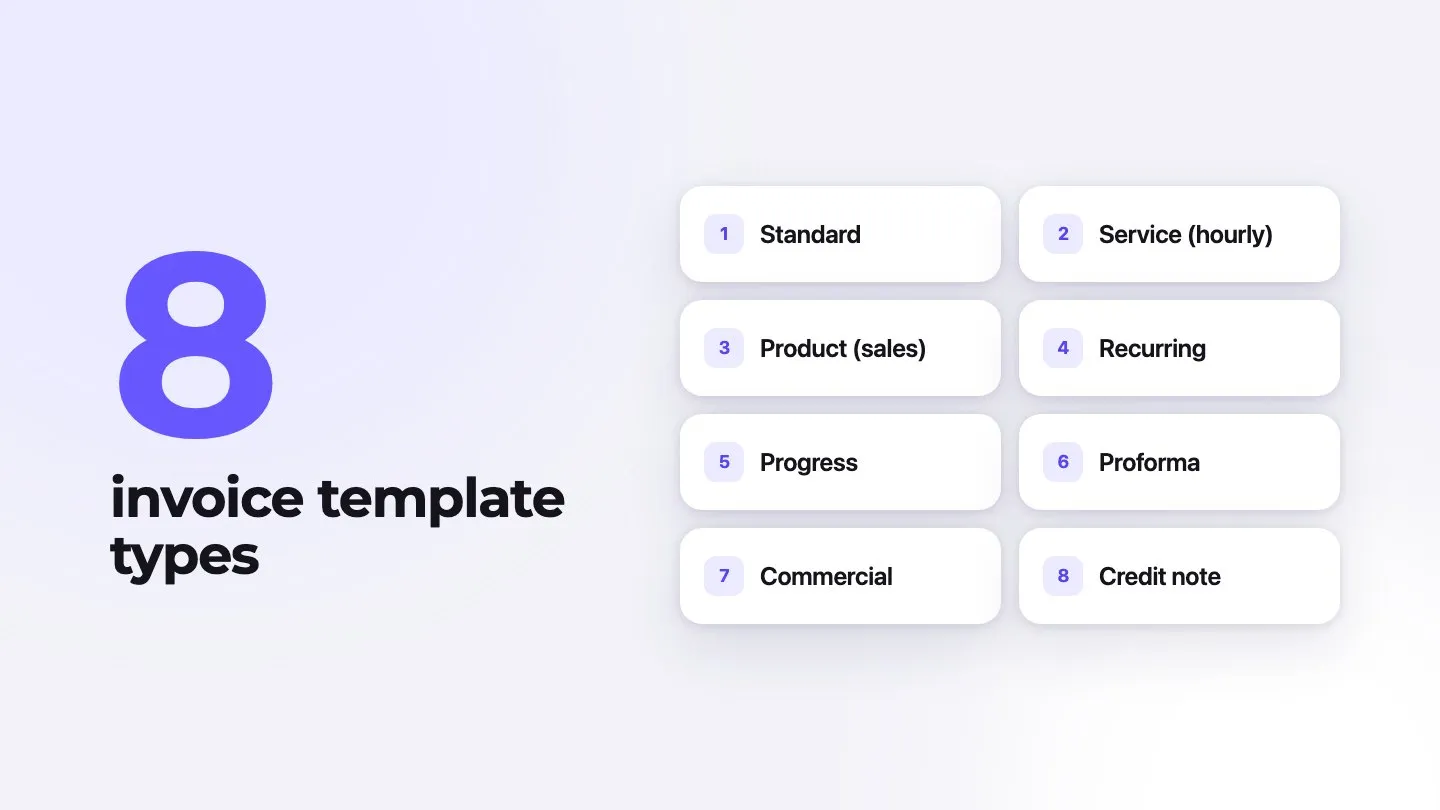
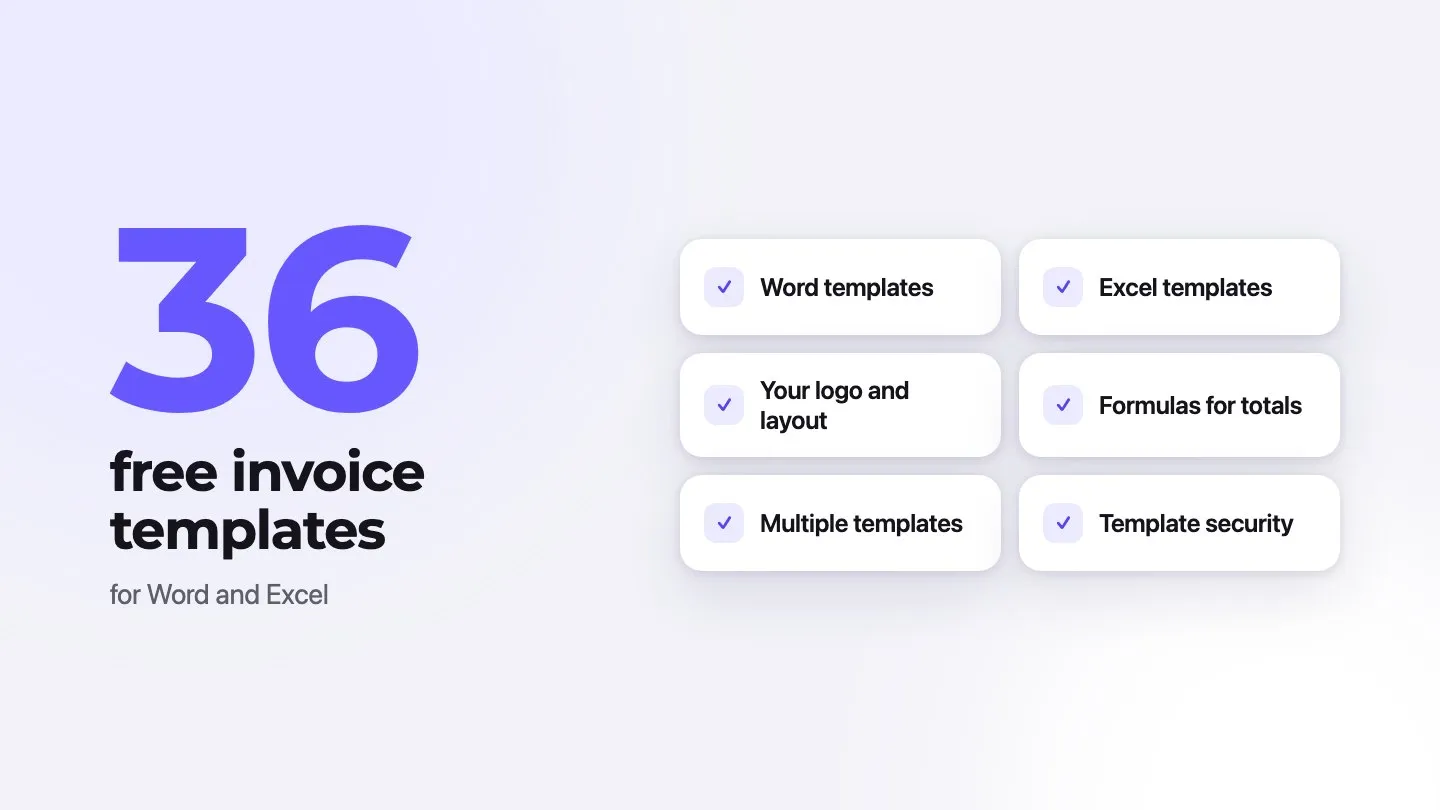
An invoice template is a pre-formatted invoice with the fields every bill needs, such as your details, the client’s details, an invoice number, dates, line items, totals and payment terms, so you only fill in what changes. The main types are standard, service (hourly), product, recurring, progress, proforma, commercial and credit note templates. Which one you need depends on how you charge: by the hour, by the item, by milestone or on a schedule.
This guide shows what an invoice looks like, compares the eight types with examples, and points you to templates for your industry.
What does an invoice look like?
Most invoices follow the same layout from top to bottom: who is billing, who is paying, what was sold, what is owed, and how to pay. Here is a basic invoice for a small repair job:
Nguyen Plumbing
77 Mill Road, Fairview
nguyenplumbing.example
INVOICE
| Item | Amount |
|---|---|
| Service call1 × $95.00 | $95.00 |
| Labor: replace kitchen faucet1.5 h × $90.00 | $135.00 |
| Kitchen faucet, pull-down1 × $189.00 | $189.00 |
- Subtotal
- $419.00
- Sales tax 7% (parts)
- $13.23
- Total due
- $432.23
Net 14. Pay by card through the link in your email, or by bank transfer.
Fields every invoice template needs
Whatever the type, a usable template has these fields:
- Your business details: name, address, email or phone, and your tax or registration number where required.
- The word “Invoice”, so nobody mistakes it for a quote.
- A unique invoice number. See how to number invoices.
- Issue date and due date.
- Client details: name, company, billing address and a purchase order number if the client uses them.
- Line items: description, quantity or hours, unit price and amount.
- Subtotal, discounts, taxes and total due.
- Payment terms and methods: due date, bank details or a payment link, late fee policy.
Some countries require more on tax invoices, such as the buyer’s tax number or the tax rate for each line. Our guides to VAT invoices and tax invoices cover the details.
8 types of invoice templates, with examples
| Type | Use it when | Extra fields | Example line |
|---|---|---|---|
| Standard | You bill a one-off job or sale | None beyond the basics | “Logo design, flat fee: $600” |
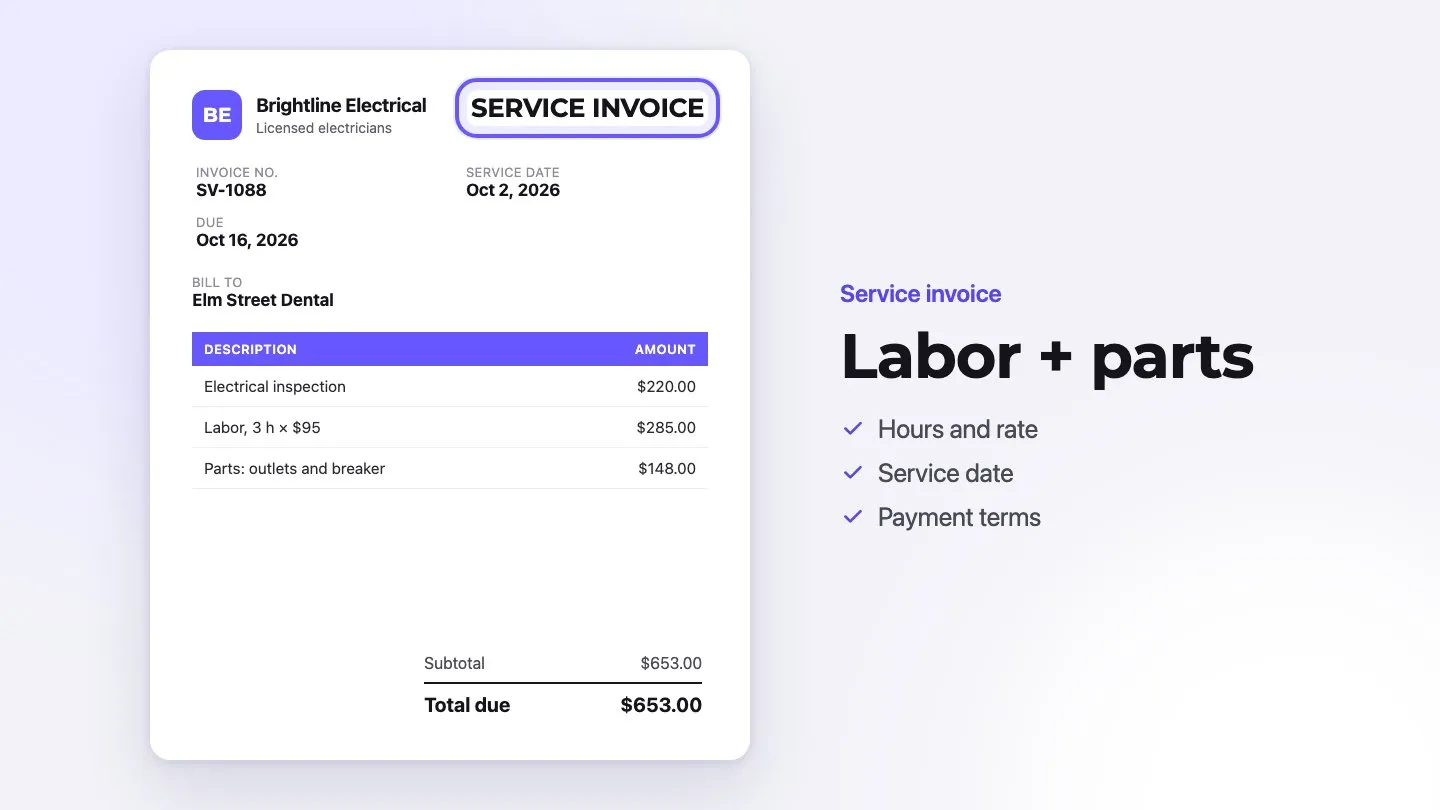
| Service (hourly) | You charge for time | Hours, hourly rate, dates worked | “Consulting, 12 h × $110” |
| Product (sales) | You sell goods | SKU, quantity, unit price, shipping | “Ceramic mug, SKU M-12, 40 × $9.50” |
| Recurring | You bill the same amount on a schedule | Billing period, next invoice date | “Monthly bookkeeping, October 2026” |
| Progress | A long project is paid in stages | Contract total, % complete, amounts billed before | “Stage 2 of 4: framing, 25% of $48,000” |
| Proforma | The buyer needs a quote in invoice form before paying or importing | “Proforma” title, validity date; not a tax invoice | “Deposit request for order 1182” |
| Commercial | You ship goods across borders | Country of origin, HS codes, weights, Incoterms | “Cotton T-shirts, HS 6109.10, 200 pcs” |
| Credit note | You refund or correct an invoice | Reference to the original invoice number | “Credit for returned items on INV-0311” |
A few notes on the less obvious ones:
- Progress invoices show the contract total, what you have billed so far and what this invoice covers, so the client can see how much is left. Construction and large creative projects use them most. See our contractor invoice guide.
- Proforma invoices are sent before the sale is final. They are not a demand for payment in the accounting sense. Read more in our proforma invoice guide.
- Commercial invoices are customs documents for exports. Our guide on filling out a customs invoice walks through each field.
- Credit notes keep your numbering clean. Instead of editing or deleting an invoice that was already sent, you issue a credit note that refers to it.
Invoice layout and design styles compared
Design affects how fast you get paid only when it makes the invoice easier to read. The common styles:
- Classic: a simple table, black text, your logo in the corner. Works for any client and prints well.
- Modern minimal: lots of white space and one accent color. Good for creative and tech businesses.
- Branded: your colors, fonts and a stronger header. Good when the invoice is part of the client experience, for example for agencies and event businesses.
- Compact: a short, receipt-like layout for small, frequent sales.
Whatever the style, keep the invoice number, due date and total due easy to find, and right-align the amounts.
The format matters as much as the look:
| Format | Strengths | Weaknesses |
|---|---|---|
| Word or Google Docs | Easy to edit and brand | You calculate totals yourself; easy to make mistakes |
| Excel or Google Sheets | Formulas calculate totals and tax | Layout breaks easily; needs care to print well |
| PDF form | Looks the same everywhere | Hard to change; no payment tracking |
| Online invoice generator | Numbers, totals and taxes are automatic; send as a link or PDF; track payment | Needs an internet connection and usually an account |
See our guides to free Microsoft invoice templates and invoice templates in Google Docs for step-by-step help with each.
Templates and sample invoices by industry
Industry templates add the fields your clients expect, such as hours for services, parts and labor for repairs, or dates of stay for lodging. Download Excel and Word files from our template collections:
- Construction and home improvement
- Professional services and technology and IT
- Medical and healthcare
- Food and hospitality
- Automotive and transportation
- Personal and miscellaneous services
- All invoice templates
For sample invoices with worked-out totals, see our guides to hotel invoices, medical invoices, catering invoices and mechanic invoices.
How to choose the right template
- Match how you charge. Hourly work needs hours and rates; product sales need quantities and SKUs; long projects need progress billing.
- Check local requirements. If you are registered for VAT or GST, use a template that shows your tax number and the tax for each rate.
- Keep one design for all your invoices, estimates and receipts so clients recognize them.
- Test the math. Enter a sample invoice with a discount and tax and check the total by hand before you send a real one.
- Plan for volume. If you send more than a few invoices a month, an online invoice generator saves time: Invoxa fills in numbers and totals, remembers your clients and items, and lets clients pay by card from the invoice link.
Frequently asked questions
What are the different types of invoice templates?
The common types are standard, service (hourly), product or sales, recurring, progress, proforma, commercial (for exports) and credit note templates. They share the same basic fields and differ in the extra details they carry, such as hours and rates, milestones, or shipping and customs data.
What does an invoice look like?
An invoice has a header with your business details, the word "Invoice", an invoice number and dates; a "bill to" block with the client's details; a table of items with quantities, prices and amounts; totals with taxes and discounts; and payment terms at the bottom.
What is an invoice template?
It is a pre-formatted invoice with every standard field in place, so you only type what changes: the client, the items and the dates. Templates come as Word, Excel, Google Docs or Sheets files, PDFs, or as layouts inside invoicing software.
Where can I find sample invoices for different industries?
Invoxa has free Excel and Word invoice templates grouped by industry, from construction and healthcare to hospitality and IT, plus guides with sample invoices for hotels, medical practices, contractors, caterers and auto repair shops. The links are in the section on templates by industry above.
Should I use an invoice template or invoicing software?
A template is enough for a few invoices a month. Once you invoice often, software saves time: it numbers invoices, calculates totals and taxes, sends the invoice as a link, takes card payments and shows which invoices are overdue.