

Personal and Miscellaneous Services Invoice Templates
A miscellaneous invoice template is a general-purpose invoice for services that do not fit one industry, such as pet sitting, tutoring, errands, event help or small jobs around the house. Download the free Word or Excel template below, or fill in an invoice online and send it as a link or PDF.

Invoice templates
Word, Excel, Google Docs and printable PDF, or fill one in online and download the PDF. Free, no sign-up.
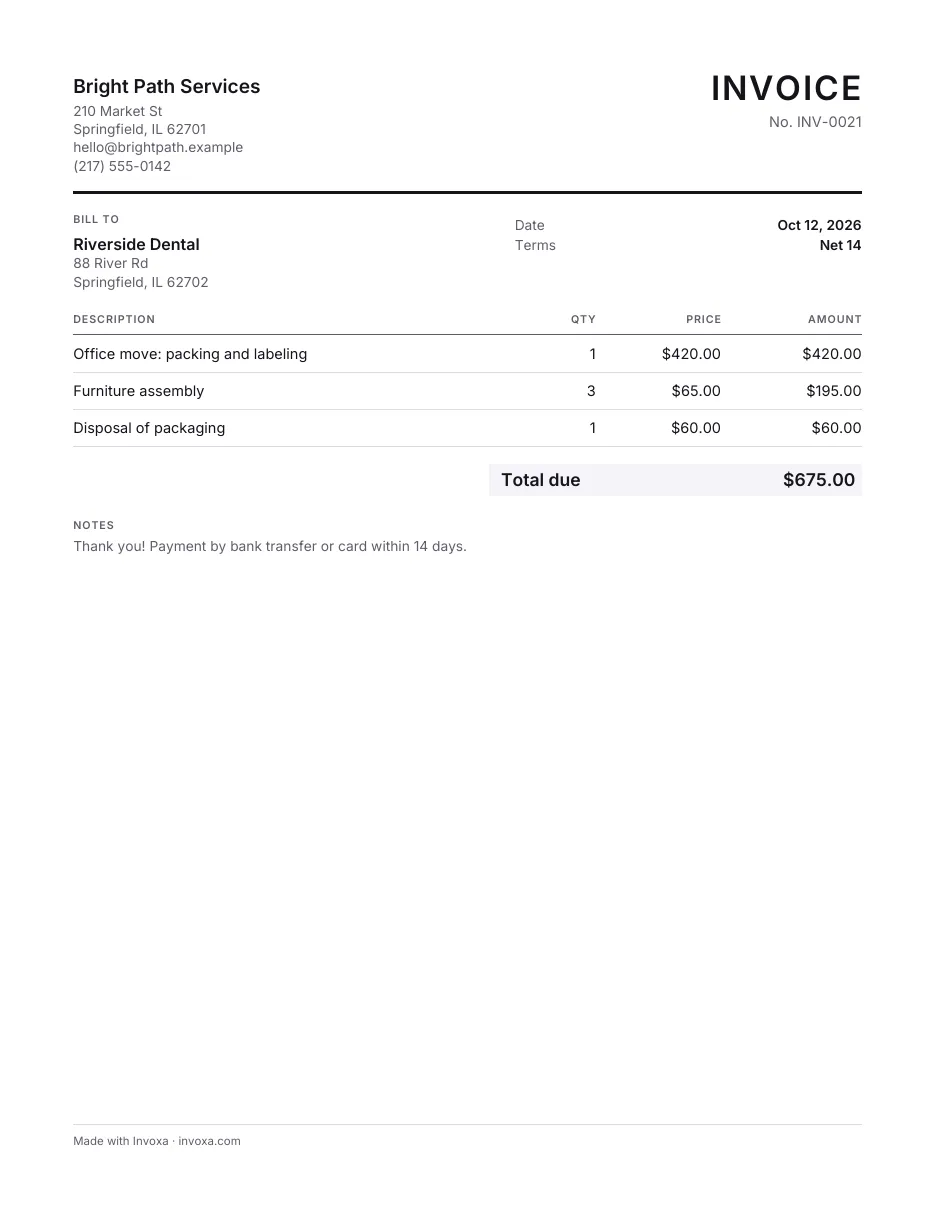
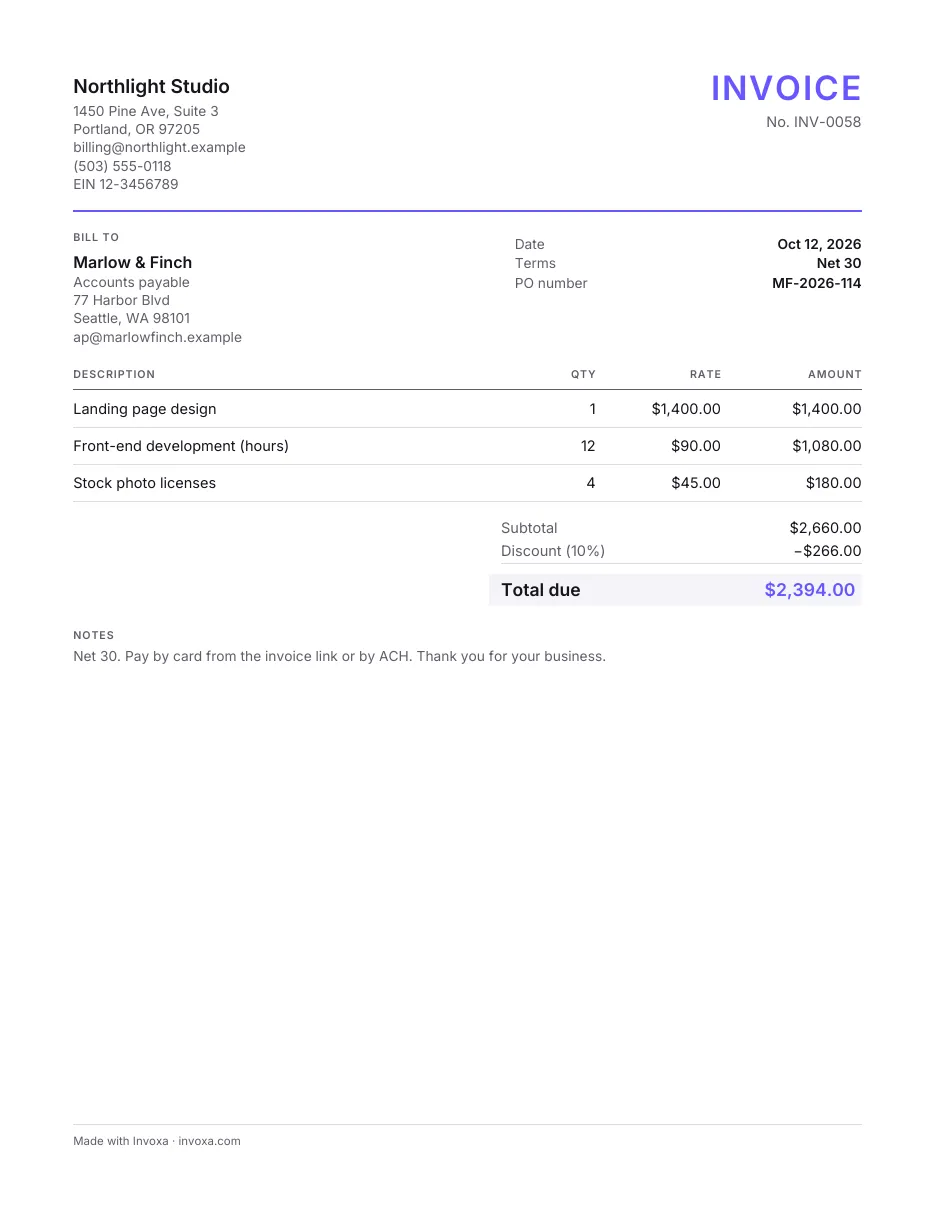
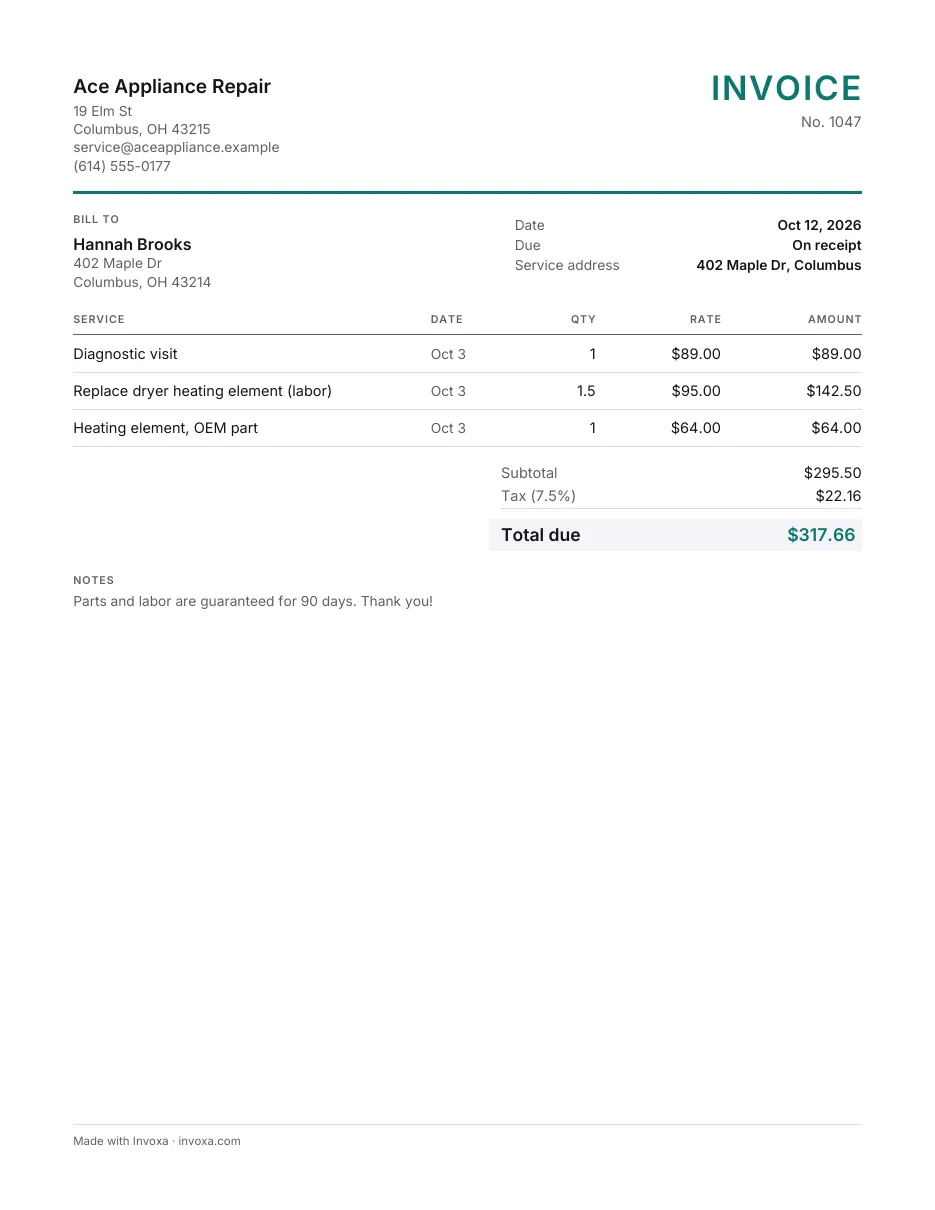
More free Word and Excel files
What is a miscellaneous invoice?
A miscellaneous invoice bills for work or charges that do not have their own industry template. It is often used by people who offer personal services on the side or as a small business: they need a clean, professional bill, but not the fields a construction company or a medical practice would use.
Common examples:
- pet sitting, dog walking and house sitting;
- tutoring, music lessons and coaching;
- errands, deliveries and personal assistance;
- event help, such as setup, serving or photography for a small party;
- small repairs, assembly and yard work;
- reimbursing expenses you paid for a client.
If your work fits a specific industry, a dedicated template may suit you better: see our cleaning and maintenance, childcare and education and general and multipurpose invoice templates.
What to include on a personal service invoice
- Your name or business name and contact details: phone, email, and an address if you use one for business.
- The client’s name and contact details.
- The word “Invoice”, an invoice number and the date. Start at 0001 and never reuse a number; see how to number invoices.
- Each service on its own line, with the date, a short description, and hours times rate or a flat fee.
- Expenses you are passing on, such as supplies, tickets or mileage, on separate lines. Keep the receipts.
- The total due. Add tax only if it applies to your service where you work.
- Due date and how to pay: bank transfer details, a payment link or other methods you accept.
Leave off sensitive personal information. Do not put your Social Security number or bank login details on an invoice.
Sample miscellaneous invoice
Here is a filled-in example for pet care and errands during a client’s trip:
Jamie Ortiz
Pet care and errands
jamie.ortiz@example.com · (555) 010-7724
INVOICE
| Item | Amount |
|---|---|
| Dog walks, 30 min, Sep 12–2110 visits × $22.00 | $220.00 |
| Overnight house sitting, Sep 19–202 nights × $65.00 | $130.00 |
| Pharmacy and grocery pickup, Sep 161 × $25.00 | $25.00 |
| Dog food, reimbursed (receipt attached) | $18.40 |
- Total due
- $393.40
Payment due in 7 days by bank transfer or card through the invoice link. Thank you.
Each service has its dates, the reimbursed expense is separate and backed by a receipt, and the due date and payment options are clear.
How to bill common personal services
Describe each line so the client can recognize the work without asking. Some typical ways to bill:
| Service | How to bill it | Example line |
|---|---|---|
| Pet sitting, dog walking | Per visit or per night | “Dog walks, 30 min, Sep 12–21: 10 × $22” |
| Tutoring, lessons, coaching | Per session or hour; monthly for regular students | “Math tutoring, 4 sessions in October × $45” |
| Errands and personal assistance | Per task or per hour, plus expenses | “Grocery pickup, Sep 16: $25; groceries reimbursed: $64.18” |
| Event help | Per hour per person, or a flat fee | “Party setup and cleanup, 2 helpers × 4 h × $30” |
| Small repairs and assembly | Flat fee per job, or hours plus parts | “Assemble 2 bookcases, flat fee: $80” |
For regular clients, one invoice per month that lists every visit or session with its date is easier for both sides than an invoice after each one.
Reimbursed expenses and deposits
If you buy something for a client, such as food, tickets or materials, list it as its own line at cost and attach the receipt. If you add a handling fee, show it separately so the client sees what you paid and what you charge. For bigger jobs, ask for a deposit up front, then subtract it on the final invoice as a payment already received.
How to fill in the Word or Excel template
- Download the Word (.docx) or Excel (.xlsx) file from this page and save a copy as your master template.
- Add your details once: name, contact information, and your logo if you have one.
- For each new invoice, save a new copy named with the invoice number and client, for example “0027 Nakamura.xlsx”.
- Fill in the client, number and dates, then one line per service or expense.
- Check the math. The Excel template adds up the lines for you; in Word, add them yourself and check the total twice.
- Save as PDF and email it. PDFs look the same on every device and are harder to edit by mistake.
- Record the payment when it arrives and keep a copy for your tax records.
Template or online invoice generator?
| Word or Excel template | Online invoice generator | |
|---|---|---|
| Cost | Free | Invoxa: free to fill in; 7-day free trial, then $5.99 a month |
| Numbering and totals | You manage them | Automatic |
| Sending | Save as PDF, attach to email | Send a link or PDF from the app |
| Getting paid | Bank details on the invoice | Clients can also pay by card from the invoice |
| Best for | A few invoices a month | Regular clients and faster payment |
If you invoice only now and then, the templates above are all you need. If you have regular clients, Invoxa’s online invoice generator saves your clients and services, numbers each invoice and shows which ones are paid.
Tips for invoicing personal services
- Agree on the price first, by message or email, so the invoice holds no surprises.
- Invoice right after the job, or monthly for regular clients, listing each visit or session with its date.
- Set short payment terms, such as 7 days, and state them on the invoice.
- Offer easy payment options. The easier it is to pay, the sooner you get paid.
- Keep a simple log of invoices sent and paid, whether in a spreadsheet or an app.
For a step-by-step walkthrough of your first invoice, read how to make an invoice. Freelancers billing businesses should also see our freelancer invoice guide.
Frequently asked questions
What is a miscellaneous invoice?
It is an invoice for services or charges that do not belong to a specific industry template, such as odd jobs, personal services, one-off help or reimbursed expenses. It has the same parts as any invoice: who is billing, who is paying, what was done, the amount and how to pay.
Can I send an invoice without a business?
Yes. You can invoice under your own name. Put your name and contact details at the top, number the invoice, describe the work and the price, and say how to pay. Keep copies, because the income usually has to be reported on your tax return; check your local rules.
Should I put my Social Security number on an invoice?
No. An invoice is shared with the client and often forwarded inside their company. If a US business client needs your taxpayer identification number, send it on Form W-9 instead.
Do I charge sales tax on personal services?
It depends on where you work and what the service is. Many places tax some services and not others. Check with your state or national tax agency before you add tax to an invoice.
What is the difference between a personal invoice and a receipt?
The invoice asks for payment; the receipt confirms you were paid. When the client pays, mark the invoice as paid with the date and payment method and it can serve as the receipt.
Are these templates free?
Yes. The Word and Excel files on this page are free to download and use, with no sign-up. The online invoice generator lets you fill in an invoice without an account; saving it needs a free account, where your first 3 documents are free to send, download and share; after that, Invoxa Pro, which you can try free for 7 days.