

Simple invoice template
A plain, one-page invoice with only what an invoice needs: who is billing whom, for what, how much and by when. Download it for Word or Excel, print the PDF, or fill it in online.
Free, no sign-up. Online, you get a finished PDF in one click.
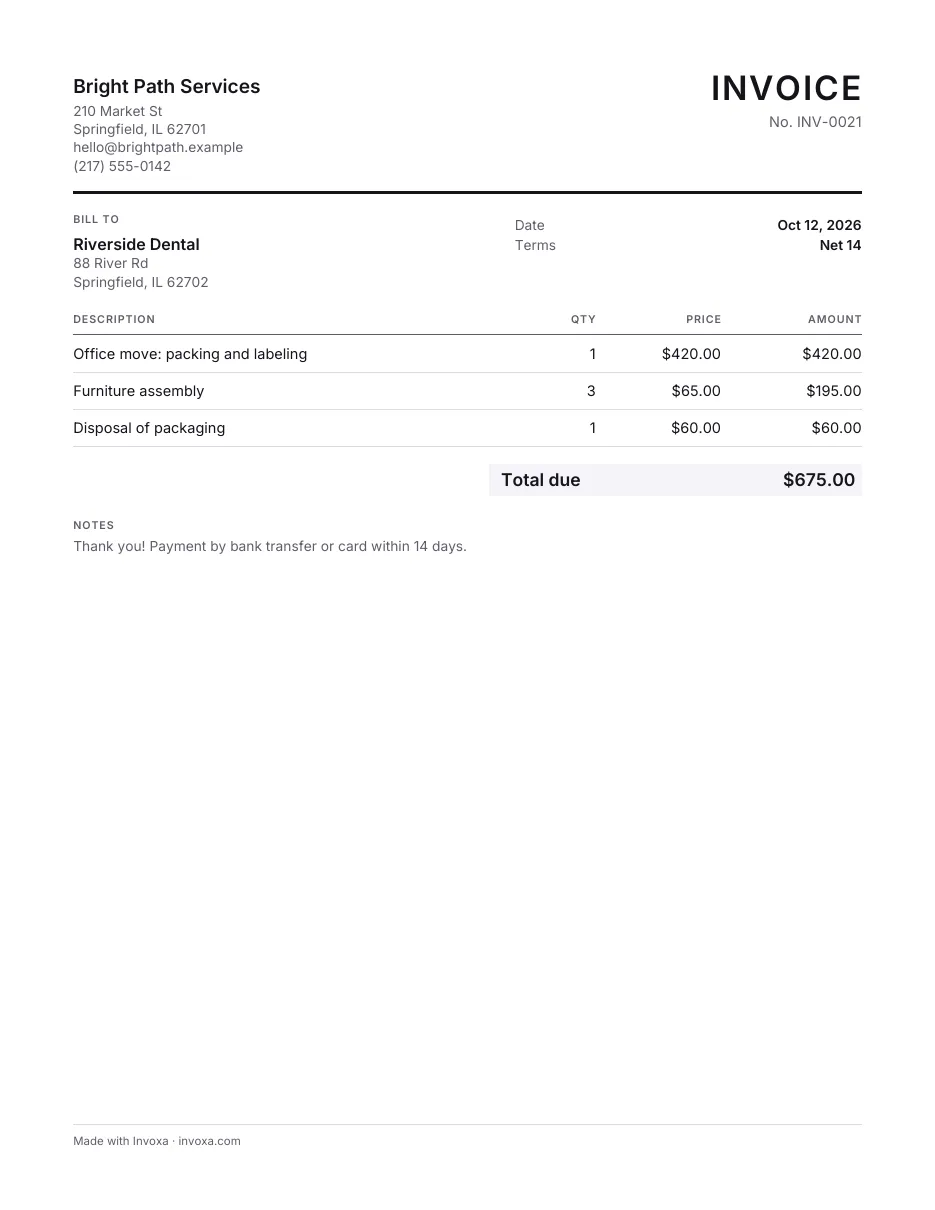
Download the simple invoice template
What’s in this template
- Your business details and your client's
- Invoice number, date, payment terms and due date
- Lines with quantity, price and amount
- Subtotal, discount, sales tax and total
- A notes line for payment details
How to fill it in
- Pick a format. Download the Word or Excel file or the printable PDF, make your own copy in Google Docs or Google Sheets, or fill the template in online and download the finished PDF.
- Add both parties. Put your business name, address and email at the top, and your client's name and address under Bill to.
- Number and date it. Give the invoice its own number (INV-0001, INV-0002 …), the issue date and the payment terms, for example Net 14.
- List the work and send. Add one line per product or service with a quantity and price, add tax or a discount if you need them, check the total and send it to your client.
When to use it
Use the simple template when the job is simple: a one-off sale, a side gig, a first invoice to a new client. It has no extra fields to fill or delete, so it works for almost any small business and prints cleanly on one page.
If you bill by the hour, look at the freelance template; for repairs and visits with dates, the service template.
Tips
- Number every invoice. One number per invoice, never reused, makes payments and taxes easy to match later. See how to number invoices.
- Say how to pay. Bank details, a payment link or “cash or check” in the notes saves an email round trip.
- Keep a copy. Save each PDF you send; you will need it if the client asks or when you file taxes.
Frequently asked questions
What does an invoice need to include?
Your name and address, your client's name, a unique invoice number, the date, a description of what you sold with amounts, the total, and tax details if you charge tax. Countries with VAT or GST also expect your tax number on the invoice.
Can I use this template for free?
Yes. The Word, Excel and PDF files are free to download and use for your business, and so is the online generator; neither needs an account.
Read next
More invoice templates
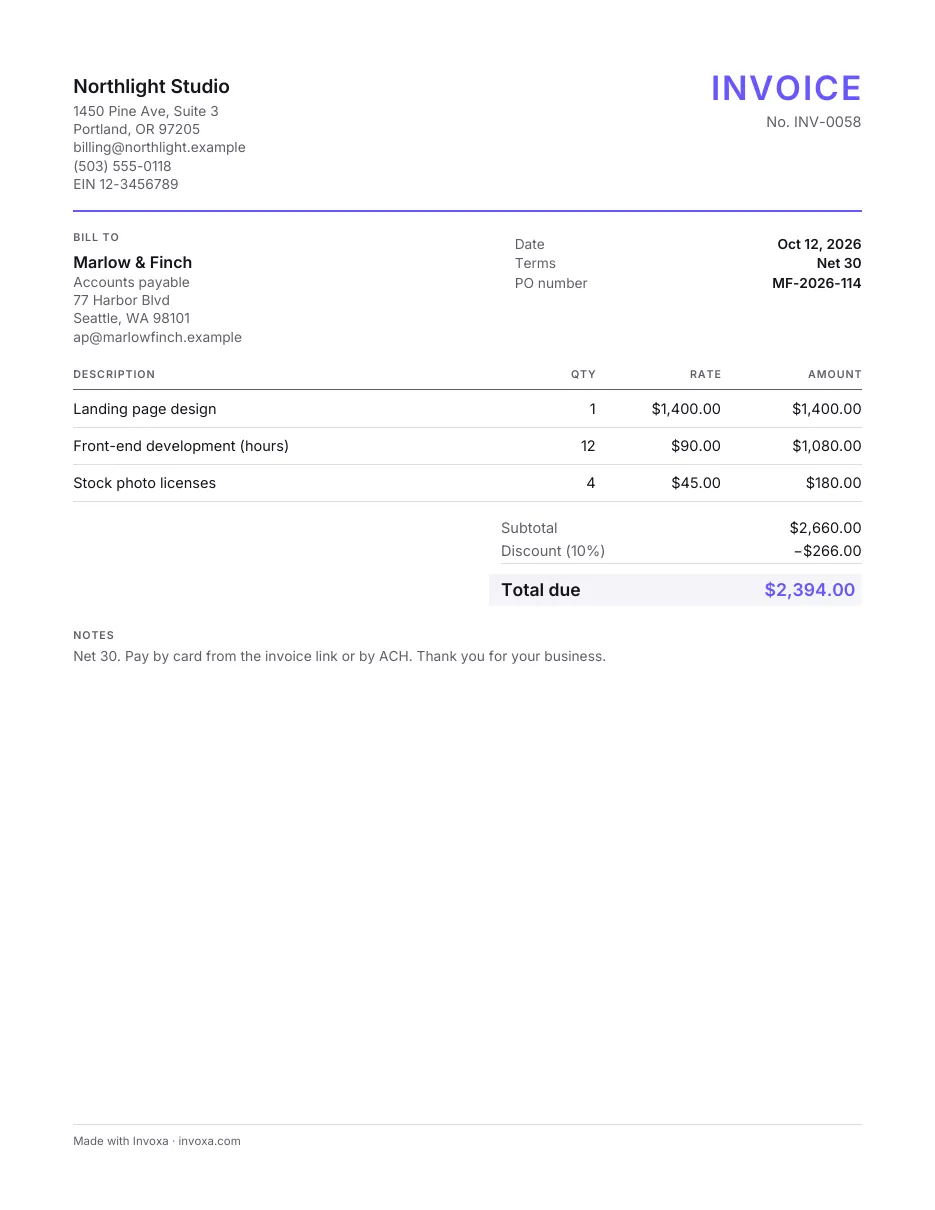
Professional invoice template
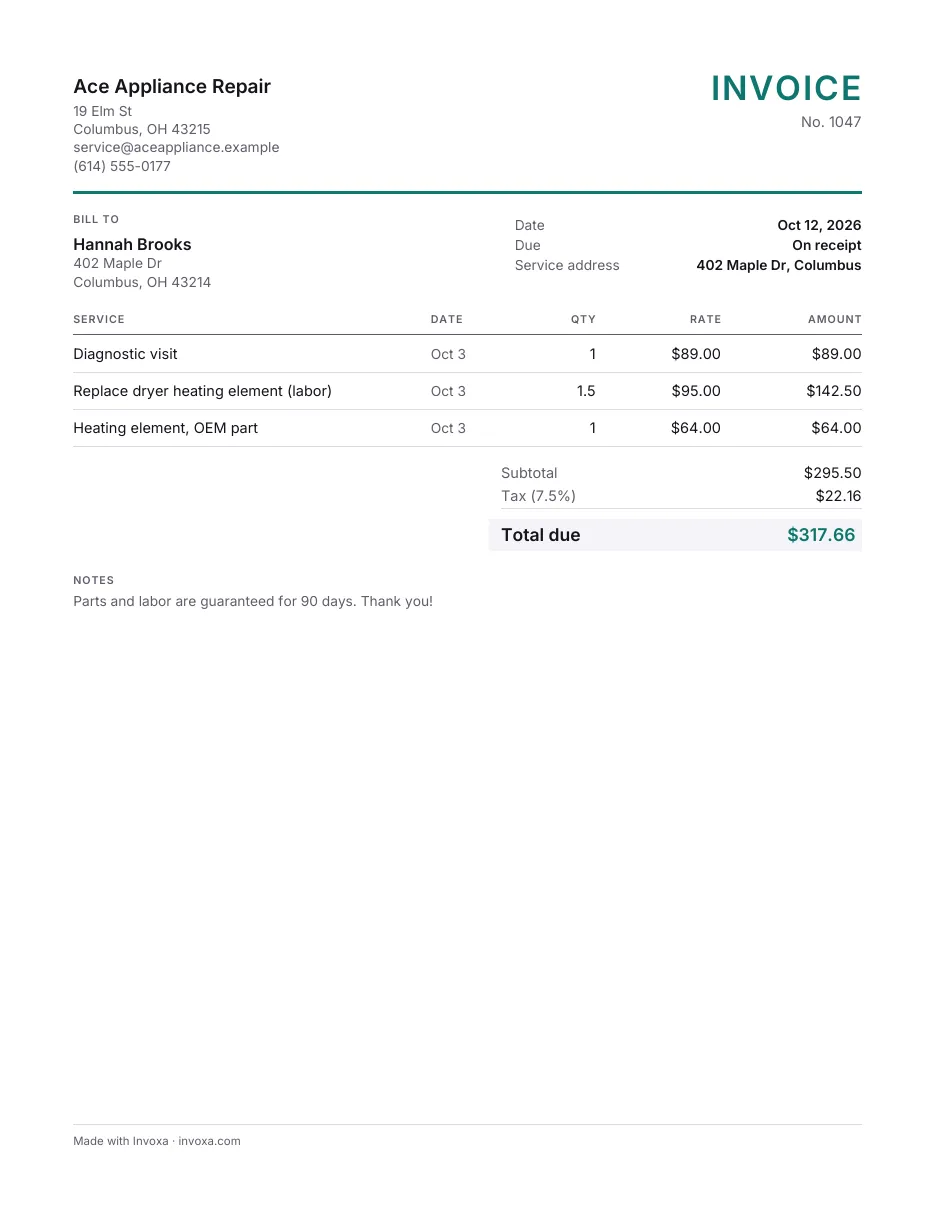
Service invoice template
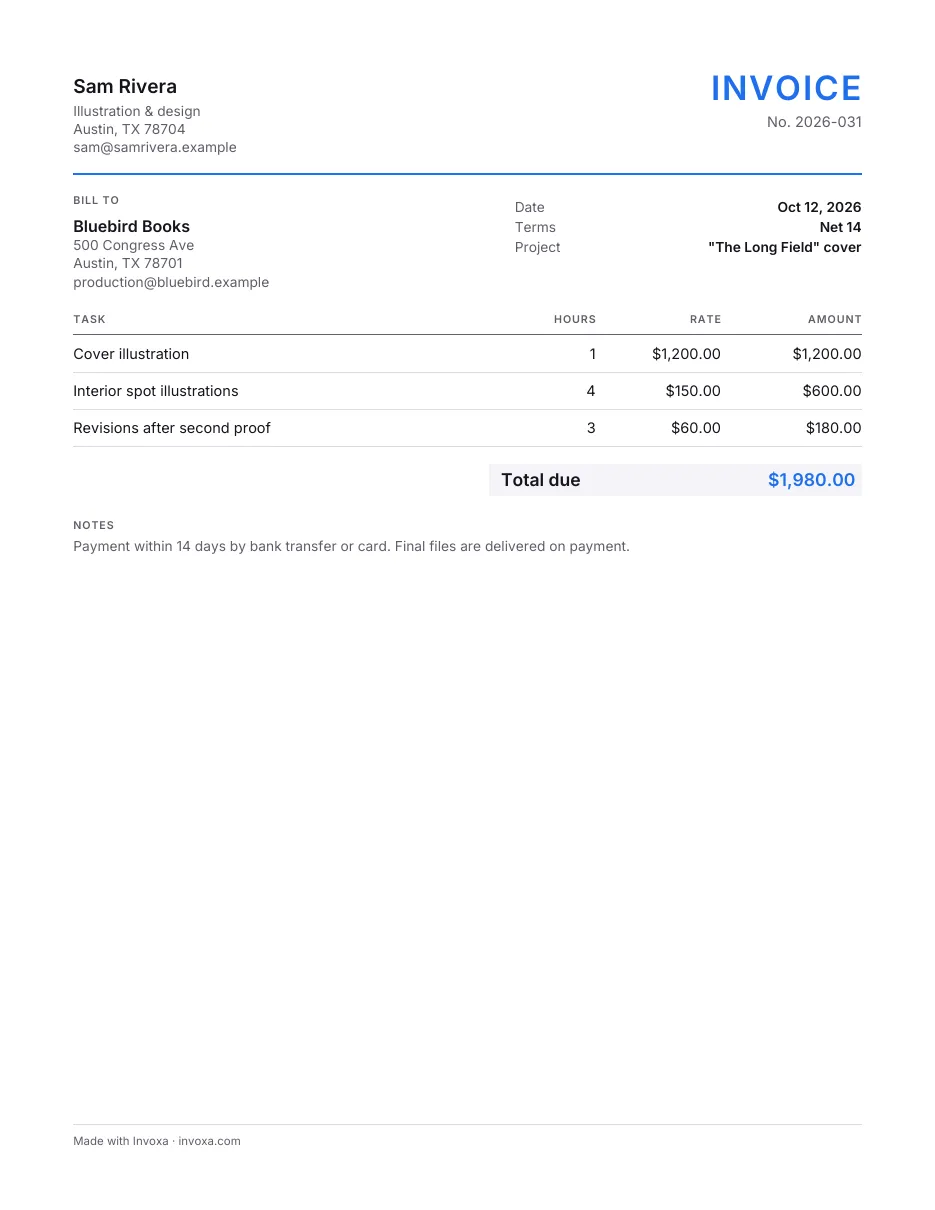
Freelance invoice template
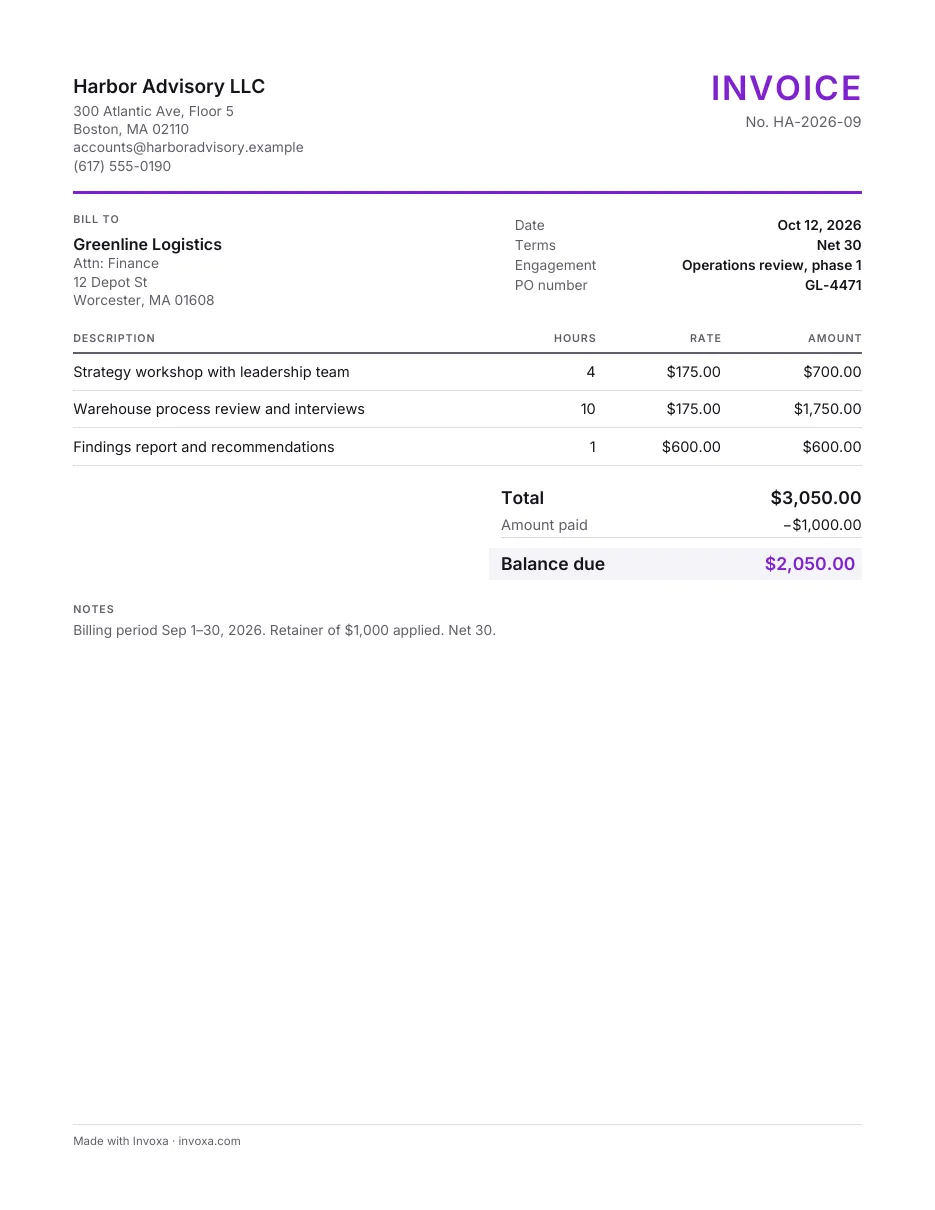
Consulting invoice template
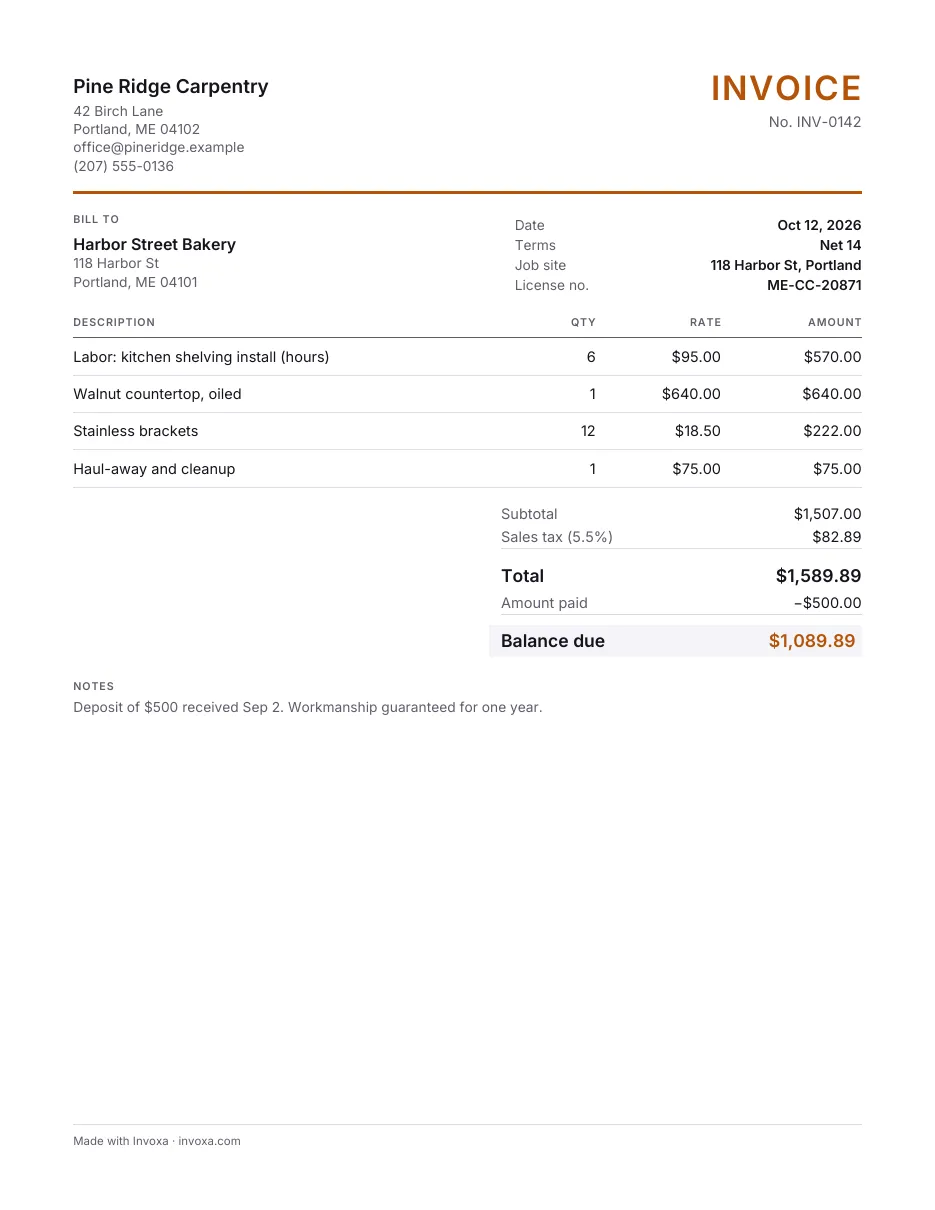
Contractor invoice template
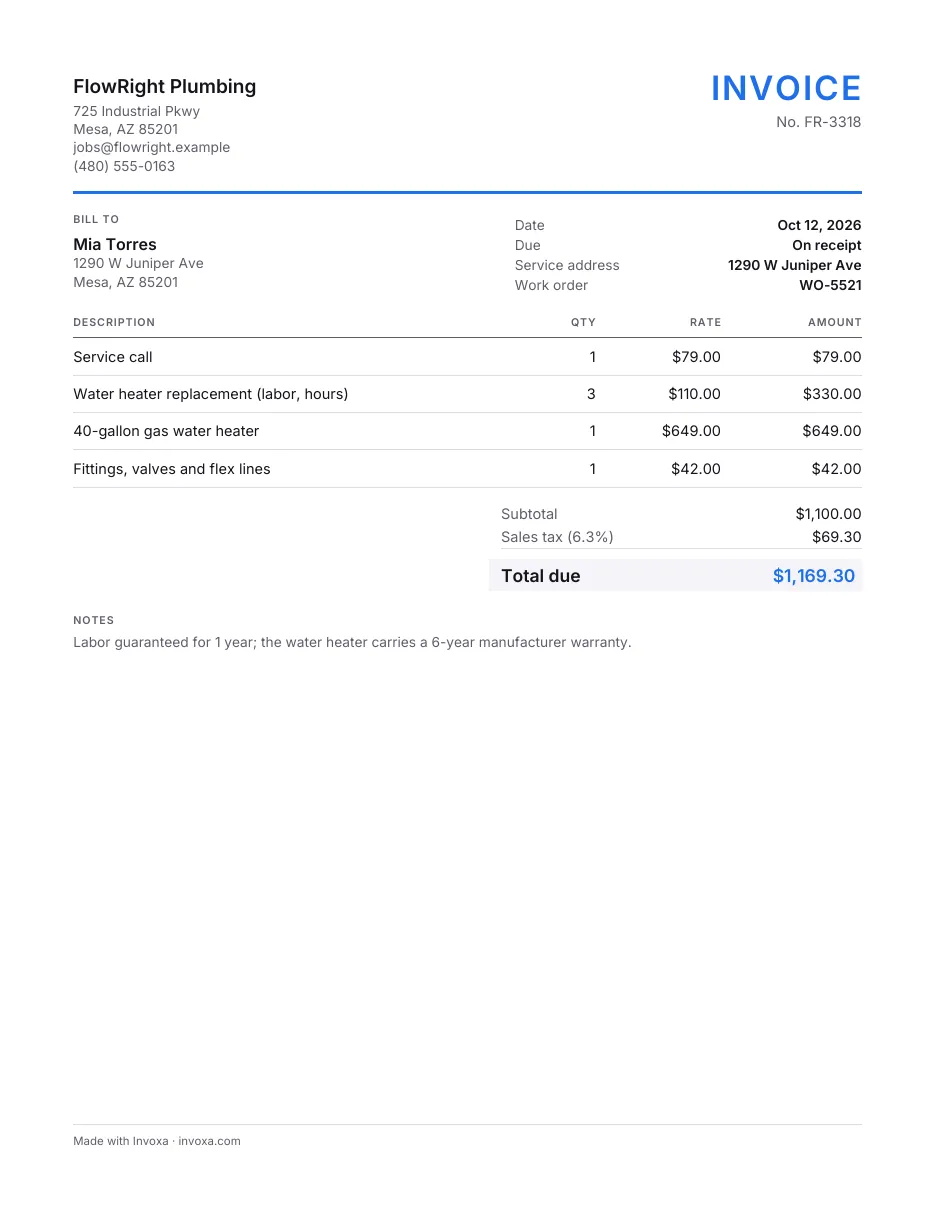
Plumbing invoice template
General and Multipurpose Invoice Templates · All invoice templates