

Professional invoice template
A clean invoice for small businesses and agencies, with space for your logo, your client's purchase order number and a discount. Download it or fill it in online in your brand color.
Free, no sign-up. Online, you get a finished PDF in one click.
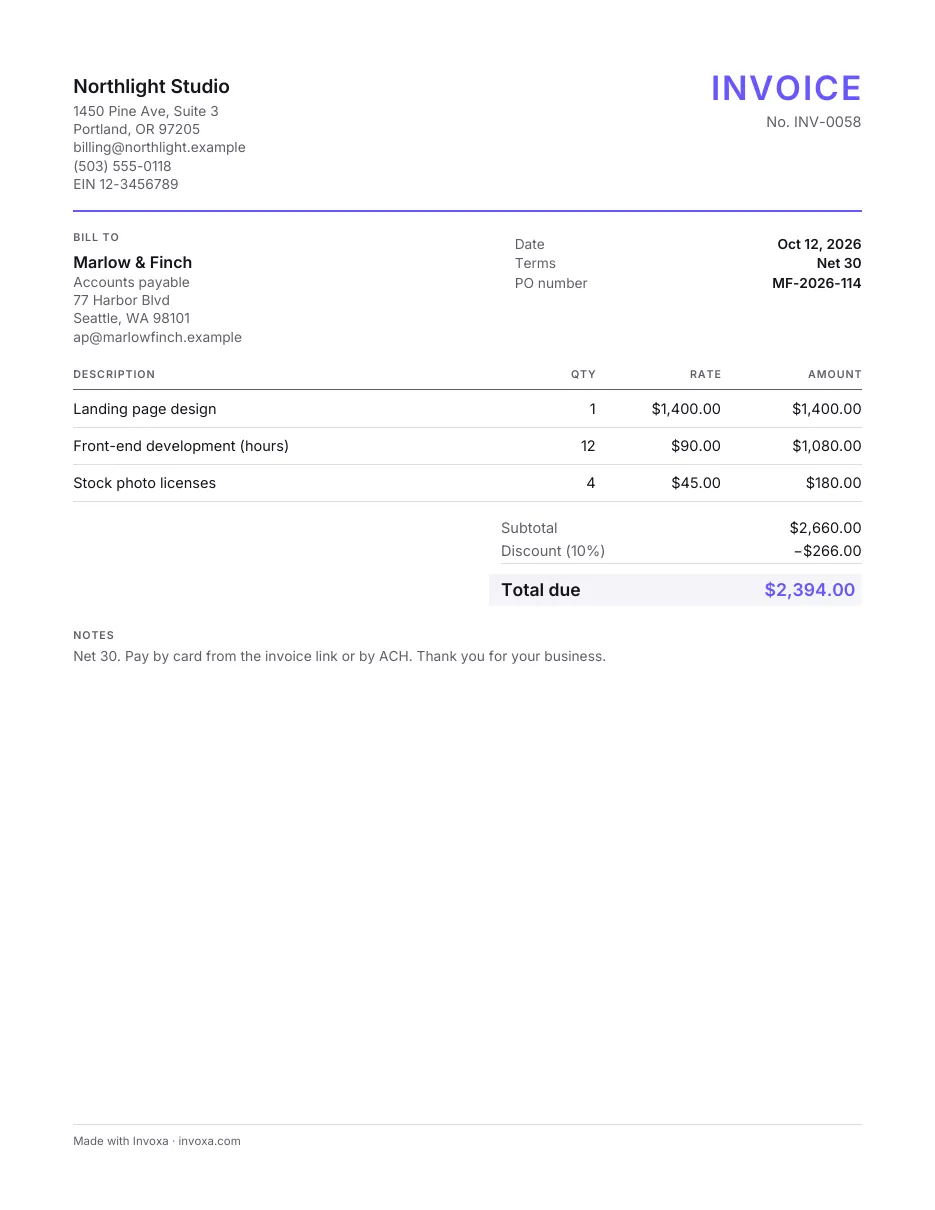
Download the professional invoice template
What’s in this template
- Space for your logo and your business details
- A PO number field for clients who use purchase orders
- Quantity, rate and amount for each line
- Discount, tax, total and balance due
- Notes for payment instructions
How to fill it in
- Pick a format. Download the Word or Excel file or the printable PDF, make your own copy in Google Docs or Google Sheets, or fill the template in online and download the finished PDF.
- Brand it. Add your logo and business details; in the online version, pick your brand color too.
- Add the client and their PO number. Many companies pay only when the invoice quotes their purchase order number, so ask for it before you send.
- List the work, check the total and send. Add the products or services, a discount if you agreed one and the tax, then send the invoice by email.
When to use it
This template suits businesses that invoice other businesses: studios, agencies, consultants, small manufacturers. Larger clients often route invoices through accounts payable, which looks for a purchase order number, clear payment terms and your company details before it pays.
Tips
- Ask for the PO number first. An invoice without it can sit in a queue for weeks.
- Use Net 30 or shorter. Business clients expect terms; say them on the invoice and in your email. See payment terms explained.
- Show the discount as its own line. The client sees the full price and what you took off.
Frequently asked questions
What makes an invoice look professional?
Consistent branding (logo, one accent color), a unique invoice number, clear dates and terms, one line per item with quantity and price, and correct totals. Typos and missing details delay payment more than plain design does.
Can I add my logo?
Yes. Paste it into the Word or Excel file, or add it in the online version, which puts it on the PDF.
Read next
More invoice templates
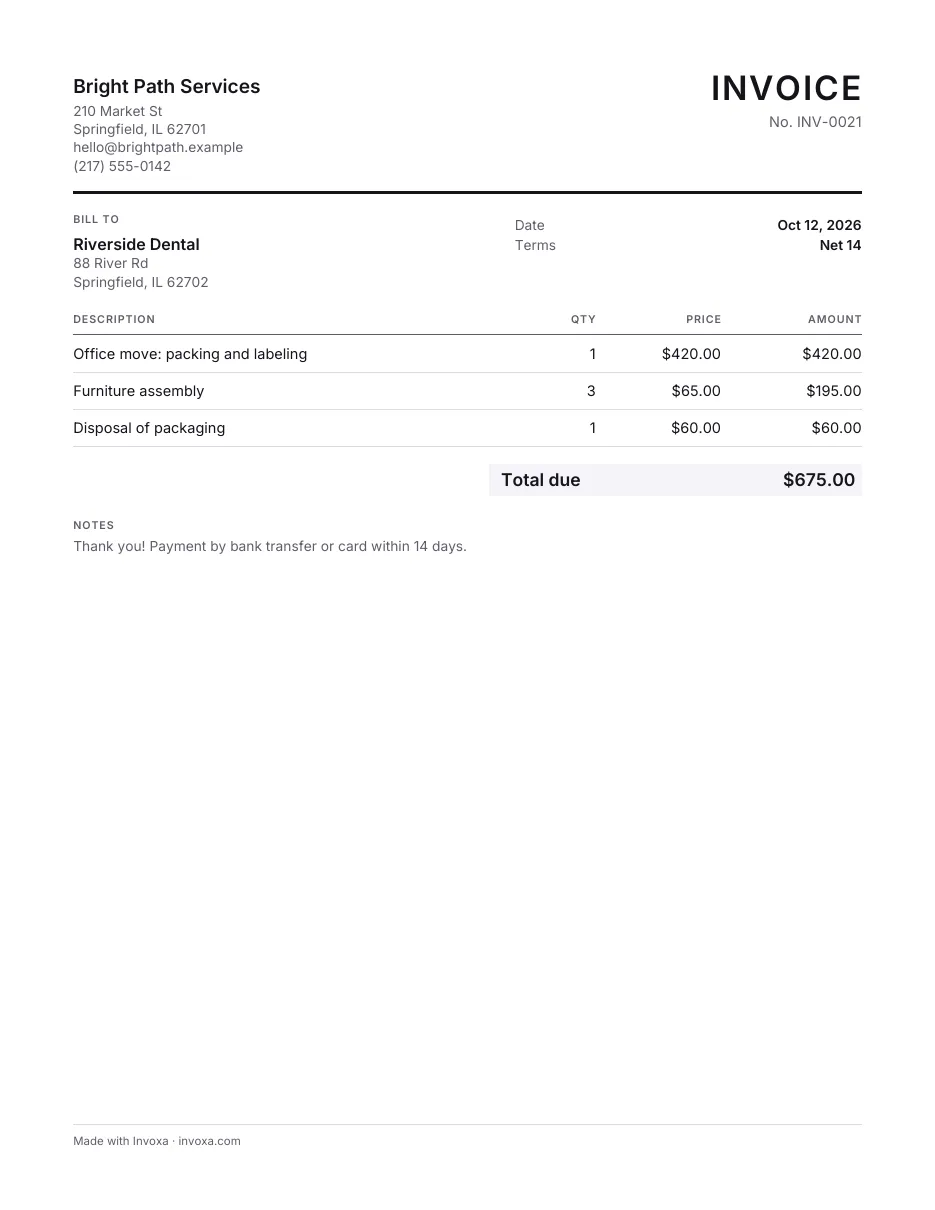
Simple invoice template
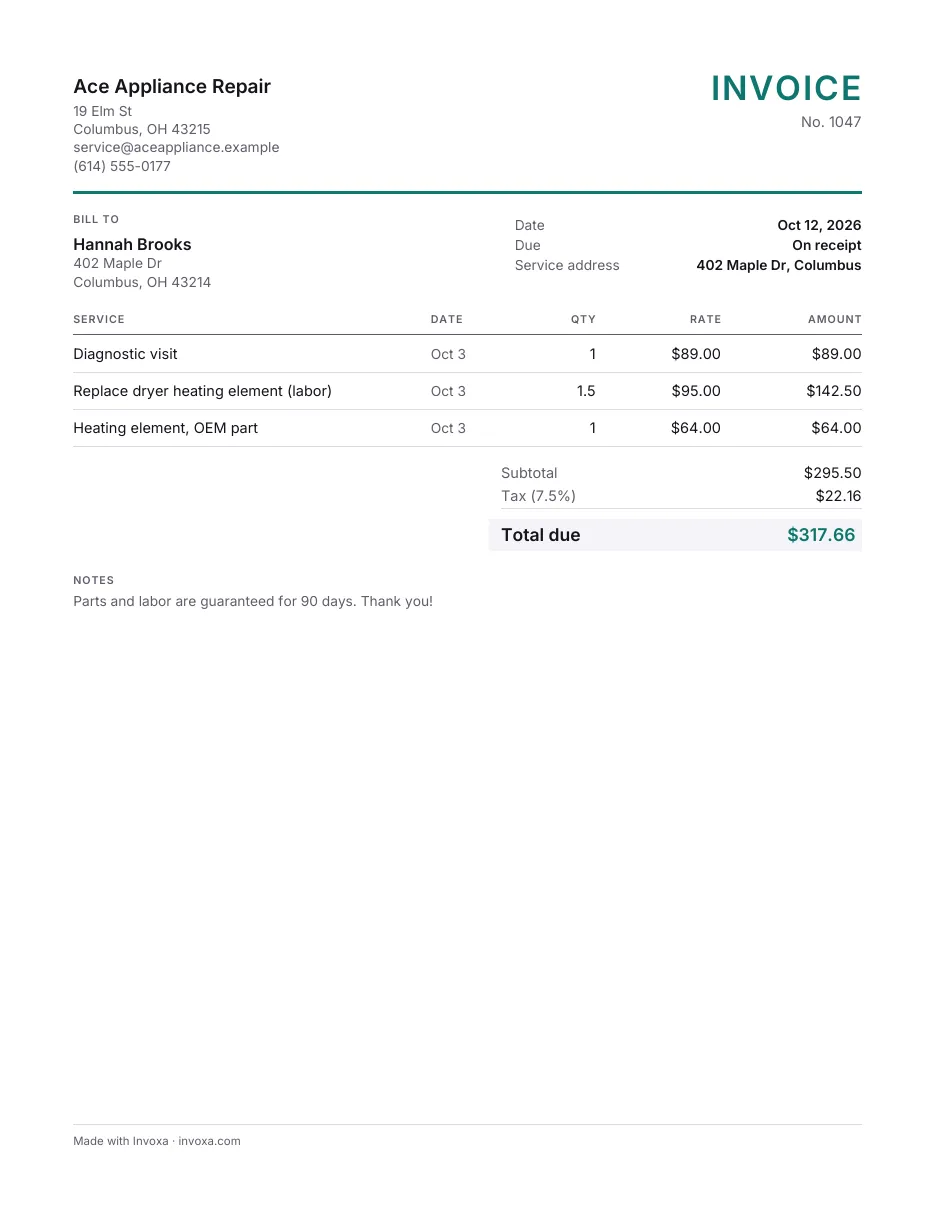
Service invoice template
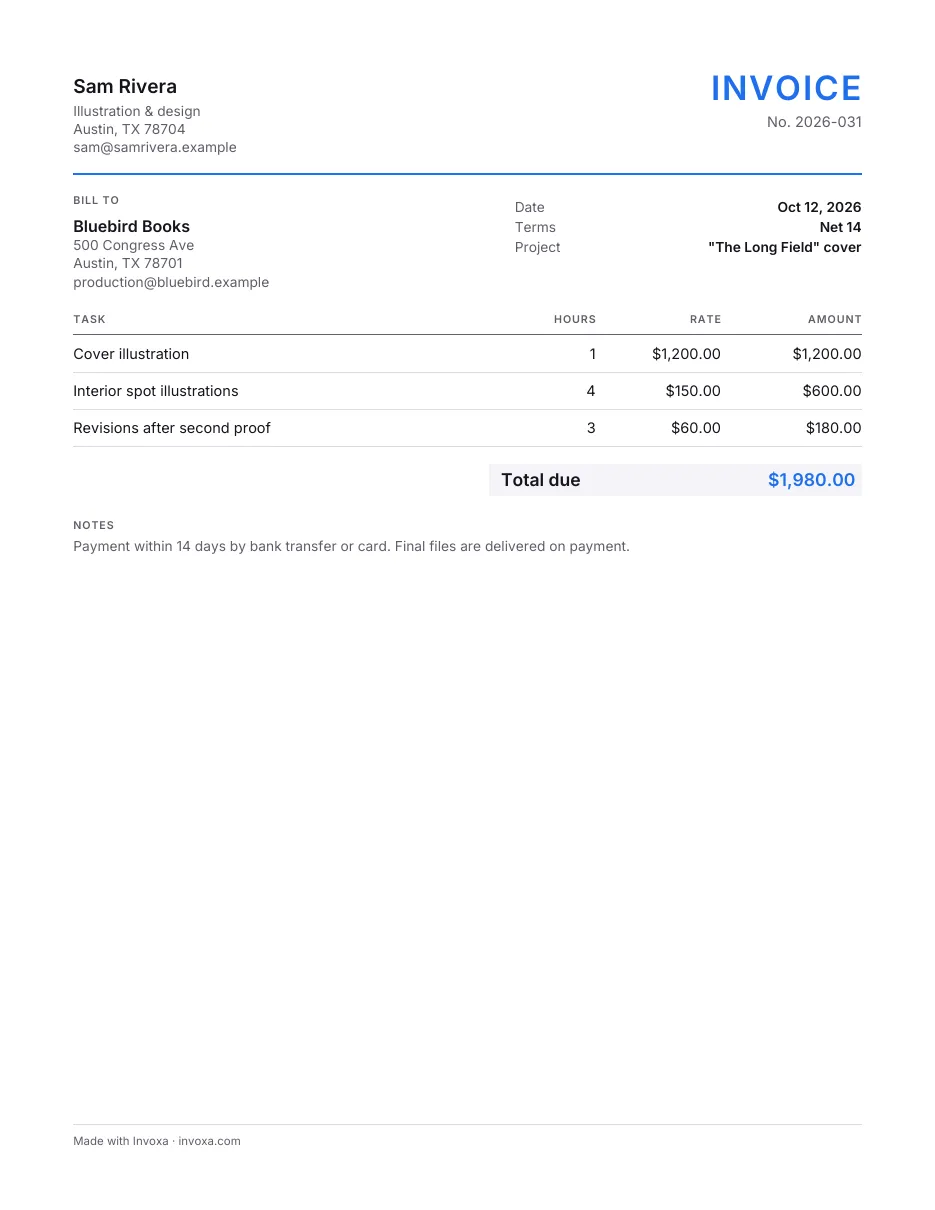
Freelance invoice template
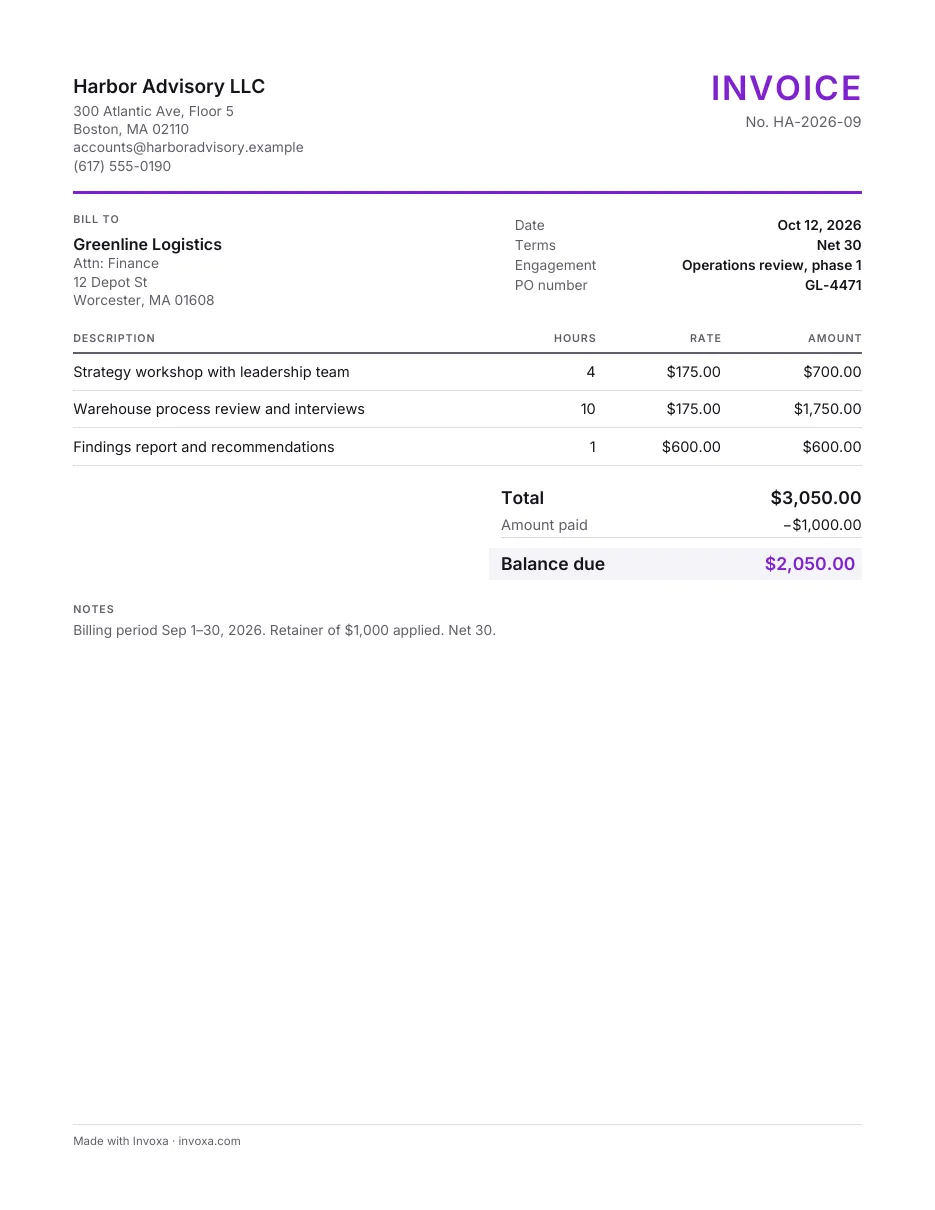
Consulting invoice template
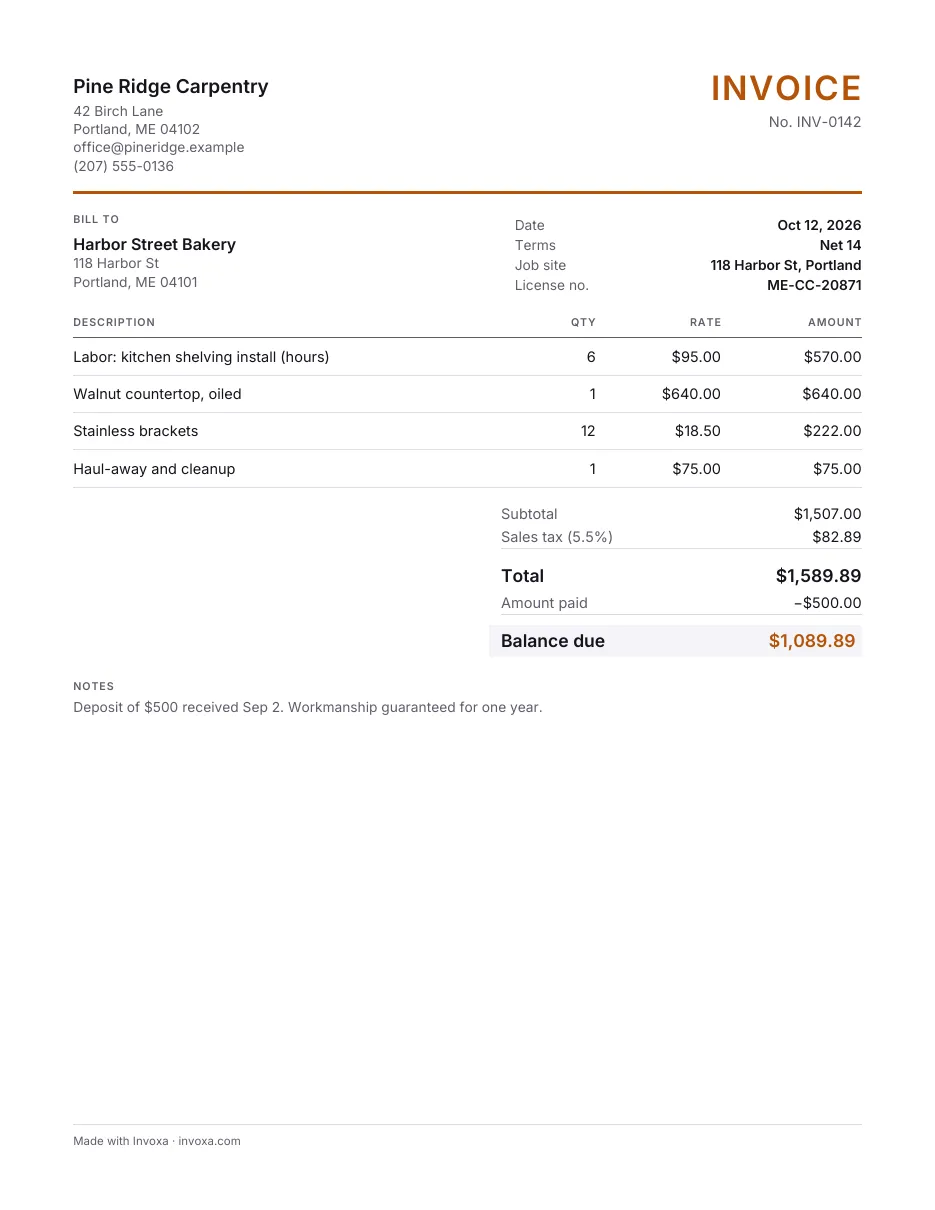
Contractor invoice template
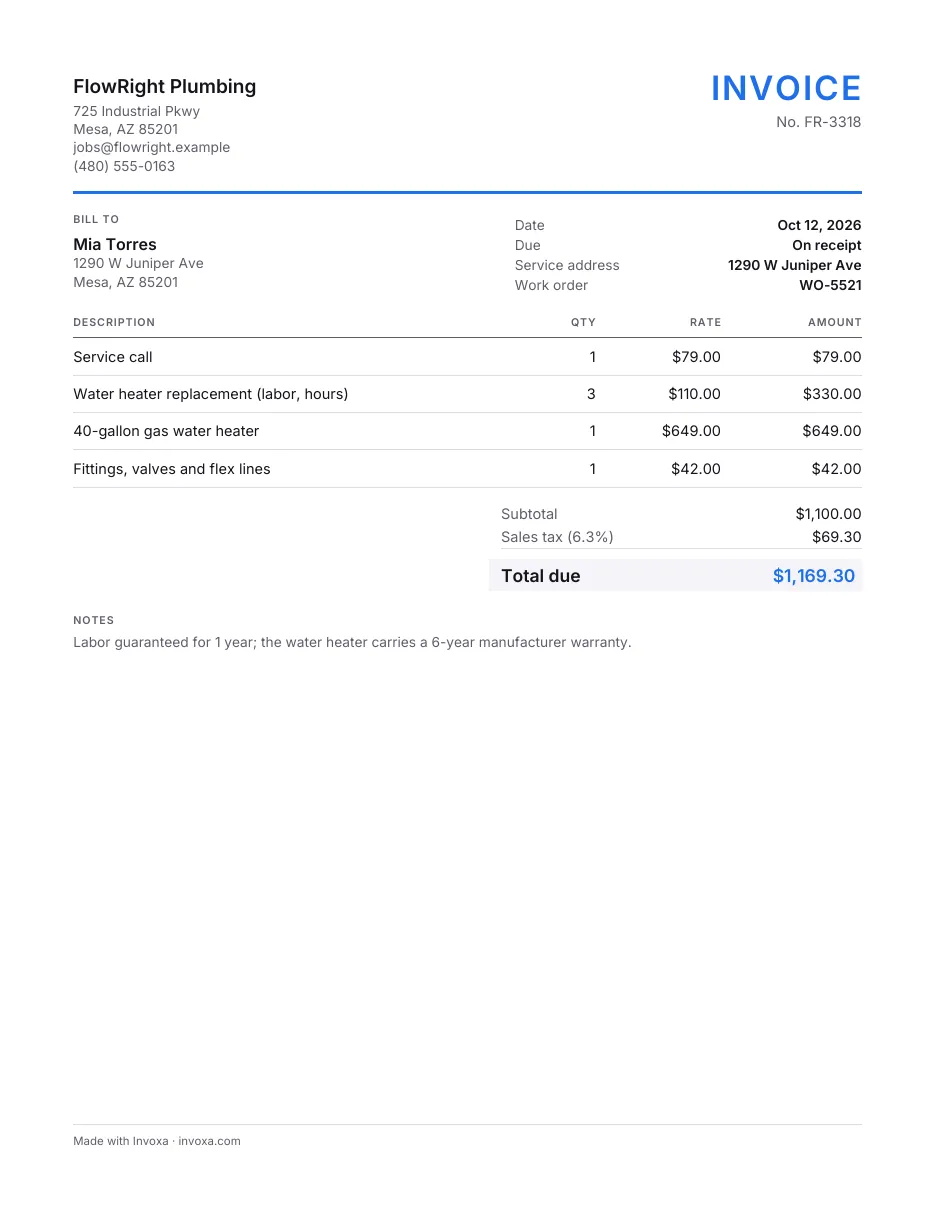
Plumbing invoice template
General and Multipurpose Invoice Templates · All invoice templates