

Automotive and Transportation Invoice Templates
Free invoice templates for auto repair shops, mechanics, detailers, towing and transport services. Download the Excel or Word file, add your parts, labor and fees, and print the invoice or save it as a PDF to send.
Invoice templates
Word, Excel, Google Docs and printable PDF, or fill one in online and download the PDF. Free, no sign-up.
More free Word and Excel files
About Automotive and Transportation Invoice Templates
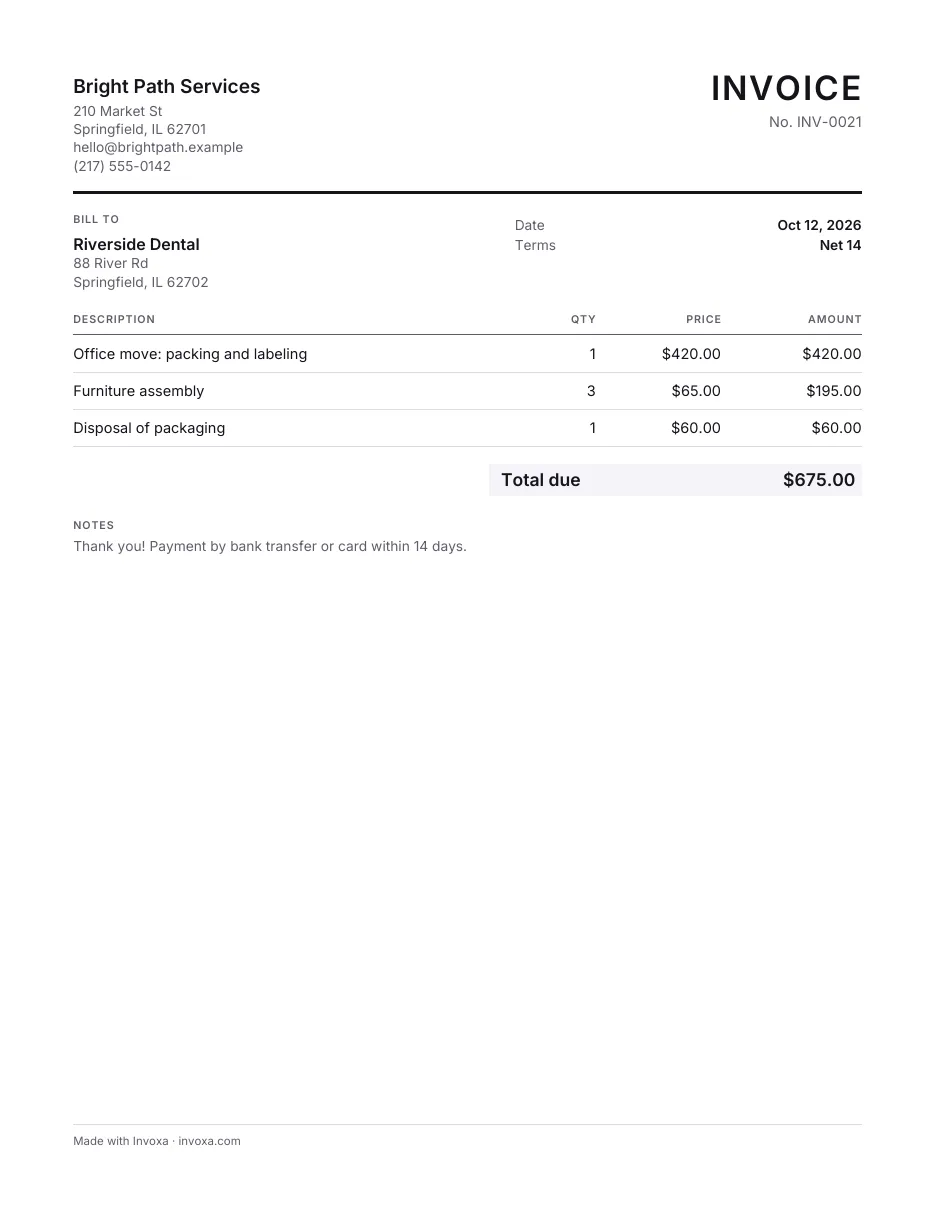
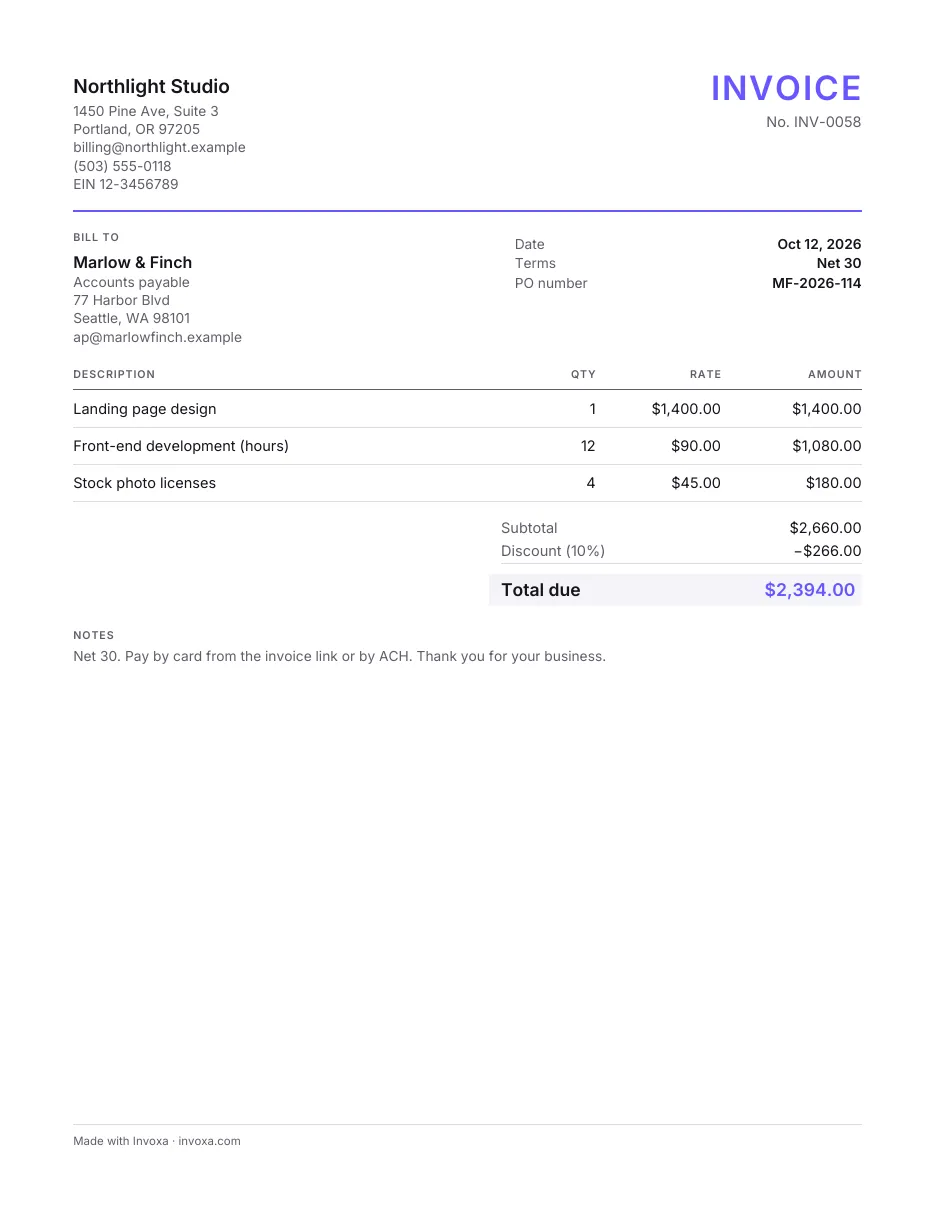
Besides the templates above, this page has two more free files. The Excel invoice has columns for hourly rate, hours, flat fees and discounts and adds up the totals for you; a second sheet holds your customer list. The Word invoice is a simple layout with a description and an amount on each line, which you edit and print. Both are general service invoices rather than separate templates for each trade, so rename the headings and lines to fit a repair shop, mobile mechanic, detailing business, tow operator or car rental.
What to put on an automotive or transport invoice:
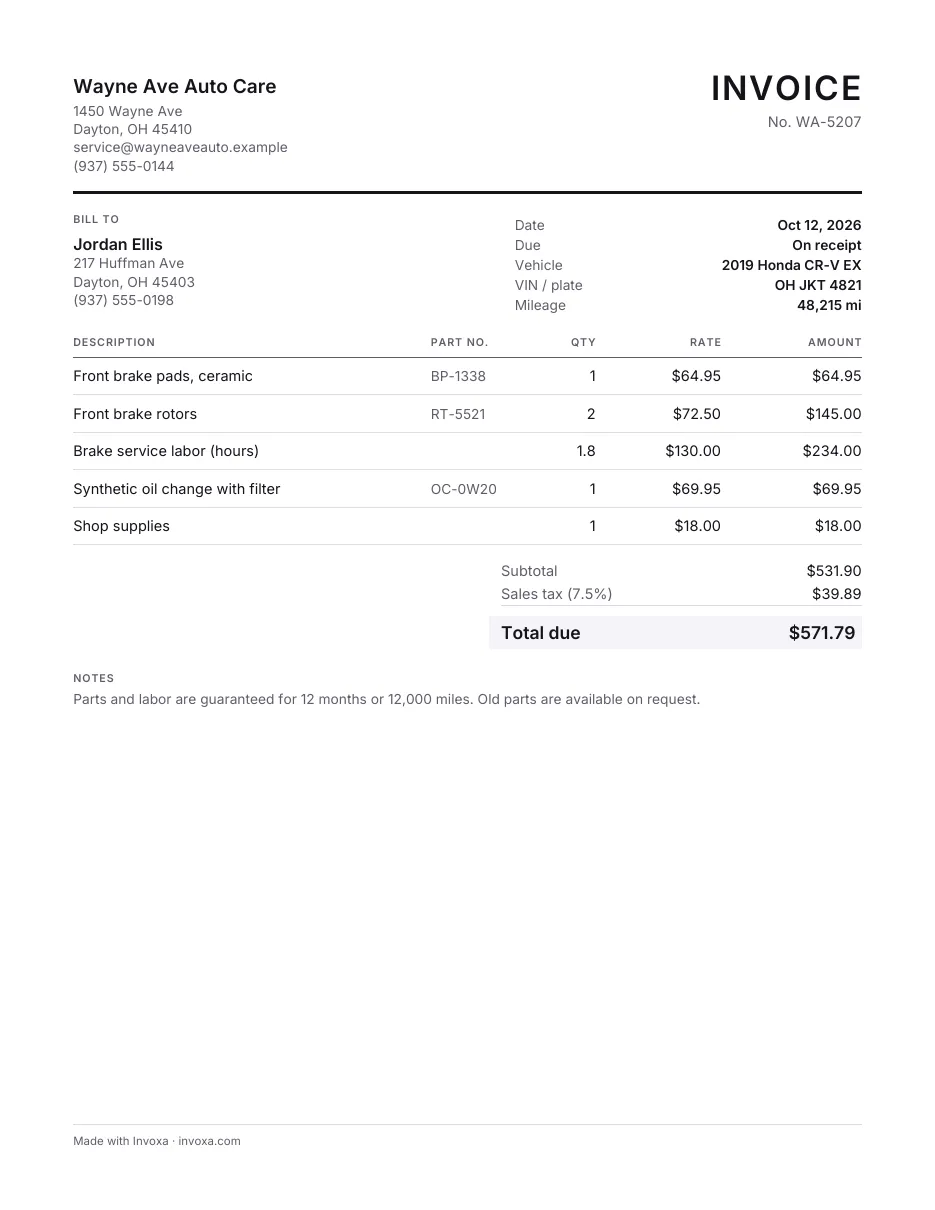
- the vehicle: make, model, year, and the license plate or VIN;
- the odometer reading, for repairs and servicing;
- parts on their own lines with part numbers and prices, and labor as hours times your rate or a flat fee;
- for towing and transport, the pickup and drop-off locations, the distance and any waiting time;
- tax where it applies, your payment terms and the due date.
Some states and countries have specific rules for auto repair estimates and invoices, so check what yours requires. Our auto repair invoice guide goes into more detail.
If you would rather not edit files, you can create the invoice online in Invoxa: save parts and labor as items, send the invoice as a link or PDF, and let customers pay by card, Apple Pay or Google Pay through your own Stripe account.