
Tax Invoice: The Complete Guide to Accuracy, Compliance & Success
Many business owners lose precious hours each week to tax invoice management, and good invoicing practices win most of that time back.
Tax invoices might seem like mere paperwork, but they hold the key to protecting your business interests and maintaining healthy cash flow. Missing details or improper documentation puts you at risk of penalties and lost tax credits. Experience shows us that proper invoice management makes all the difference between stress-free tax reporting and costly mistakes.
Successful tax invoice management doesn’t happen by chance. Many companies struggle to meet compliance requirements, missing opportunities to claim input tax credits and maintain accurate financial records.
Ready to stop worrying about tax invoice compliance and start managing your invoices like a pro? Let’s explore everything you need to know about tax invoices - from essential elements and compliance requirements to practical templates and organization strategies.
Whether you’re launching a new venture or looking to improve your current system, this guide will help you master tax invoicing and protect your business interests. The path to better invoice management starts here.
Understanding Tax Invoice Basics
A tax invoice is a legal document issued by a seller to a buyer, detailing the goods or services provided, their prices, and the applicable taxes. It serves as proof of a taxable sale and is essential for tax reporting and compliance. Typically, a tax invoice includes the seller’s and buyer’s details, invoice date, itemized costs, and tax amounts. Businesses use it to claim tax credits and maintain accurate financial records.
Tax invoices prove your legal right to collect transaction taxes. These documents do more than standard invoices - they safeguard your business through proper financial documentation and tax compliance.
Core Elements
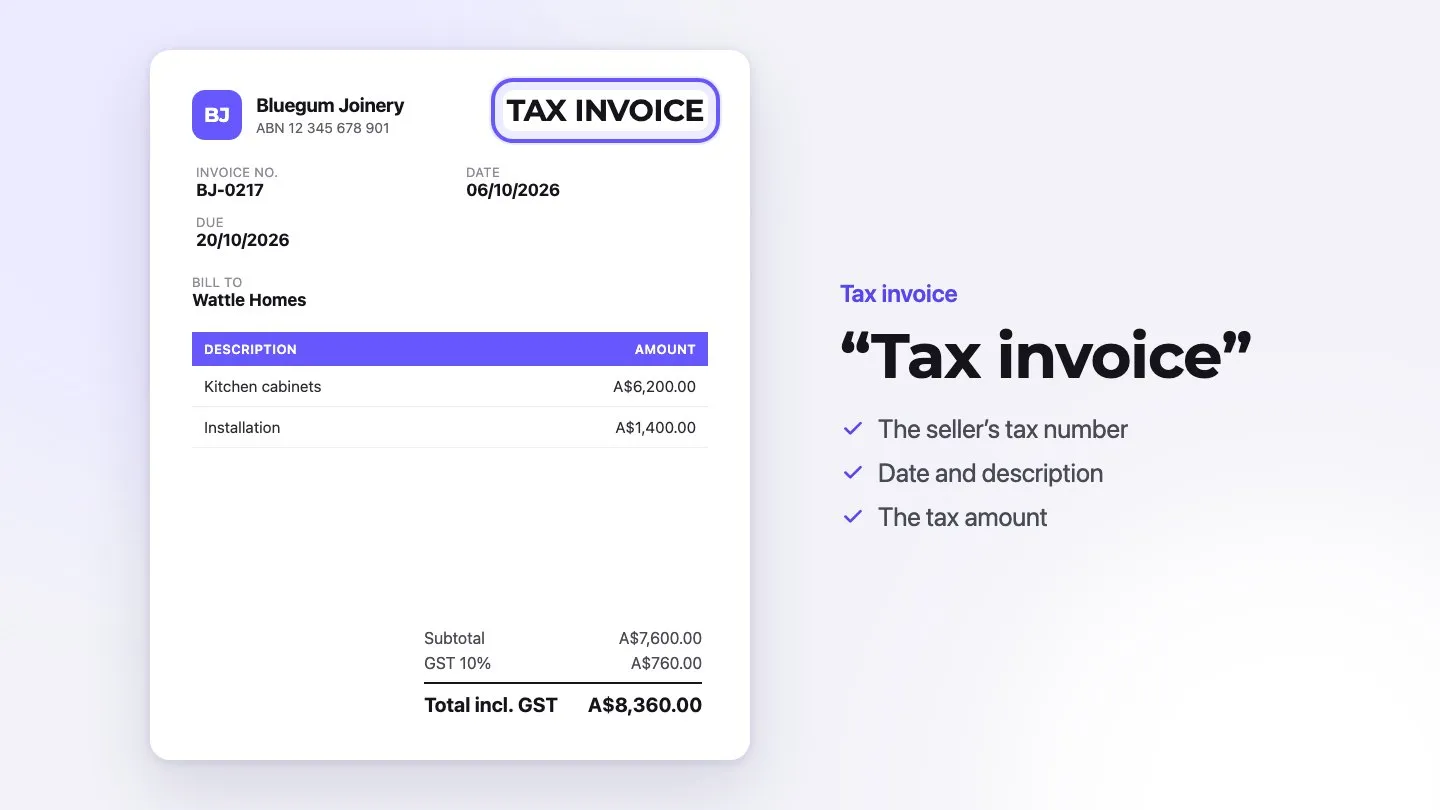
What a valid tax invoice must contain depends on the country, and the terms differ too (tax invoice, VAT invoice, GST invoice). Australia is a good example of the typical rules. There, for sales under AUD 1,000, a tax invoice needs seven elements (ATO):
- A clear indication that it’s a tax invoice, usually “Tax Invoice” displayed prominently at the top
- Your business identity
- Your ABN
- Issue date
- A brief description of the items sold, including quantity (if applicable) and price
- The GST amount (if any)
- The extent to which each sale is taxable
Sales of AUD 1,000 or more also need the buyer’s identity or ABN. You can show the GST separately, or, when the GST is exactly one-eleventh of the total price, state “Total price includes GST”. For other countries, see our guides for the UK, South Africa, India, Canada and New Zealand.
When You Need One
Getting timing right matters for tax invoices. In Australia, if a customer asks for a tax invoice for a sale over AUD 82.50 (including GST), you must provide it within 28 days. Other countries set fixed deadlines: in the UK, VAT invoices are due within 30 days of the supply, and in South Africa within 21 days. Whatever the rule, issuing the invoice promptly is good practice.
Tax invoices protect both parties: sellers prove tax collection while buyers claim their input tax credits.
The digital age brings flexibility to invoice delivery. You can now send tax invoices through email as PDFs or use eInvoicing systems. Just remember - digital or paper, your invoice needs all required information to stay compliant with tax rules.
Good record-keeping prevents future headaches. Keep copies of all tax invoices for as long as your tax authority requires—five years in Australia, for example, and six in the UK for VAT records. This simple habit protects you during audits and makes claiming tax credits straightforward.
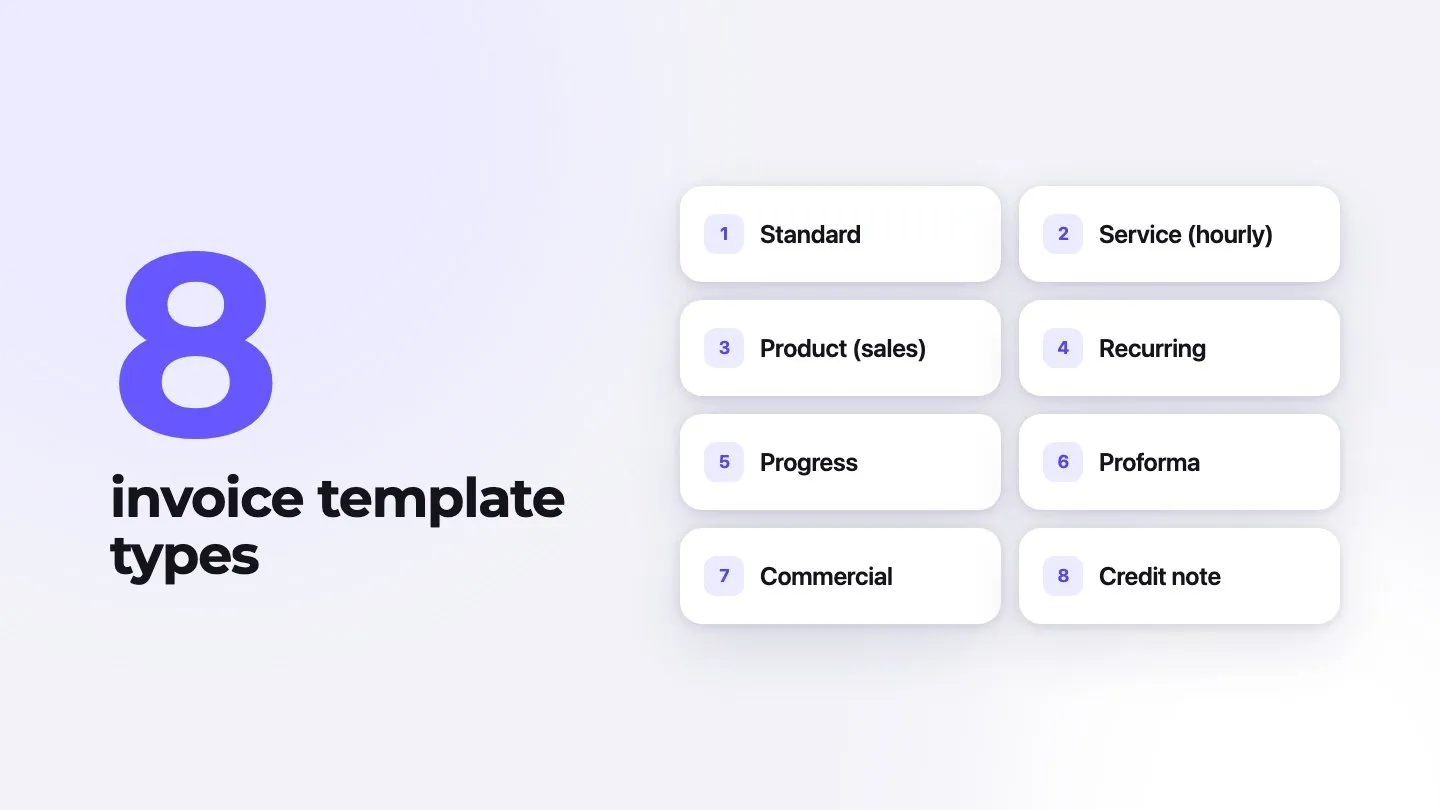
Tax Invoice Templates That Work
Talking about templates isn’t exciting - but the right template saves hours of work while protecting your business interests. Properly configured templates turn invoice creation from a headache into a smooth, professional process.
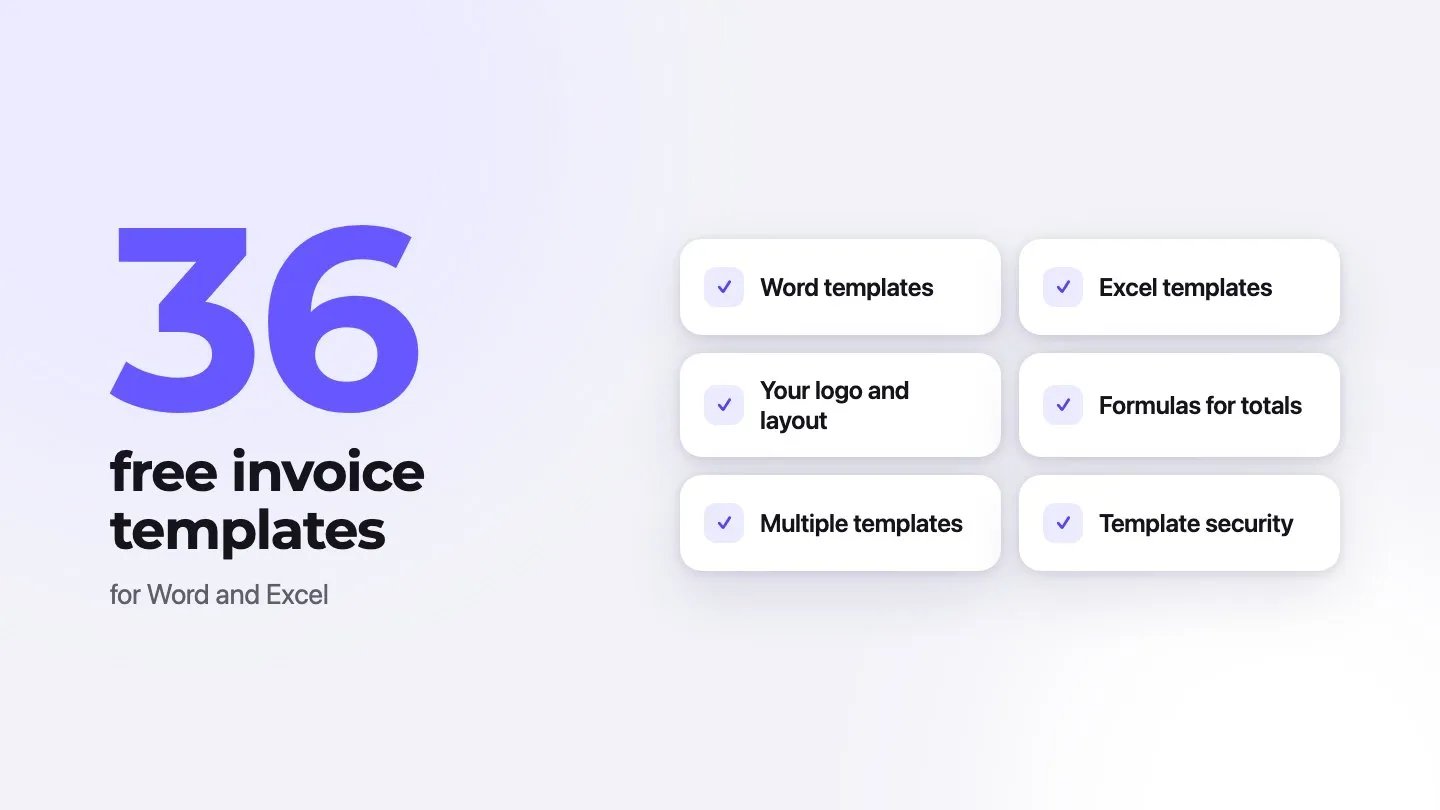
Word Template Setup
Microsoft Word gives you powerful control over your invoice design. Word works best when you need brand-focused templates. Start with a template matching your business style, place your logo prominently at the top, then adjust colors and fonts until everything feels right.
Word’s magic lies in its flexibility - you’ll create consistent, professional documents while keeping all essential invoice elements exactly where you want them. The platform lets you build templates that grow with your business needs.
Excel Format Benefits
Numbers matter in business, and Excel shines at handling them. The platform’s built-in formulas take the stress out of complex calculations, perfect for detailed financial tracking. Here’s what makes Excel templates special:
- Automatic math for subtotals and taxes
- Built-in equations for precise numbers
- Simple payment and balance tracking
- Custom tables for service details
PDF Options
PDFs solve common invoice problems - they look the same on every device and stop accidental changes. You’ll love the extra security too - password protection keeps sensitive details safe from prying eyes.
Smart businesses create invoices in Word or Excel, then convert to PDF before sending to clients. This method combines easy editing with professional delivery. Your choice depends on what matters most - Word for design control, Excel for calculations, or PDF for secure sharing.
Remember to save your customized templates. This simple habit saves time on future invoices while keeping your business documents consistent and professional.
Setting Up Your System
Many freelancers feel overwhelmed when organizing tax invoices, and random filing creates more headaches than it solves. The right system makes all the difference between tax-time stress and smooth sailing.
Filing Methods
Physical or digital? Your choice matters more than you might think. Some industries still need paper trails for regulations. Digital systems shine with quick searches and easy access, but they’re not always the answer.
Separate business accounts and cards work best. This simple habit saves hours of sorting through mixed-up documents later. The key lies in choosing a system matching your daily workflow - not just following the latest trend.
Tracking Tools
QuickBooks and similar platforms take the guesswork out of expense tracking with features such as:
- Smart expense sorting
- Live cash flow updates
- Quick receipt scanning
- Ready-to-go reports
These tools sort expenses automatically, saving your sanity during tax season. Without them, you’ll spend hours hunting down deductions and fixing year-end numbers. Cloud systems let your team work together smoothly, turning invoice management from a solo struggle into team success.
Storage Solutions
Lost invoices mean lost money. Cloud storage keeps your documents safe and accessible, protecting against everything from coffee spills to natural disasters. Business-grade security features guard your sensitive information, meeting even the strictest retention rules.
Smart storage needs smart backup. Use encryption and strict access controls. In the US, the IRS generally expects you to keep records for at least three years, and up to seven in some cases, so pick a system ready for the long haul. Monthly record reviews catch problems before they grow into disasters.
The IRS accepts legible digital copies of receipts, so snap photos of those paper receipts before they fade. Organized systems do more than just keep you compliant - they give you peace of mind and more time for actual business growth.
Professional Invoice Design
Poor invoice design costs businesses more than they realize. The right visual elements turn a basic tax invoice into a powerful tool that builds your brand and speeds up payments.
Layout Best Practices
Clean layouts make invoices easy to understand. Place key details like invoice numbers and payment terms where they catch attention. White space becomes your friend here - resist cramming every inch with information. Smart spacing creates that clean, professional look clients trust.
The secret lies in grid patterns for your itemized descriptions. Make totals and deadlines pop with bold text or subtle color changes - these details matter most to clients.
Standard page sizes (A4, or 8.5 x 11” in North America) work best for most businesses. This simple choice saves headaches later, keeping your invoice looking sharp whether printed or viewed digitally.
Branding Elements
Your tax invoice tells clients who you are. Place your logo at the top, but don’t let it steal the show from important invoice details.
Smart branding needs these key pieces:
- Brand colors in headers and subheadings
- Clean, professional fonts matching your style
- Visual elements that match all your materials
- Contact details where clients expect them
Mobile screens change everything about invoice design. Text must stay readable on phones and tablets - tiny fonts and fancy formatting only frustrate clients.
Font choices matter more than most realize. Clean, sans-serif fonts make reading easy. Keep your brand’s font style consistent throughout - this builds recognition and trust.
Colors need careful thought too. Stick to 2-3 brand colors. This keeps your invoice looking professional while making important information stand out.
Strong design builds client trust. Well-designed invoices don’t just look better - they’re easier to approve and strengthen your professional image.
Maintaining Invoice Records
Lost receipts, missing documents, audit stress - sound familiar? Many freelancers learn record-keeping lessons the hard way. Proper invoice records protect more than just paperwork - they safeguard your business future.
Organization Tips
The right filing system saves countless headaches later. Color-coded folders for different document types make finding papers quick and simple. One way to sort records by keeping time (check the periods that apply where you are):
- Short-term files: general correspondence and routine documents with no tax relevance
- Four-year files: employment tax records (the IRS minimum is four years)
- Seven-year files: invoices, receipts, accounts payable, bank statements and expense records, which covers the longer IRS periods
- Forever files: audit reports, corporate documents, tax returns, and records for assets you still own
Monthly receipt processing becomes your best friend here. Check wallets, bags, everywhere papers hide. Quick notes about business purposes save your memory during audits - trust us on this one.
Backup Strategies
One copy isn’t enough. Scan physical documents right away. Store digital copies both locally and in cloud services.
Cloud storage shines here - your files stay safe even if disaster strikes your office. Regular backup tests catch problems before they grow into crises.
Smart businesses encrypt sensitive tax documents in cloud storage. Double-check those scanned copies - the IRS accepts digital versions, but only if they’re readable.
Compliance Requirements
Tax record rules sound complex, but they protect your business. Keep supporting documents until limitation periods end. The IRS sets clear timelines:
Generally three years from filing (or two years from paying the tax, if later, for refund claims). Six years if unreported income tops 25% of gross income. Seven years for a bad debt or worthless securities deduction. Employment tax records need four years minimum after the tax is due or paid.
Missing returns or fraud cases need indefinite record keeping. Digital storage works fine now - the IRS accepts electronic systems that keep files intact.
Shred old records properly - identity thieves love careless disposal. Solid record-keeping turns tax time from nightmare to routine.
Conclusion
Tax invoices might look like simple paperwork, but they’re the backbone of business success. Proper invoice management makes the difference between thriving and barely surviving.
The path to better invoicing starts with small steps. Templates save time, filing systems prevent panic, and professional designs build trust. Many freelancers learn these lessons through costly mistakes. You don’t have to.
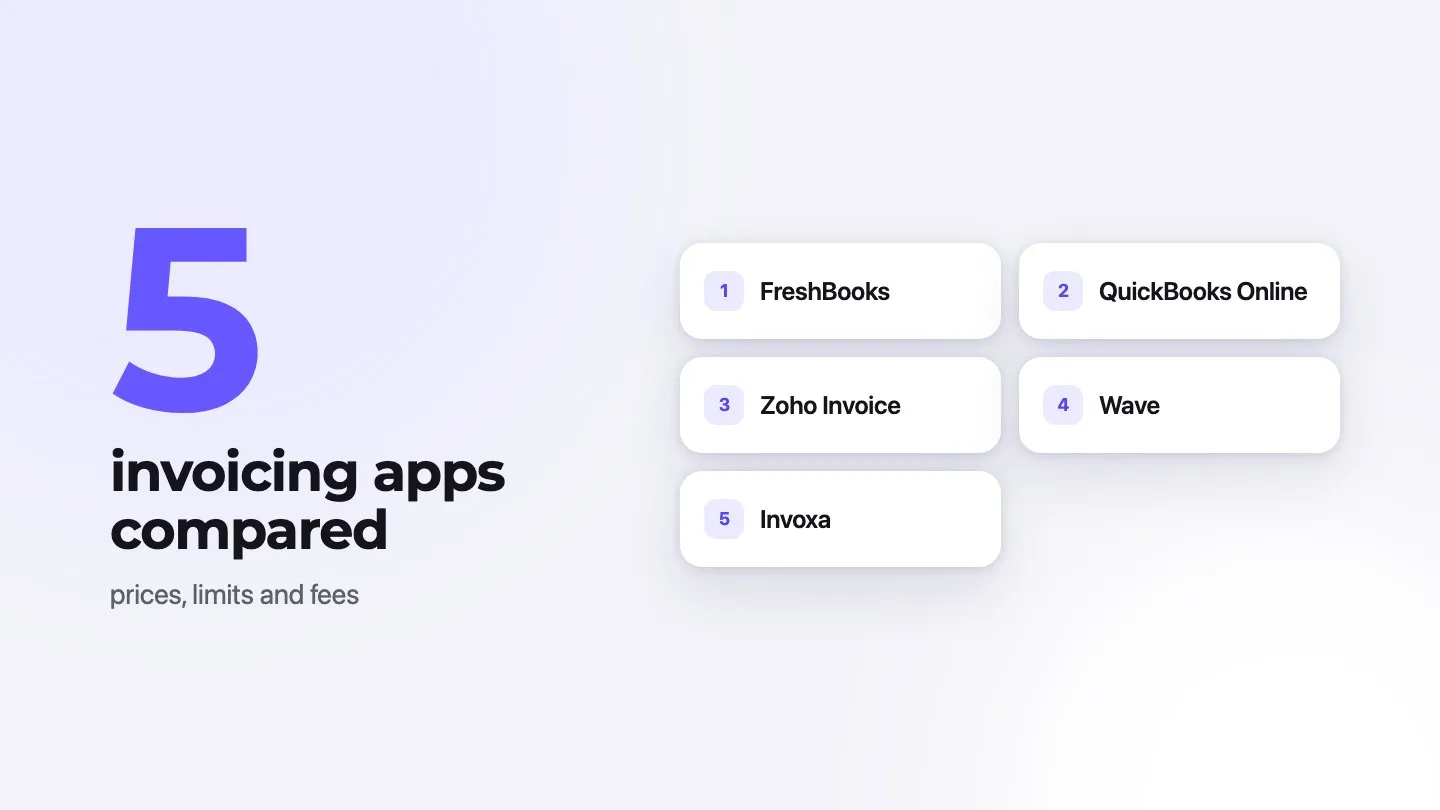
Smart invoice management does more than keep auditors happy. It strengthens client relationships and keeps cash flowing smoothly. Your invoicing system needs regular check-ups, just like any other part of your business. Ready to take control of your invoicing? Try invoice maker Invoxa: set up your tax rates and tax number once, rename the title to “Tax Invoice” if your country requires it, and every invoice shows the tax amounts correctly.
Scattered receipts and missed deductions are avoidable; organized documentation builds strong businesses. Follow these guidelines, stay consistent with your practices, and watch your business grow. The future brings new tax rules and business challenges - but with solid invoice management, you’ll be ready.
FAQs
Q1. What is a tax invoice? A tax invoice is an official document that records the sale of taxable goods or services. It includes essential details such as the seller’s and buyer’s information, a description of the items sold, the total amount, and applicable taxes. Businesses use tax invoices for accounting, tax compliance, and claiming tax credits. This document ensures transparency and accuracy in financial transactions.
Q2. How soon should I provide a tax invoice to my customers? It depends on the country. In Australia, you must provide a tax invoice within 28 days when a customer requests one for a sale over AUD 82.50 (including GST). In the UK, VAT invoices are due within 30 days of the supply, and in South Africa within 21 days. Check the rule where you’re registered.
Q3. Can I use digital formats for tax invoices? Yes, you can send tax invoices electronically, such as through email in PDF format or via eInvoicing systems. However, regardless of the format, the document must contain all mandatory information to comply with tax regulations.
Q4. How long should I keep tax invoice records? It depends on the country: for example, five years in Australia, six years for VAT records in the UK, and in the US generally three years, but six years if unreported income exceeds 25% of your gross income. When in doubt, keep them longer.
Q5. What are some best practices for designing professional tax invoices? To create professional tax invoices, use a clean layout with strategic white space, incorporate your brand elements like logo and colors, ensure key details are prominently displayed, use readable fonts, and make sure the design is mobile-compatible. Limit your color palette to 2-3 colors that align with your brand identity for visual harmony.