

No sign-up · PDF in one click
Free invoice generator
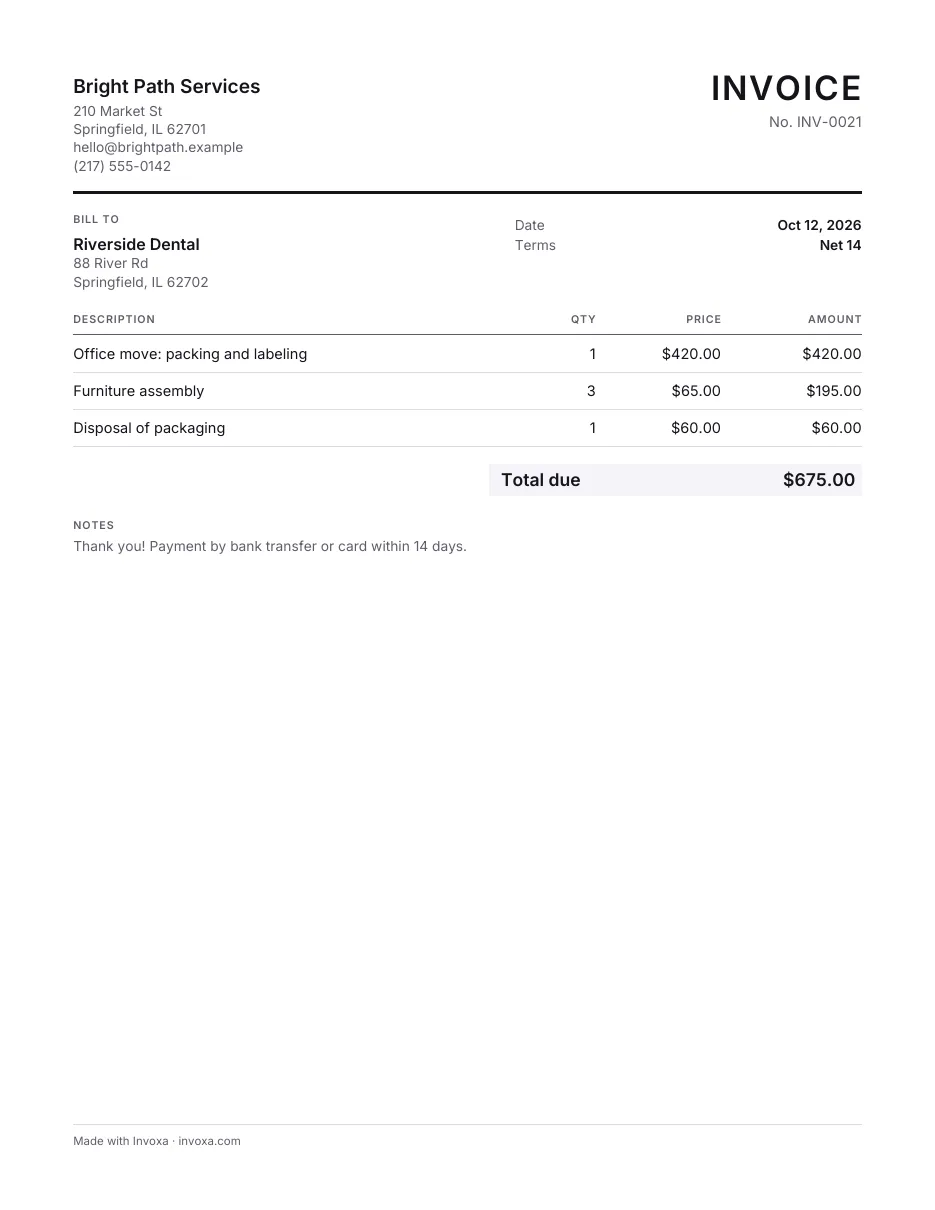
Type your invoice on the page below and download it as a PDF. Free, with no account: the PDF is made in your browser, and nothing you type is sent to us.
How it works
Fill in the invoice
Type straight onto the invoice: your business, your client, the items, tax and discount. Add your logo if you have one.
Download the PDF
One click, no account. The PDF is made in your browser, in US Letter or A4, ready to email or print.
Send it and get paid
Email the PDF yourself, or save the invoice to a free Invoxa account to send it as a link your client can pay by card.
Start from a template
Each template sets the title, columns and fields for a trade. You can also download it for Word or Excel, copy it to Google Docs or Sheets, or print the PDF.
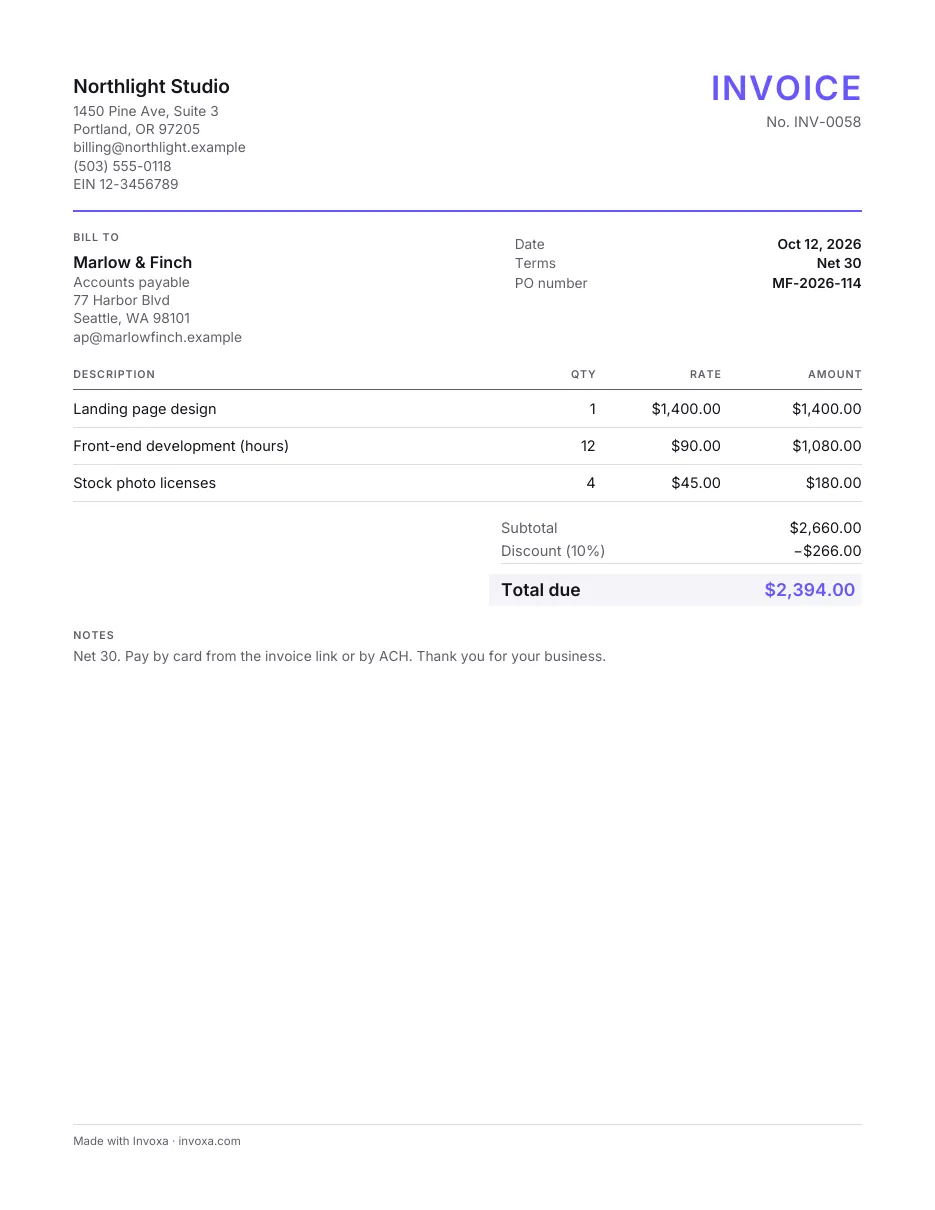
Professional invoice template
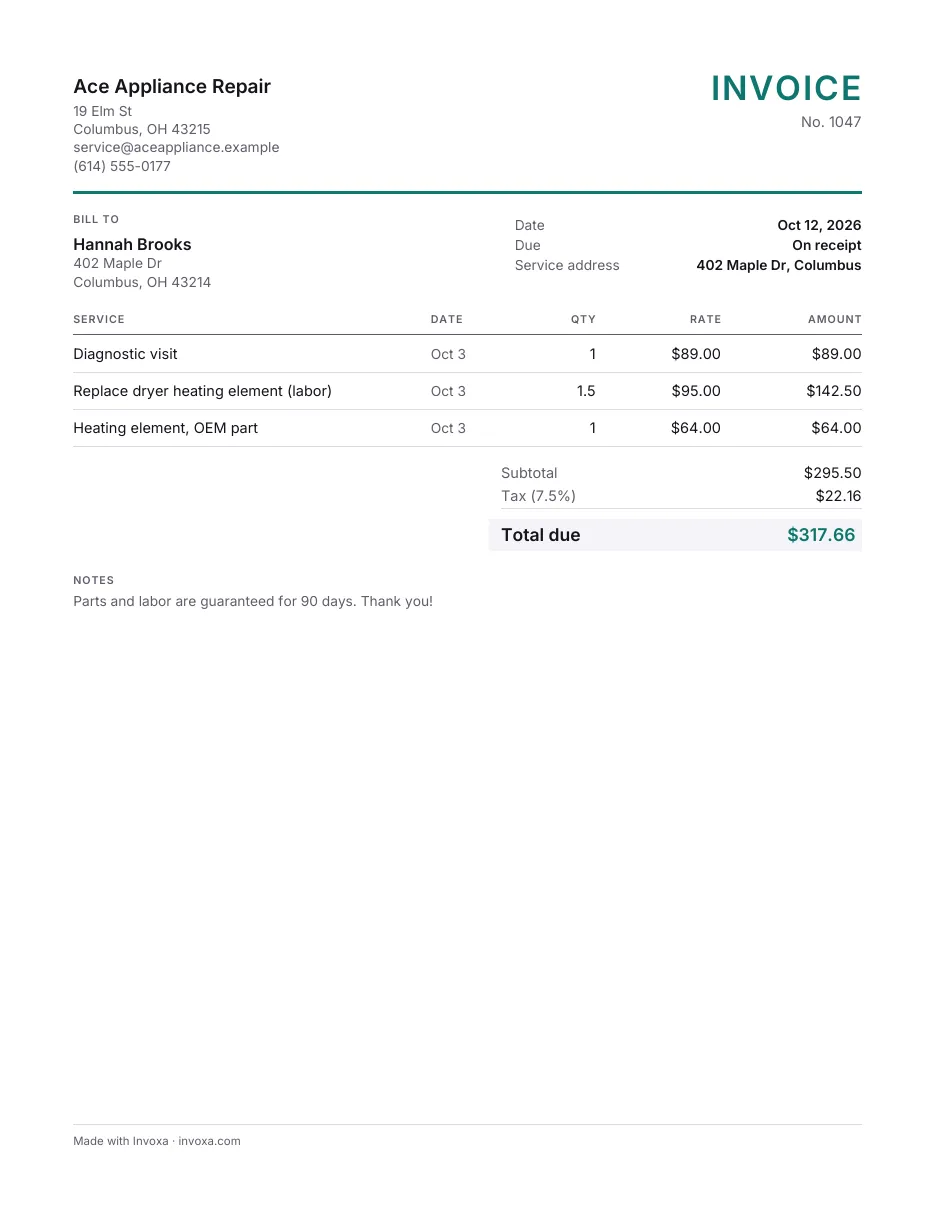
Service invoice template
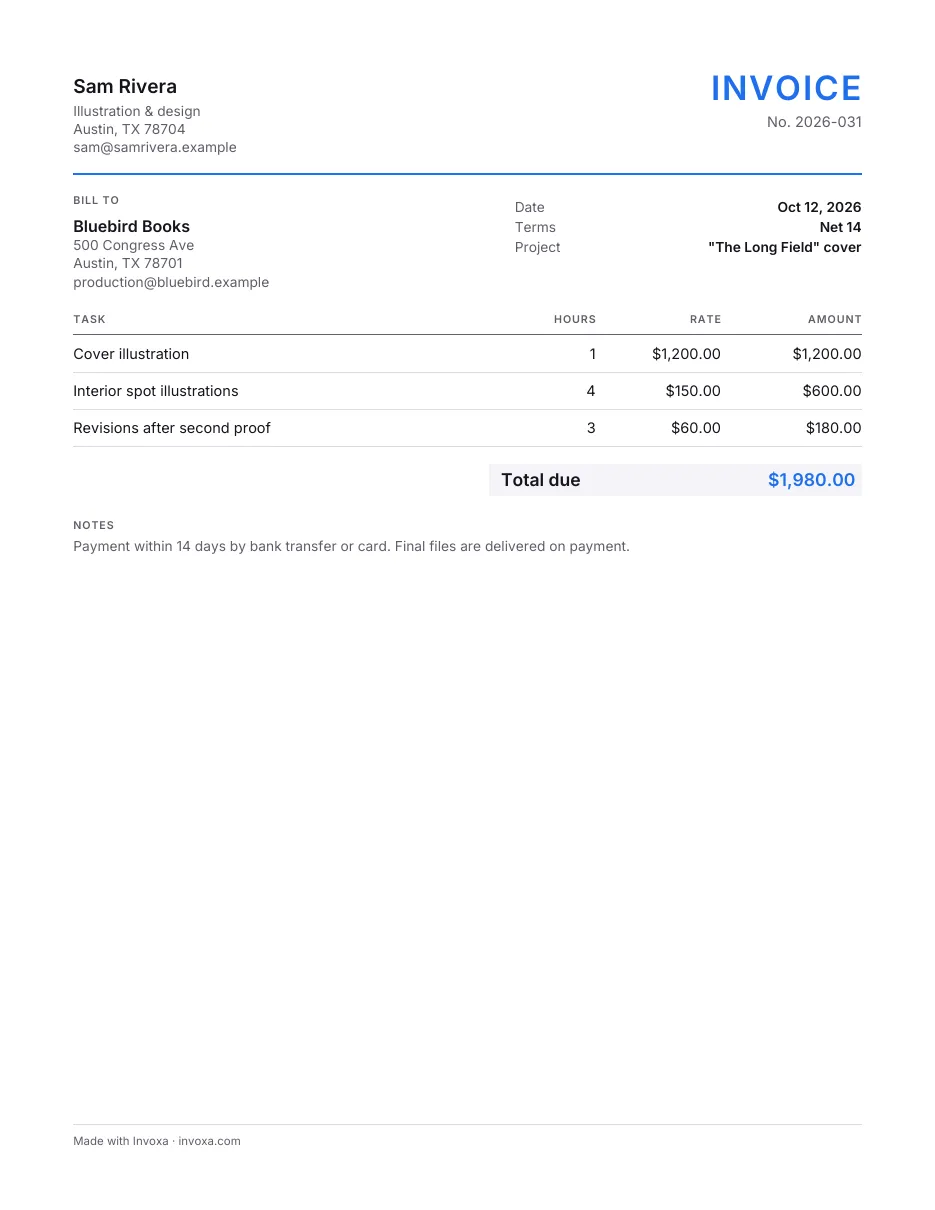
Freelance invoice template
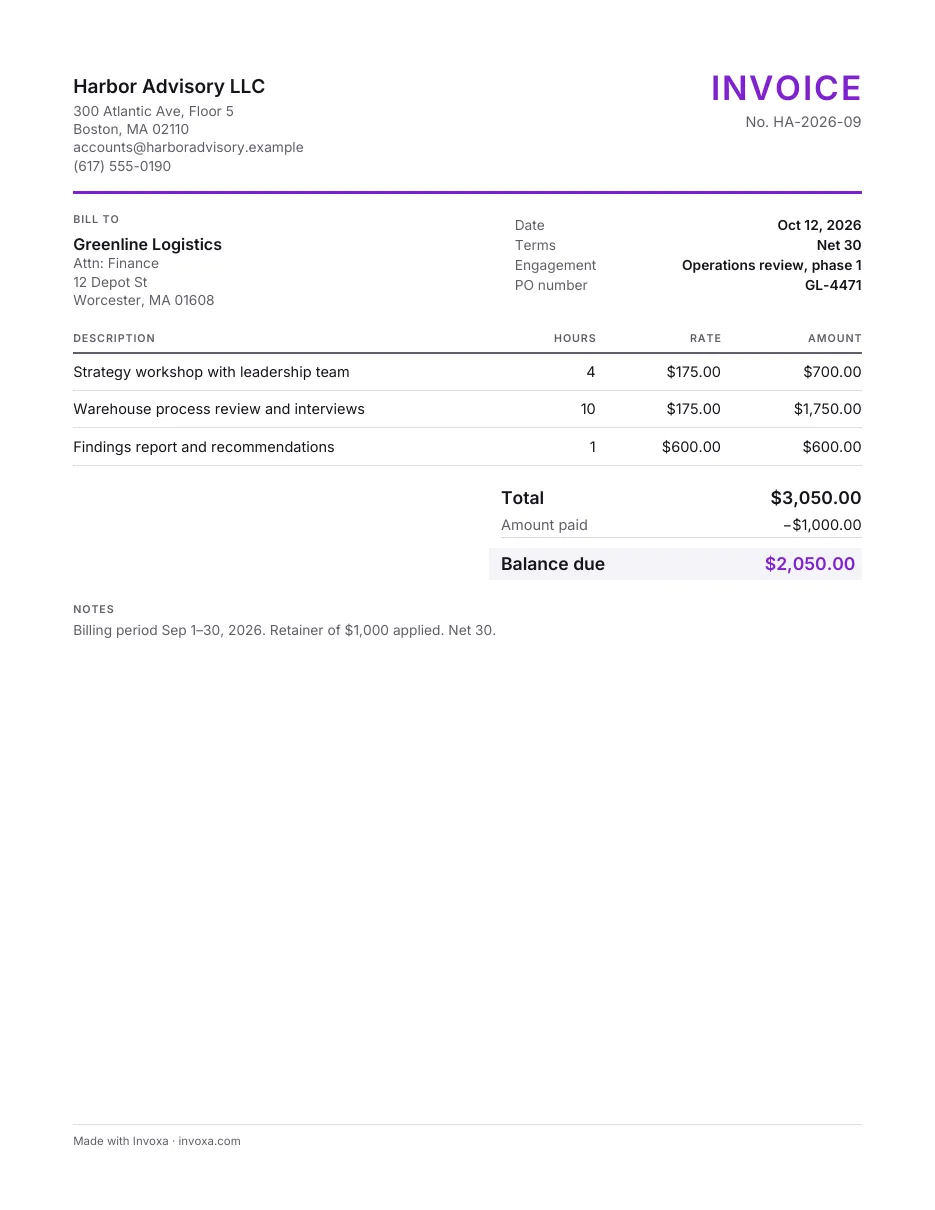
Consulting invoice template
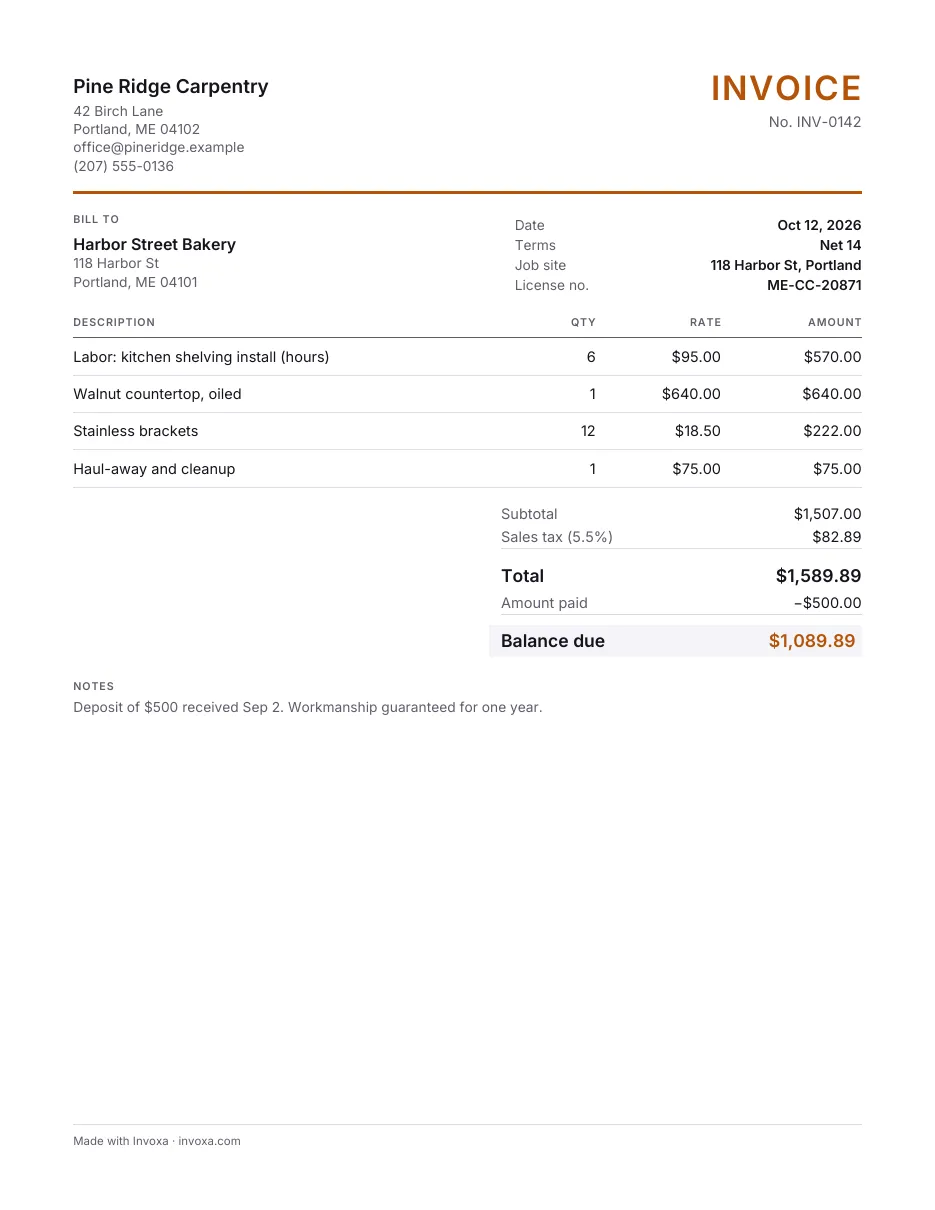
Contractor invoice template
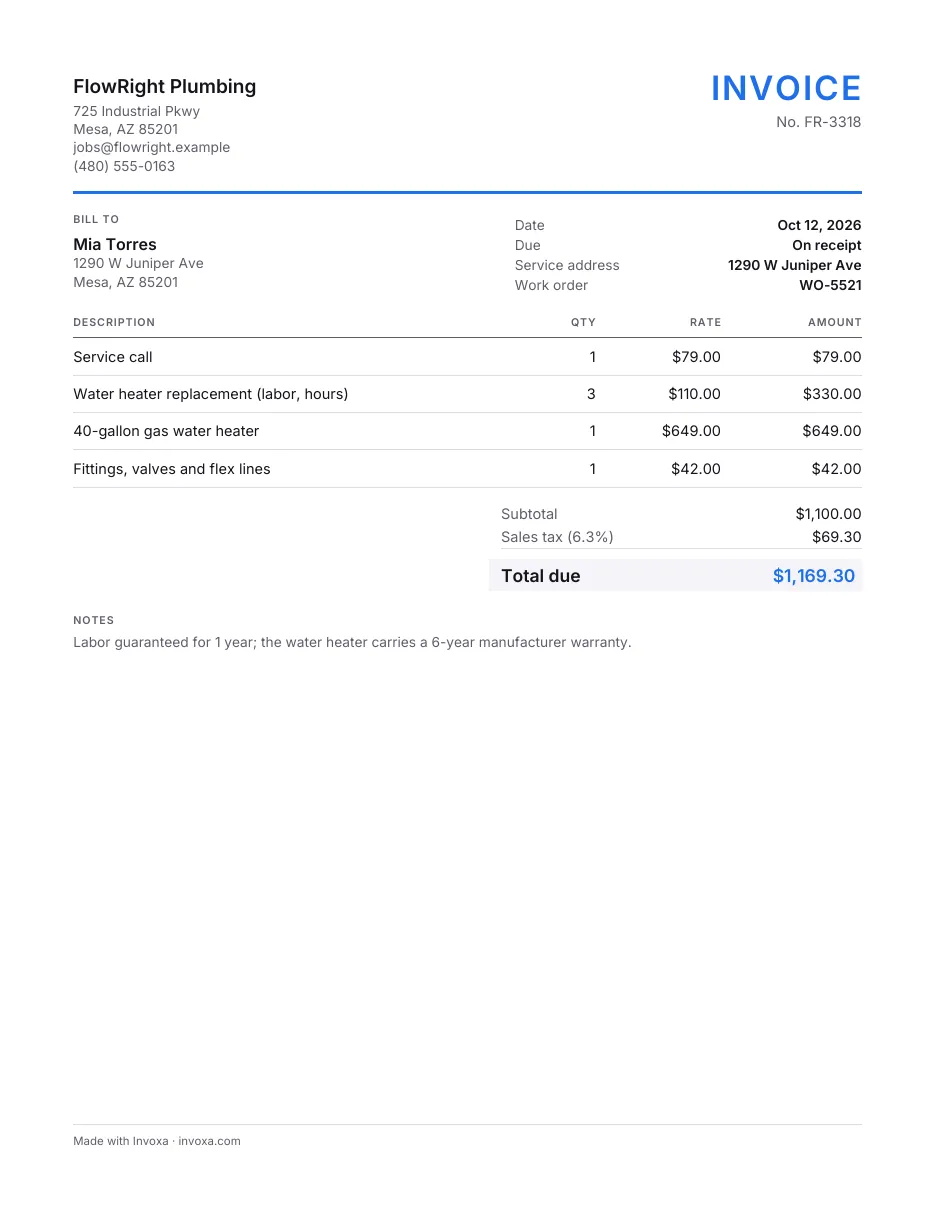
Plumbing invoice template
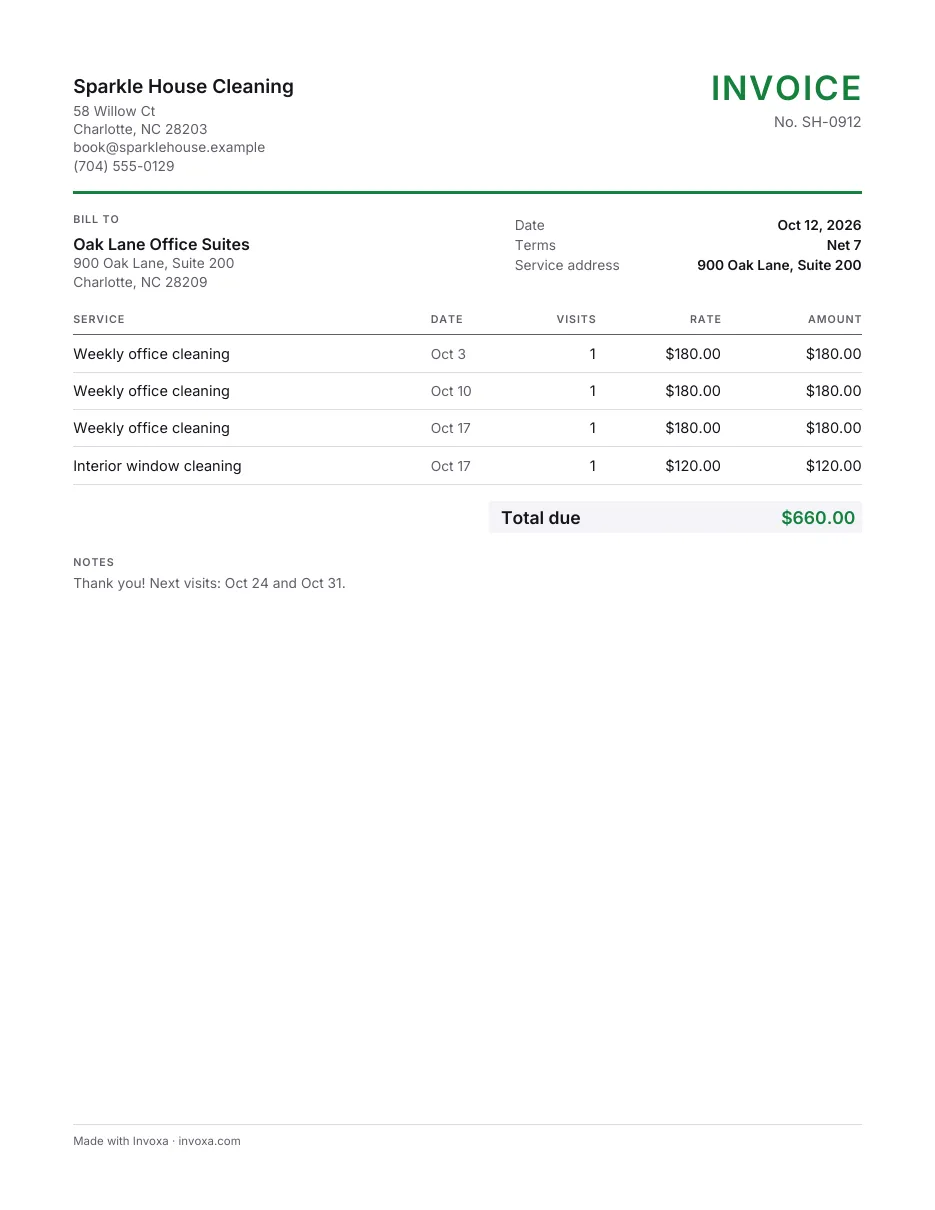
Cleaning invoice template
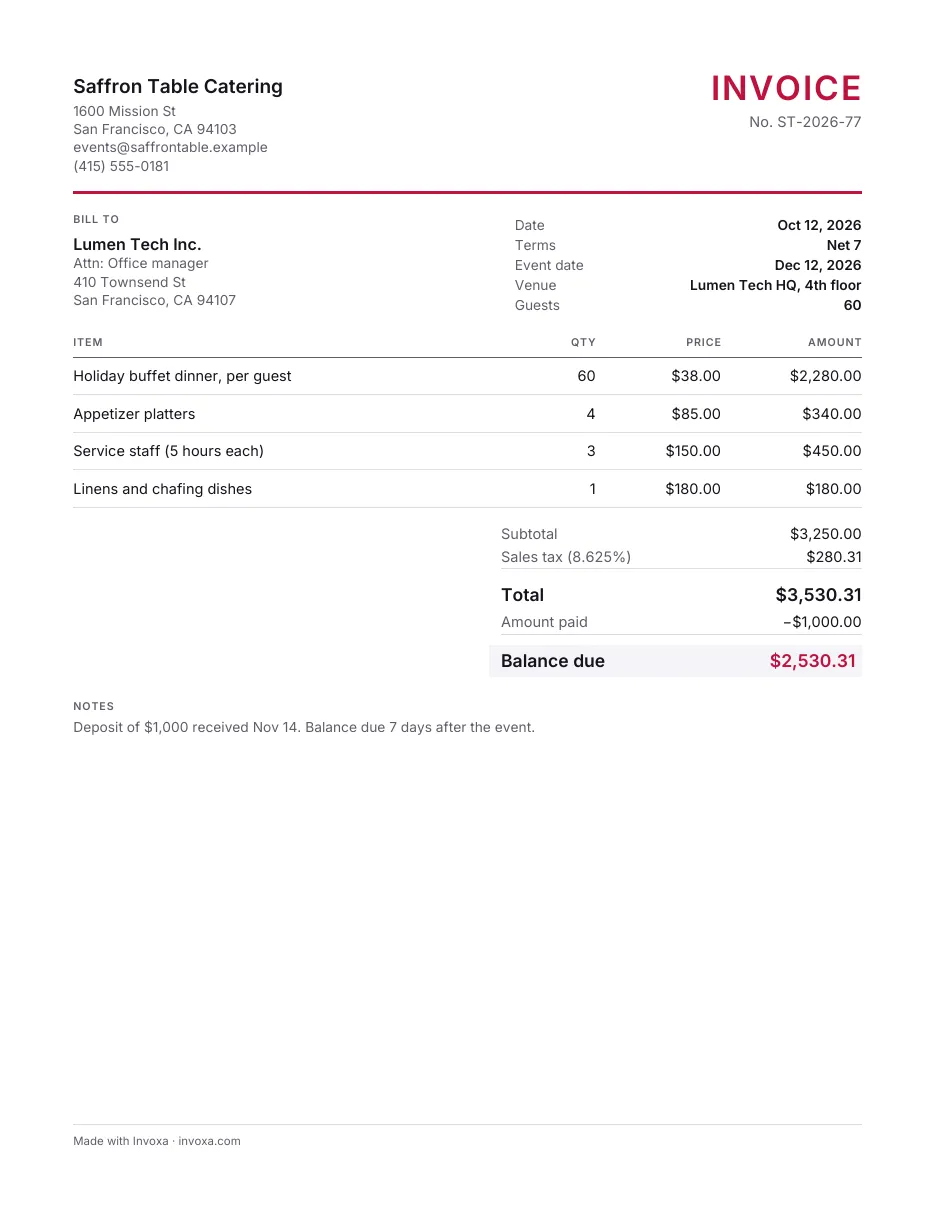
Catering invoice template
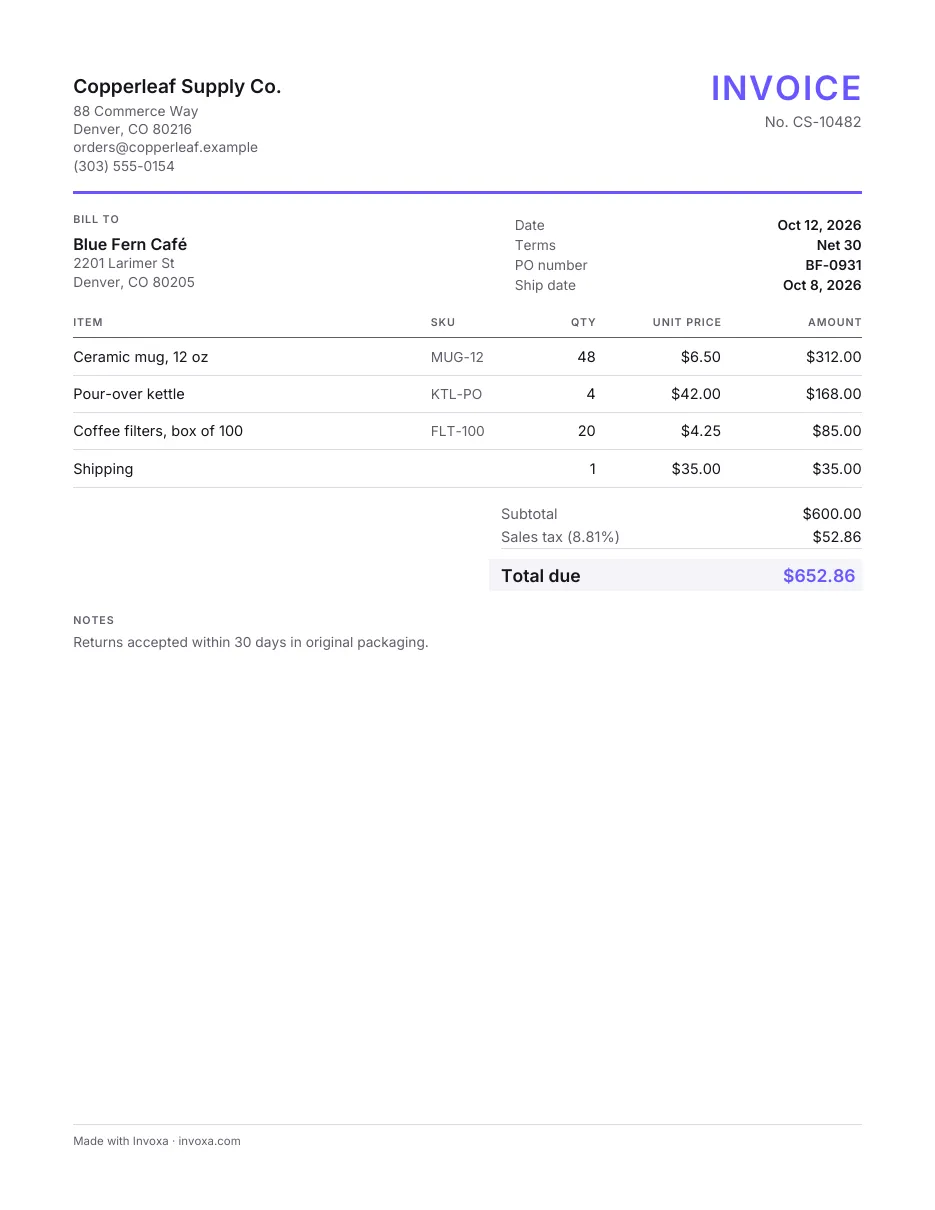
Sales invoice template
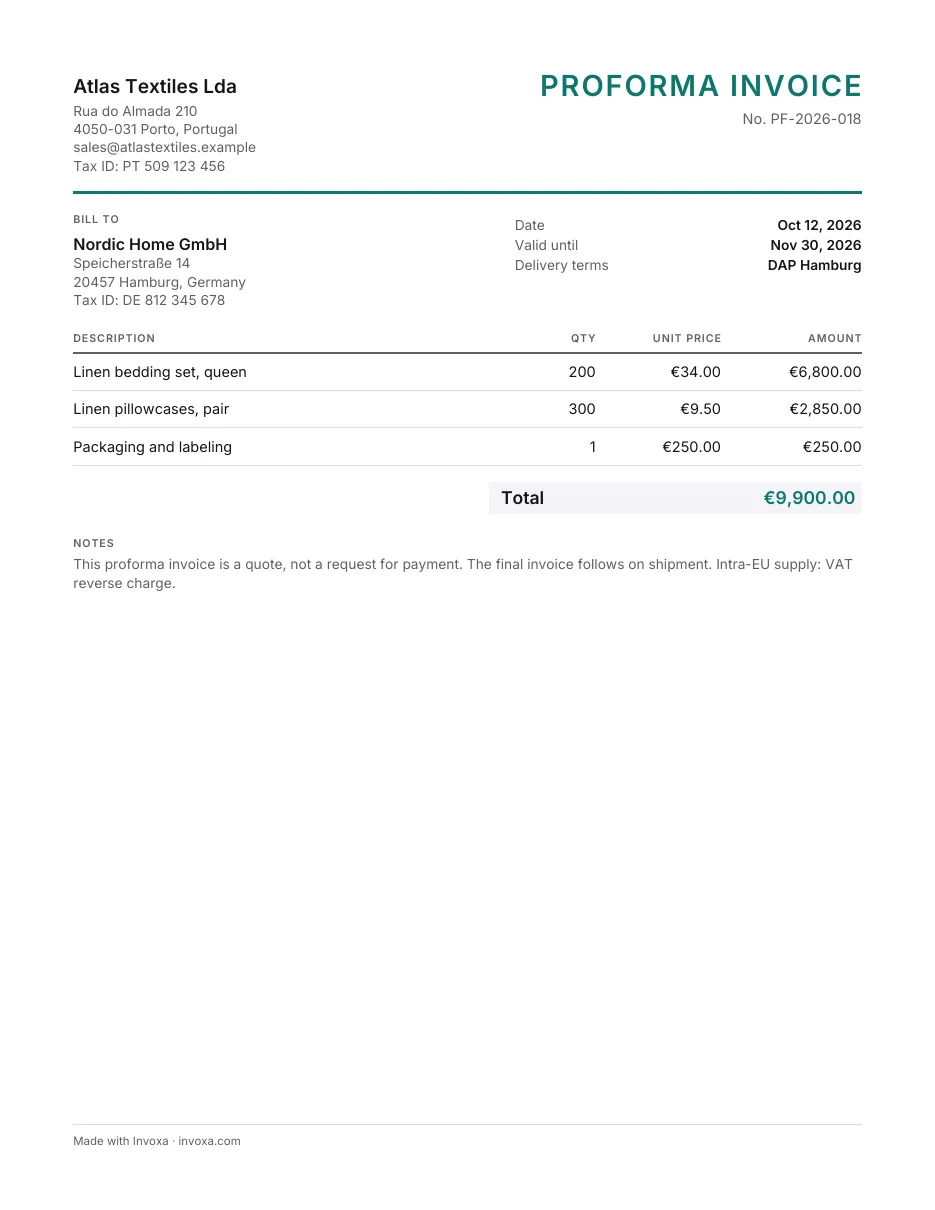
Proforma invoice template
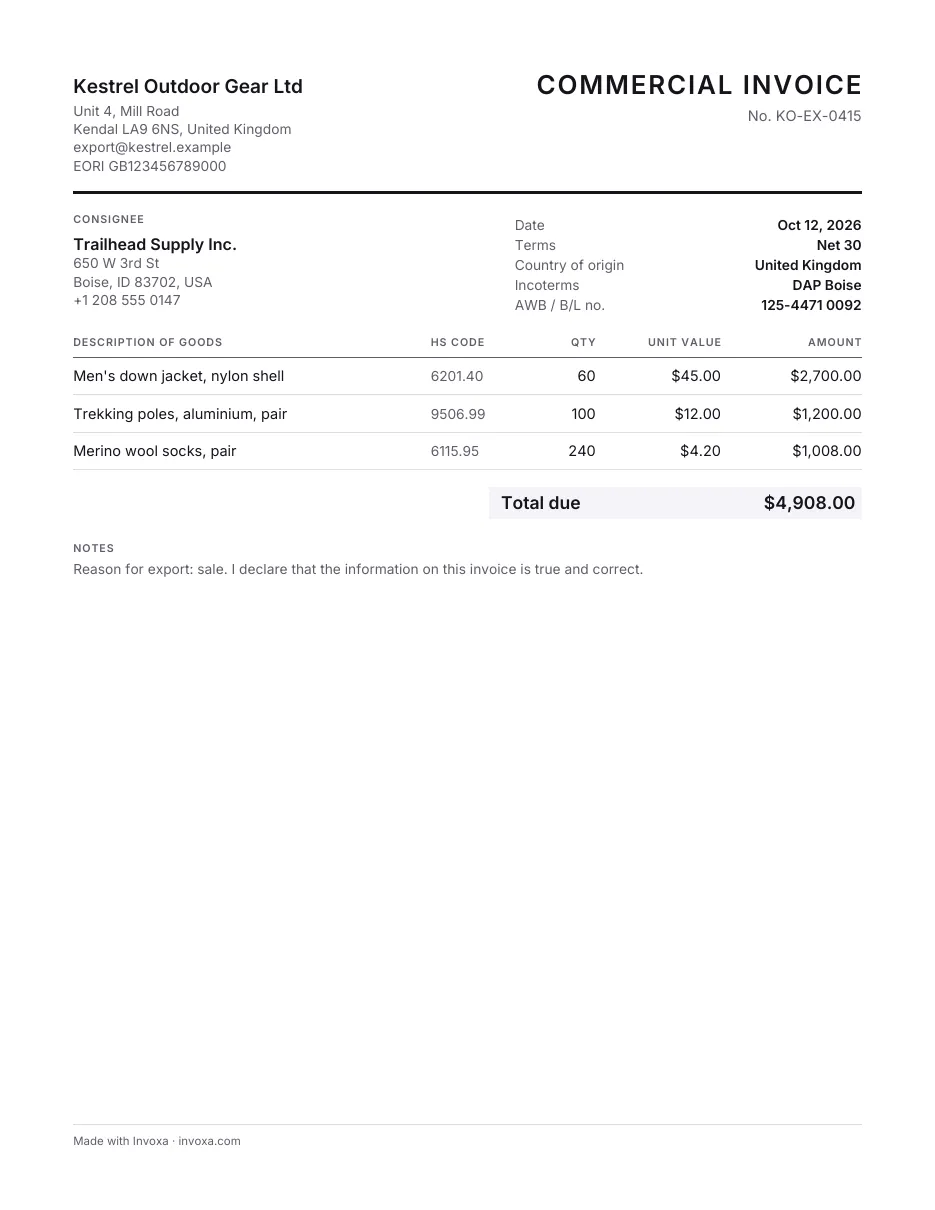
Commercial invoice template
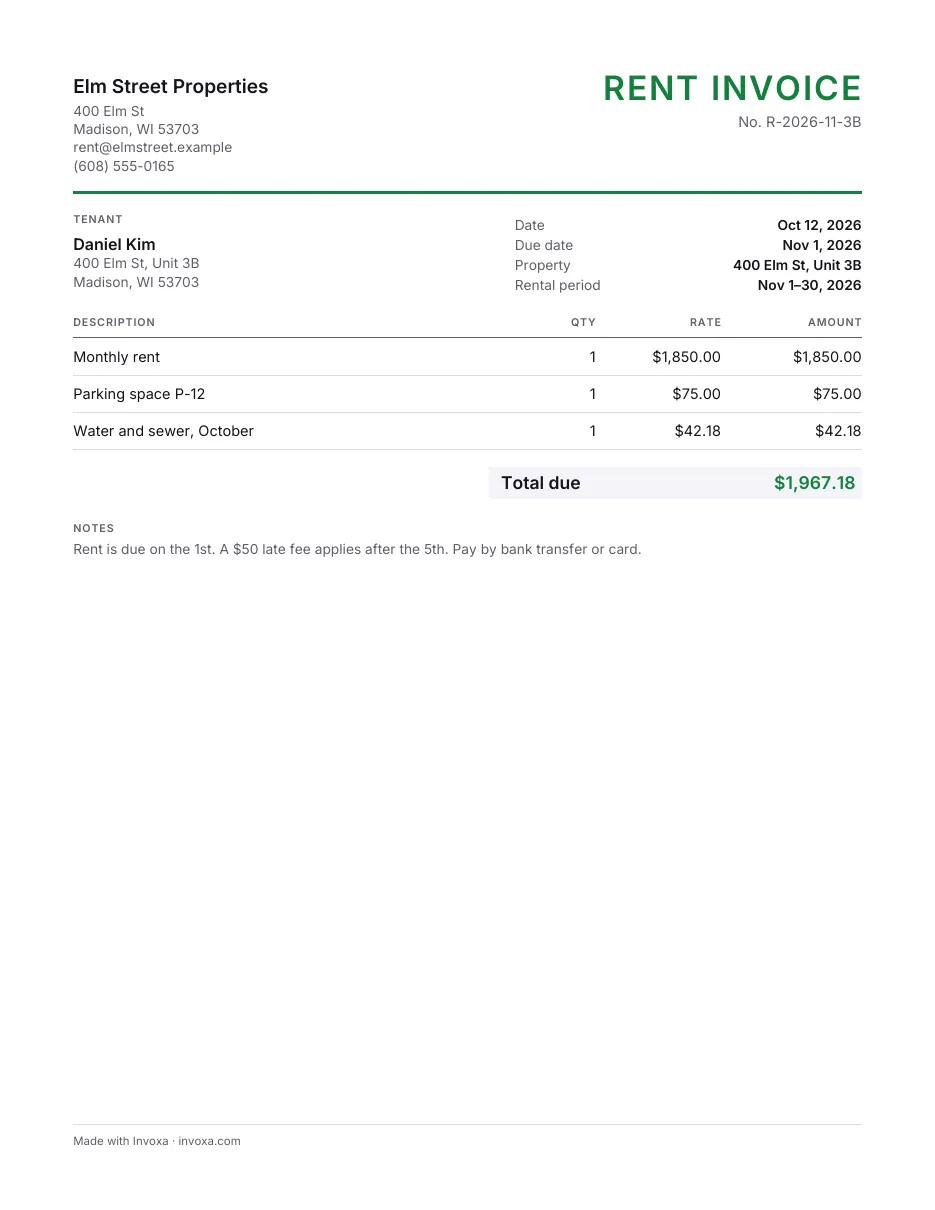
Rent invoice template
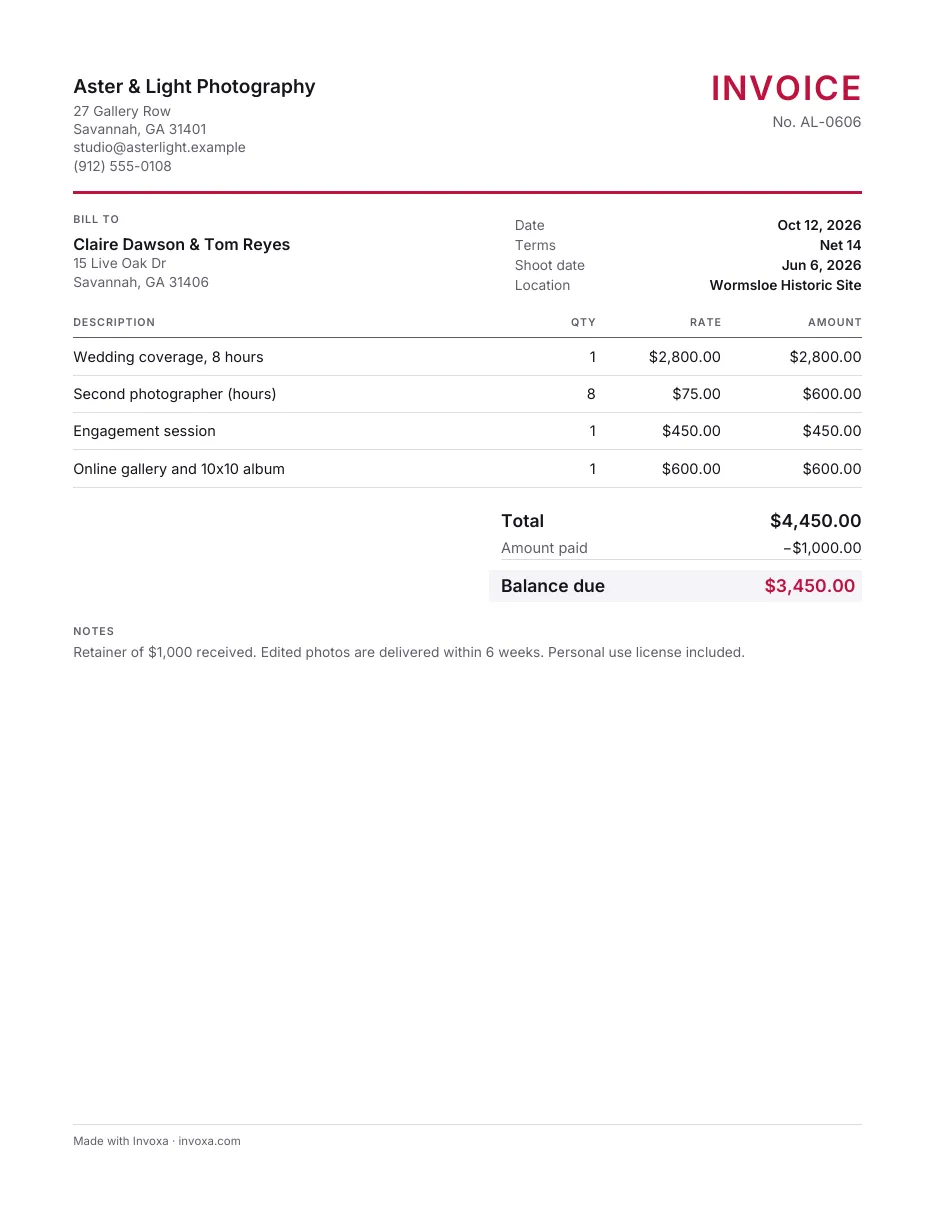
Photography invoice template
What’s free, and what an account adds
This generator
Free
- Unlimited PDF invoices, no account
- Your logo, tax, discount, 40+ currencies
- 14 templates, US Letter or A4
- Kept in your browser, never sent to us
Invoxa account
3-day free trial
- Email invoices as a link, see when they are opened
- Card payments through your Stripe account
- Clients, items, estimates and reports in one place
- Apps for iPhone and Android
Then Invoxa Pro from $5.99 a month. See pricing
Frequently asked questions
Is the invoice generator really free?
Yes. Fill in the invoice, add your logo and download the PDF as many times as you like, with no account and no trial. The PDF carries one small line in the footer, "Made with Invoxa · invoxa.com"; nothing is printed over your invoice.
Do I need an account?
No. You need one only if you want Invoxa to do more than make the PDF: email the invoice to your client as a link, see when they open it, take card payments, and keep all your invoices and clients in one place. "Save to a free account" moves the invoice you made here into the new account, so you do not type it again.
Where is my invoice stored?
In your browser only. The PDF is made on your device, and what you type is kept in this browser's local storage so the invoice is still here when you come back. Nothing is sent to Invoxa unless you choose "Save to a free account". "Start over" clears it.
Can I add my logo, tax and a discount?
Yes. Add a PNG or JPEG logo, a tax rate with its own name (sales tax, VAT, GST), a discount as a percentage or a fixed amount, and an amount already paid; the totals and the balance due are calculated for you.
Which currencies and paper sizes can I use?
More than 40 currencies, from the US dollar, euro and pound to the rupee, peso and naira, with the right symbol in the PDF. The PDF is US Letter or A4; we pick the size your country uses, and you can change it.
Can I make an estimate, quote or proforma invoice?
Yes. Change the title at the top of the invoice to "Estimate" or "Quote", or pick the proforma template, which sets the title and leaves out the due date. In an Invoxa account, estimates are a separate document your client can approve online and you can turn into an invoice.
Can my clients pay the invoice online?
Not from the PDF. To take card payments, save the invoice to an Invoxa account and connect Stripe; your client then opens the invoice from a link and pays by card, and the money goes to your Stripe account.
Does it work on my phone?
Yes, in any current mobile browser. For invoicing on the go there is also the Invoxa app for iPhone and Android.
New to invoicing? Read how to make an invoice or browse all invoice templates.
 Read reviews on App Store
4.9 out of 5 on App Store
 Read reviews on Google Play
4.9 out of 5 on Google Play