

Sales tax, VAT and discounts on every line
Add sales tax, VAT or GST to each line, inclusive or on top of the price, give a discount on a line or on the whole invoice, and let Invoxa do the arithmetic, with a tax summary at the bottom.
Included in Invoxa Pro, on the web and in the iPhone app. 3-day free trial, no credit card needed.
How it works
Save your taxes
Create each tax once, with its name, rate and whether it is included in prices or added on top.
Apply them to lines
Choose a tax per line item, or set one to apply to every new line automatically.
Add discounts
Take a percentage or an amount off a line, or off the whole invoice.
What you can do
Any tax name and rate
Sales tax, VAT, GST, IVA or any other, at the rate you set.
Inclusive or exclusive
Add tax on top of prices, or show prices that already include it.
Different taxes per line
Taxable and non-taxable items, or different rates, on one invoice.
Tax summary
Each tax and its total are listed at the bottom of the document.
Line and invoice discounts
A percentage or an amount on a single line, or on the whole invoice.
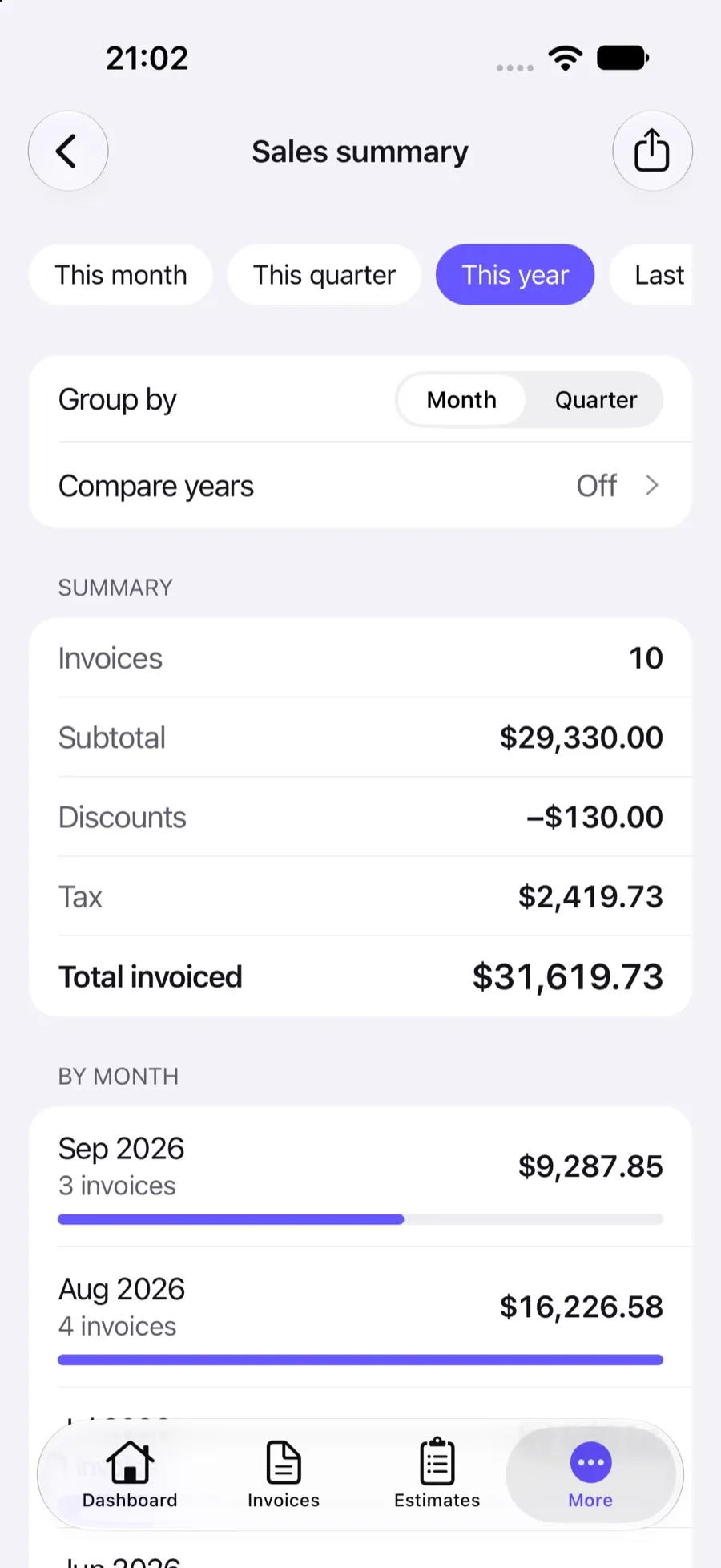
Taxes report
Tax charged by month or quarter and by rate, for your returns.
Taxes the way your business charges them
Whether you charge US sales tax, VAT in Europe, GST in Australia or IVA in Latin America, Invoxa treats them the same way: a tax has a name, a rate and a type. Exclusive taxes are added to the line price; inclusive taxes are already in the price and Invoxa shows the tax part. Save the taxes you use once and pick them on each line, or mark one to apply to all new lines.
Lines with different taxes
Items can carry different taxes on the same invoice: taxable services and non-taxable reimbursements, or a reduced rate for some products. The tax summary at the bottom lists each tax and its total, and saved items keep their tax, so you do not have to pick it every time.
Discounts
A line discount takes a percentage or an amount off that line, and the line’s tax is calculated on the discounted price. An invoice discount takes a percentage or an amount off the subtotal; it is applied before taxes are added but does not lower them. When the law requires tax on the price after discount, use line discounts.
Reporting tax
The taxes report adds up tax by month or quarter and by rate, ready for your returns; see reports.
Frequently asked questions
Can I add sales tax or VAT to an invoice in Invoxa?
Yes. Create the tax with its name and rate, then choose it on each line or set it to apply to all new lines. Invoxa calculates the tax and lists it in the tax summary.
What is the difference between inclusive and exclusive tax?
Exclusive tax is added on top of the line price. Inclusive tax is already part of the price, and Invoxa shows how much of it is tax without changing the total.
Can I give a discount?
Yes, on a line (a percentage or an amount) or on the whole invoice. Line discounts lower the taxable amount of that line; a discount on the whole invoice is taken off the subtotal and does not change the tax.
Does Invoxa know the tax rate for my state or country?
No. Rates depend on where you and your client are and what you sell, so you enter them. Our guides to VAT invoices and tax invoices explain what to show.
Related features
Invoicing reports
Sales by date, client and item, a sales journal, taxes and customer aging, with spreadsheet exports.
Clients and items
Save clients with several emails, phones and addresses, and a catalog of items with prices, units and taxes.
Any of 119 currencies
Invoice in any of 119 currencies, with the number and date formats your clients expect.
 Read reviews on App Store
4.9 out of 5 on App Store
 Read reviews on Google Play
4.9 out of 5 on Google Play