Simple receipt template
A plain, one-page receipt with only what a receipt needs: who paid whom, for what, how much and how. Download it for Word or Excel, print the PDF, or fill it in online.
Free, no sign-up. Online, you get a finished PDF in one click.
Download the simple receipt template
What’s in this template
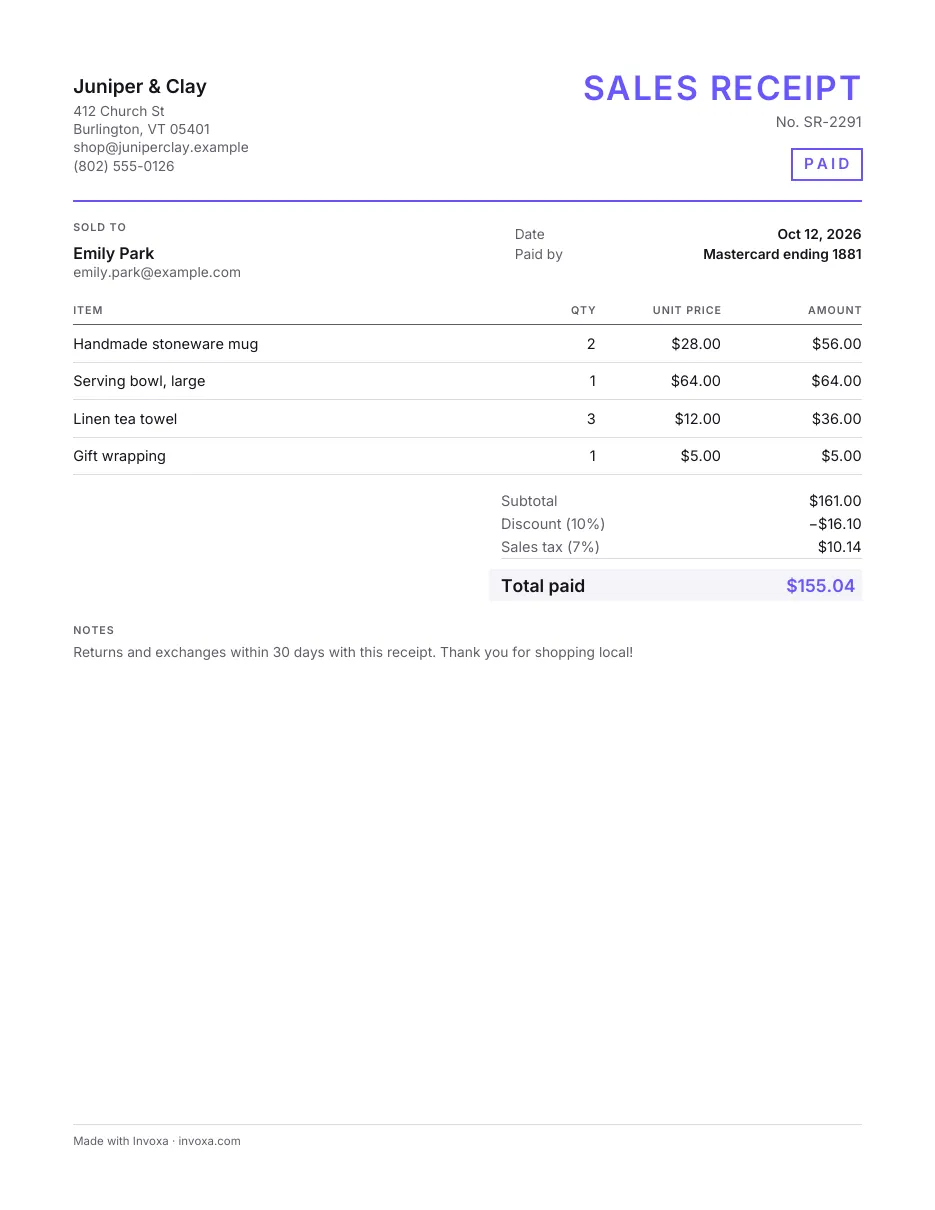
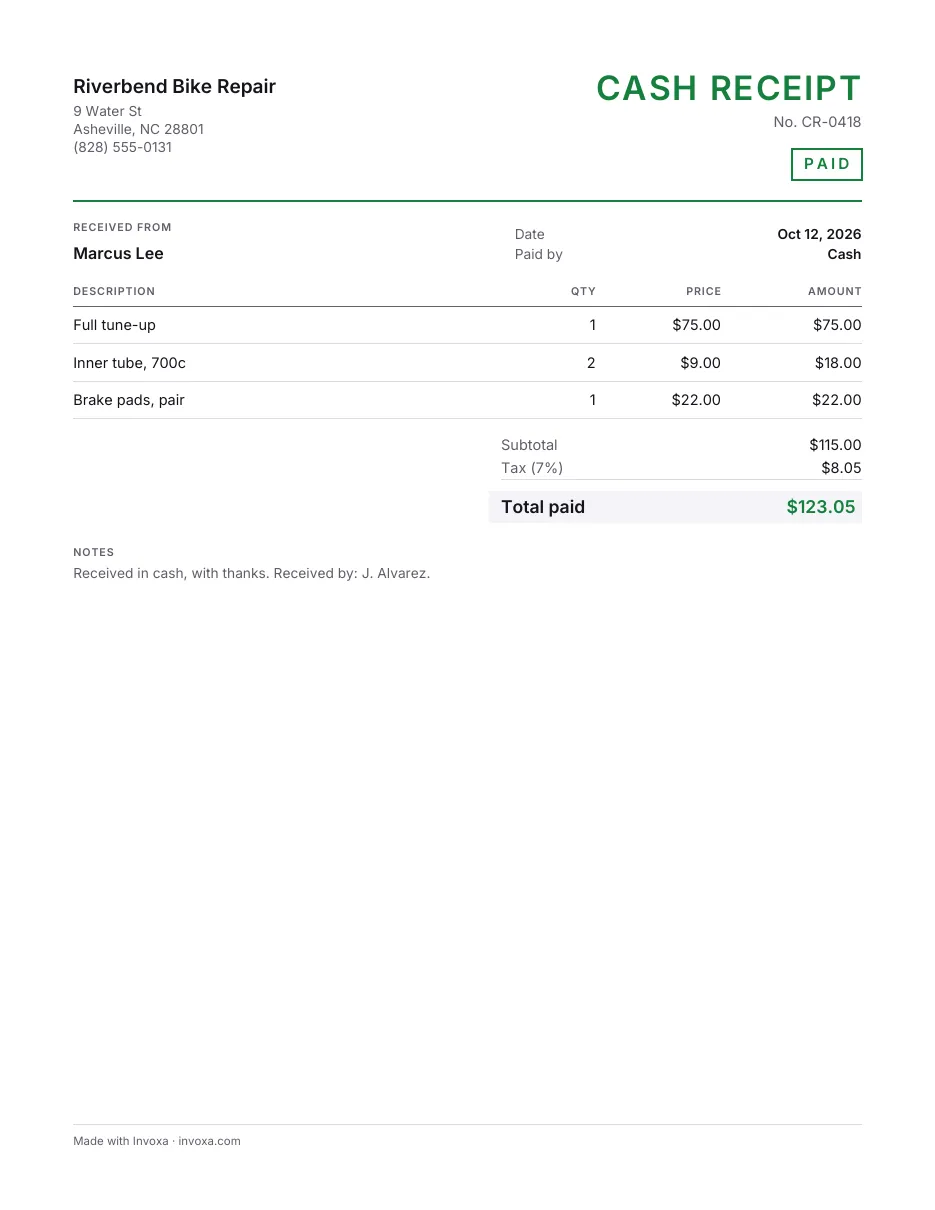
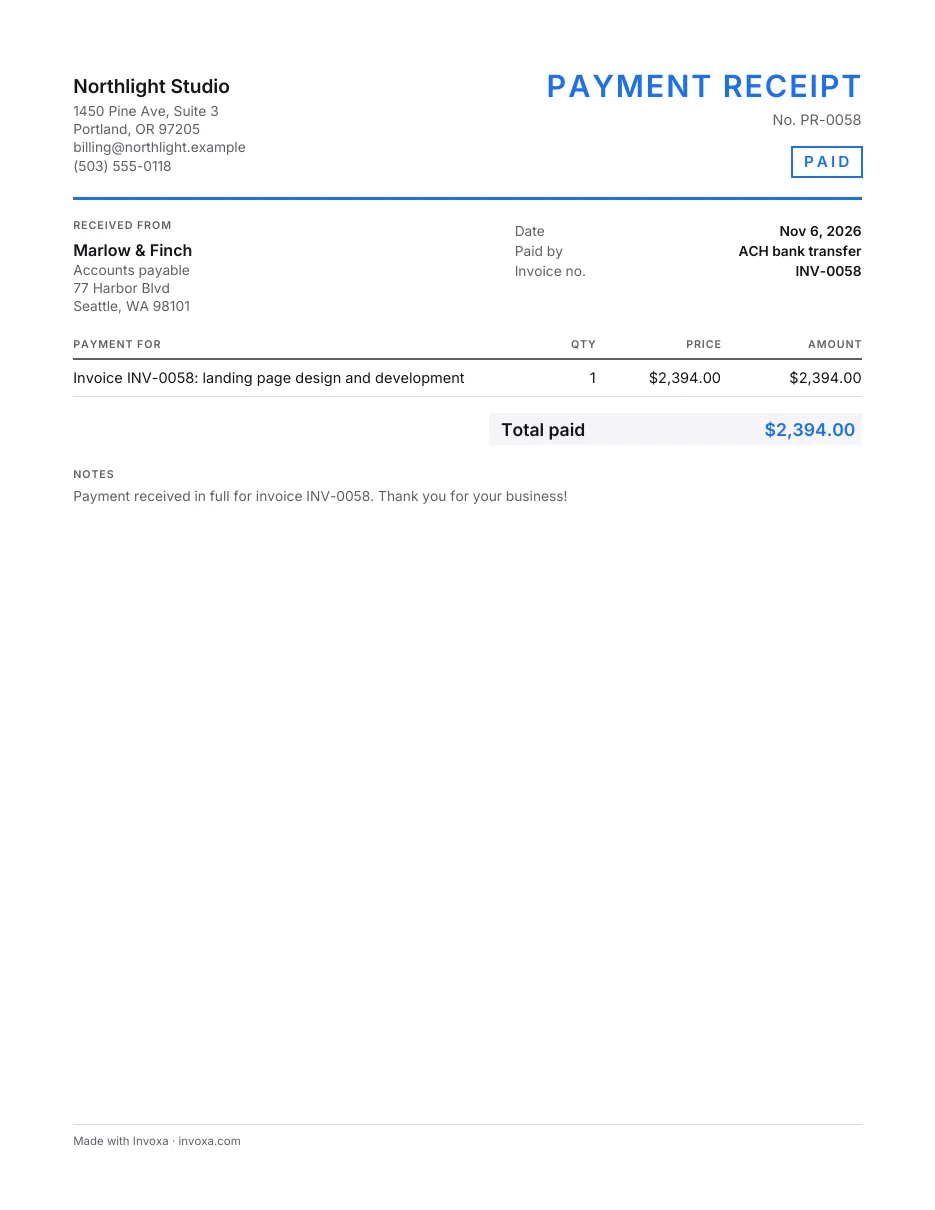
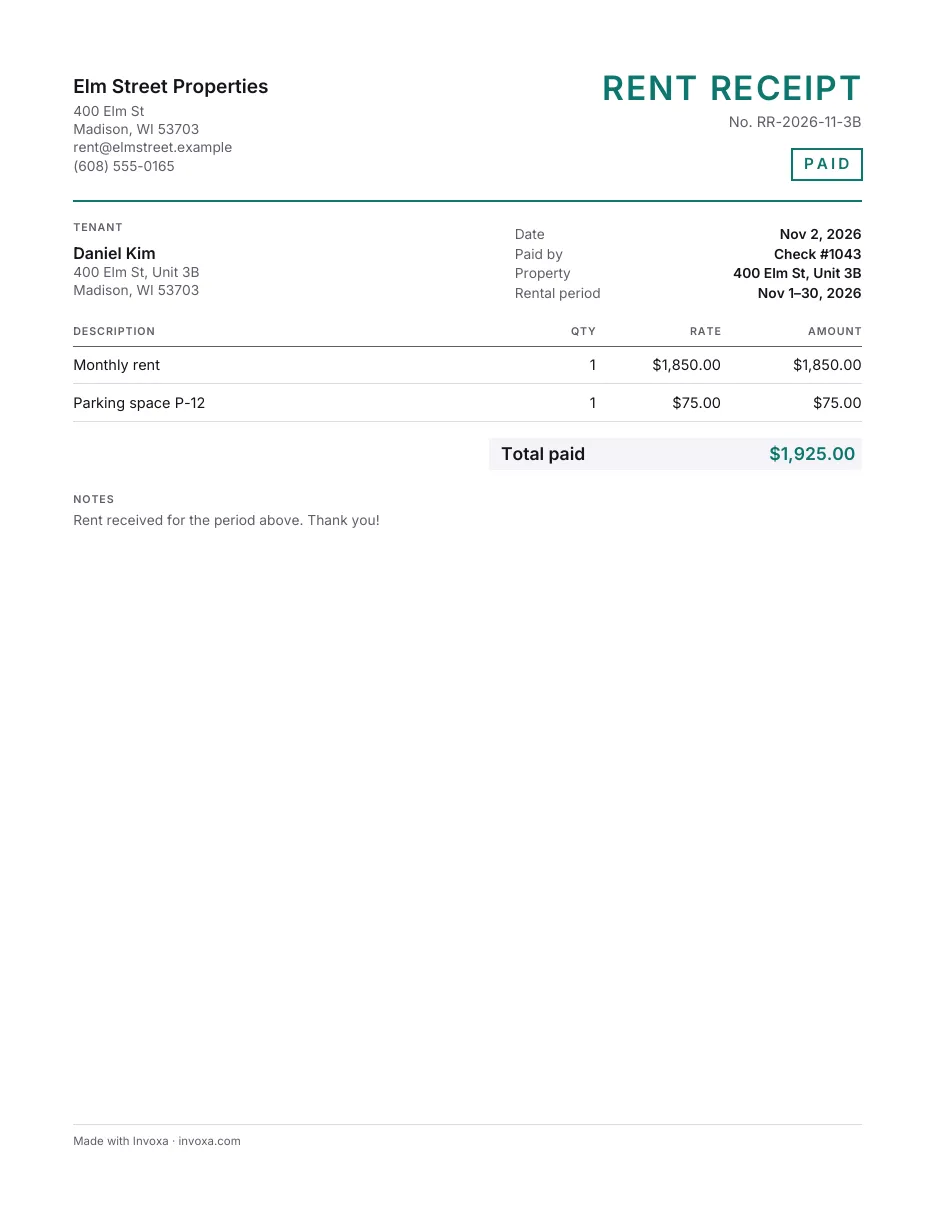
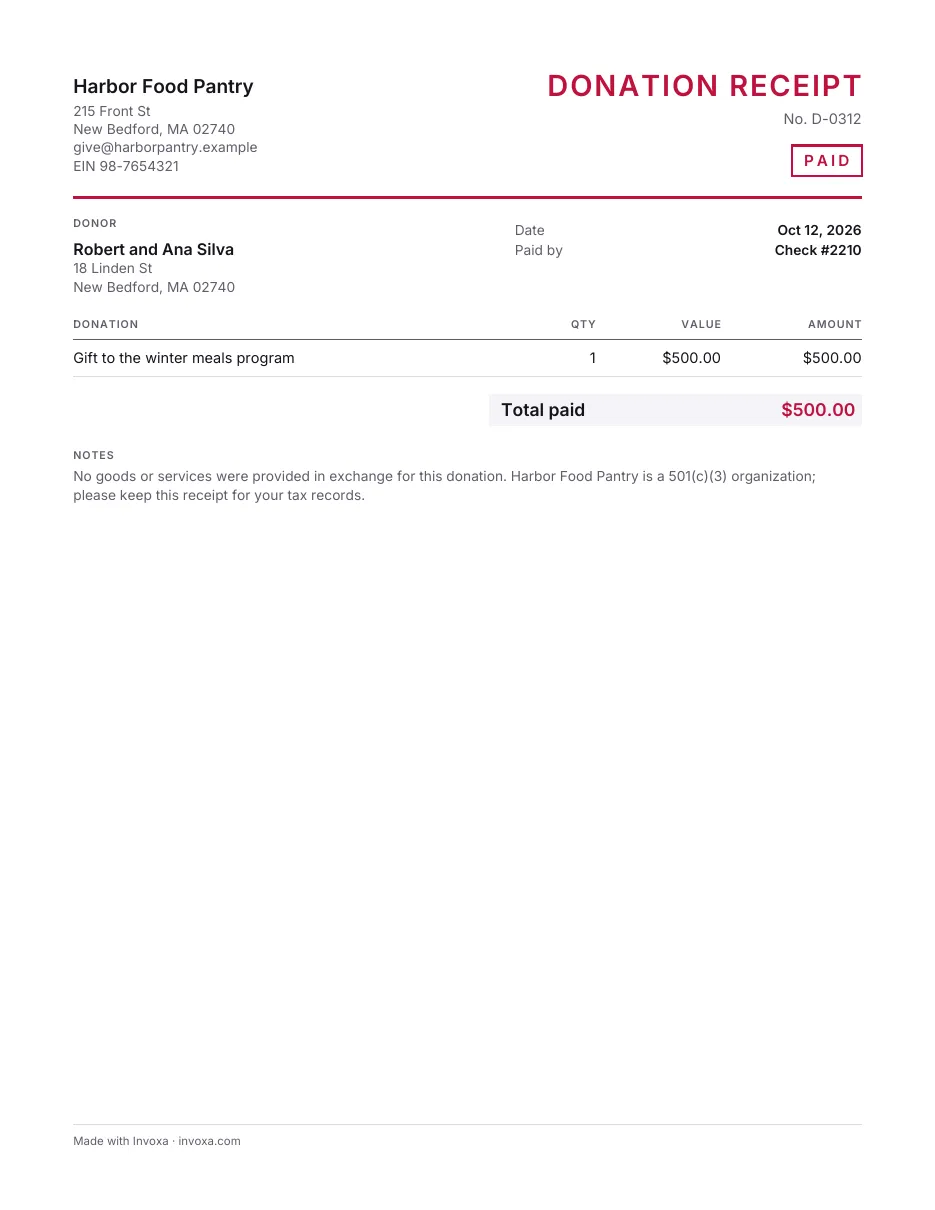
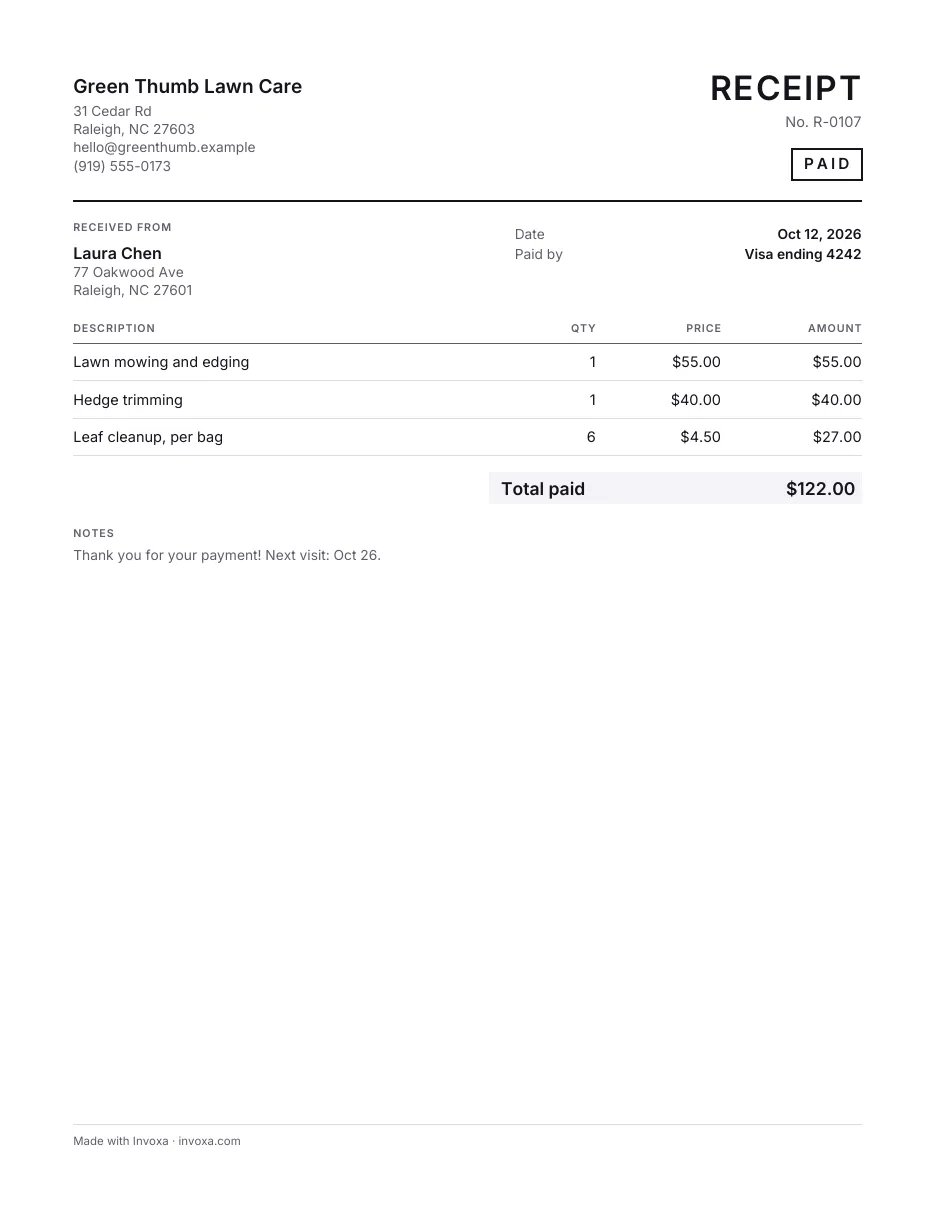
- Your business details and the customer's name
- Receipt number, date and how it was paid
- Lines with quantity, price and amount
- Subtotal, discount, sales tax and total paid
- A "Received by" line with room to sign
How to fill it in
- Pick a format. Download the Word or Excel file or the printable PDF, make your own copy in Google Docs or Google Sheets, or fill the template in online and download the finished PDF.
- Add both parties. Put your business name, address and phone or email at the top, and the customer's name under Received from.
- Number and date it. Give the receipt its own number (R-0001, R-0002 …), the date the money came in and how it was paid: cash, card, check or transfer.
- List what was paid for. Add one line per product or service with a quantity and price, add tax or a discount if you need them, check the total paid and hand or send the receipt to the customer.
When to use it
Use the simple receipt whenever someone pays you and wants proof: a service paid on the spot, a one-off sale, a deposit for a job. It has no extra fields to fill or delete, so it fits almost any small business and prints cleanly on one page.
For goods sold in a shop or online, the sales receipt adds unit prices and room for your return policy; for money handed over in cash, the cash receipt starts with “Paid by: Cash”.
Tips
- Number every receipt. One number per receipt, never reused, makes it easy to match payments to your bank statement.
- Write how it was paid. “Visa ending 4242” or “Check #1043” settles most questions later.
- Keep a copy. Save a copy of every receipt you give; it is part of your records for taxes. See how to manage receipts.
Frequently asked questions
What should a receipt include?
Your business name and contact details, a receipt number, the date of the payment, who paid, what they paid for with amounts, any tax, the total paid and how it was paid. Countries with VAT or GST also expect your tax number on it.
What is the difference between a receipt and an invoice?
An invoice asks for payment and says when it is due; a receipt confirms that a payment was received. If you need to ask for payment first, use an invoice template instead.
Can I use this template for free?
Yes. The Word, Excel and PDF files are free to download and use for your business, and so is the online receipt maker; neither needs an account.