Payment receipt template
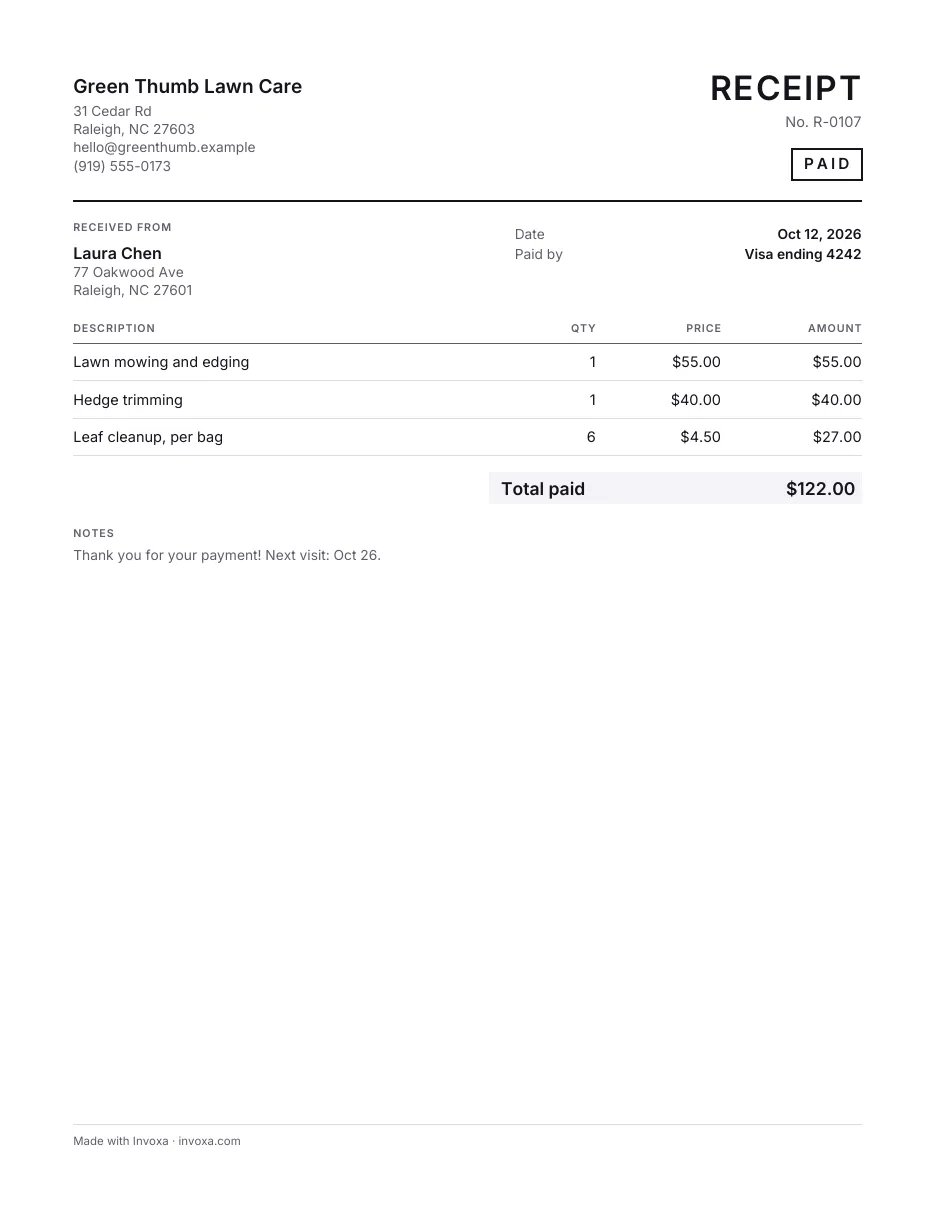
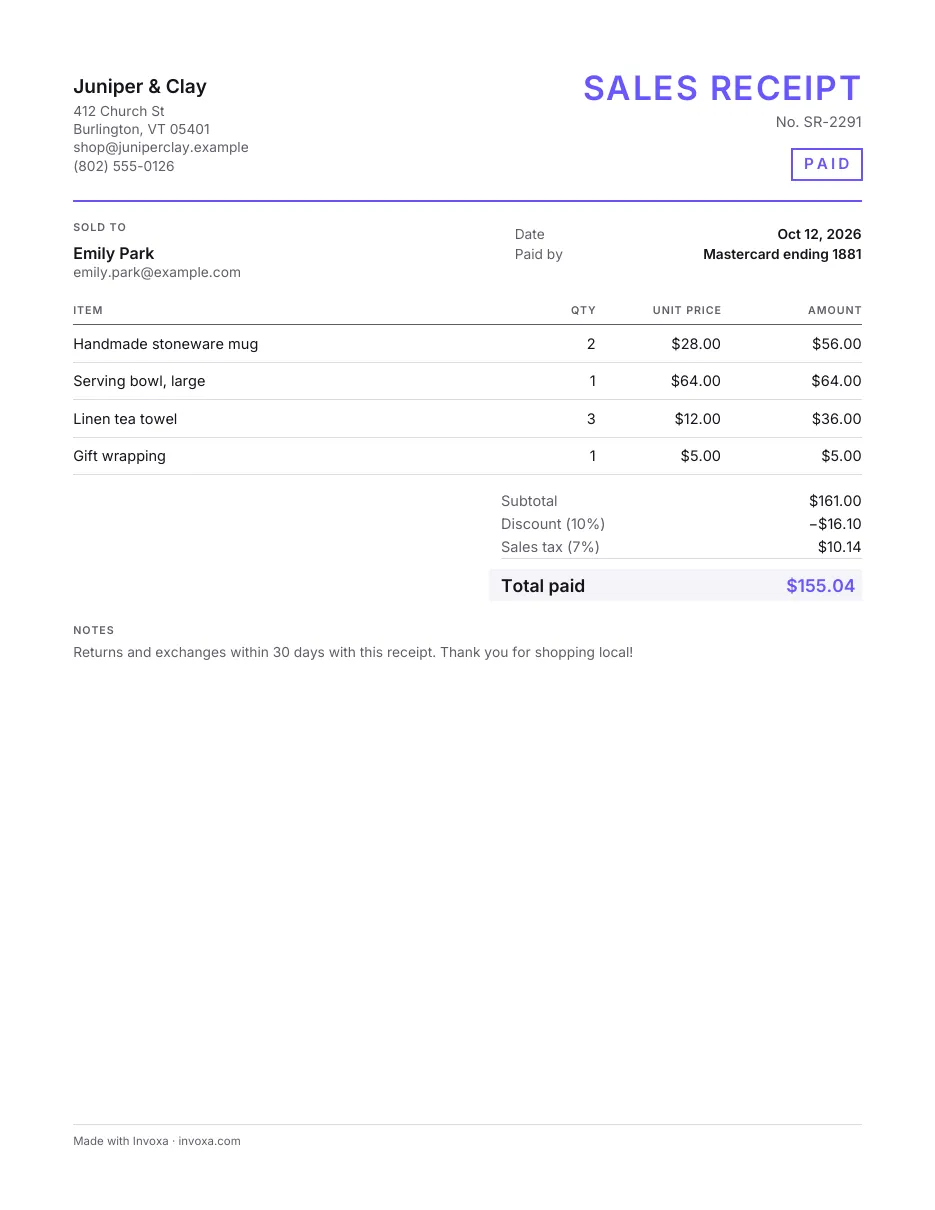
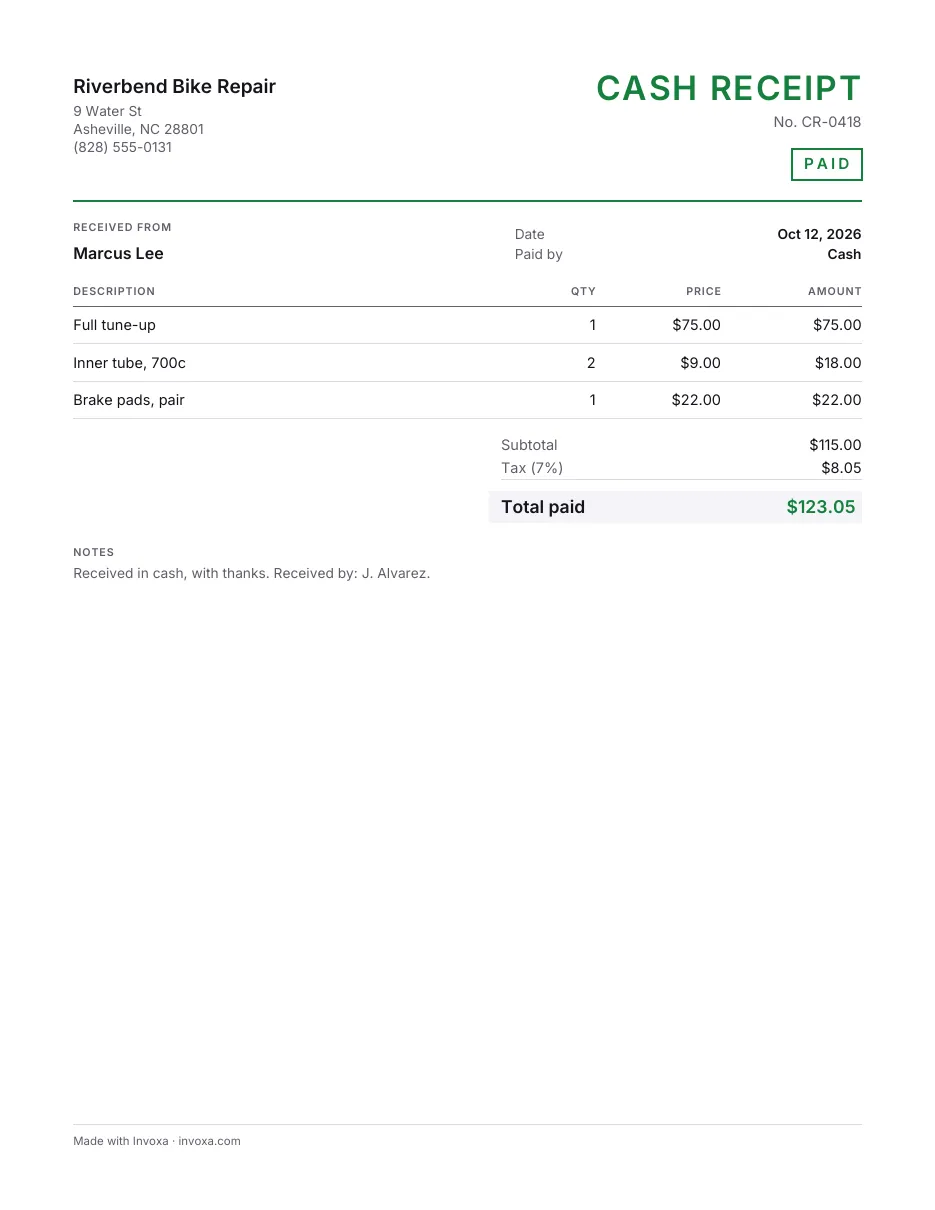
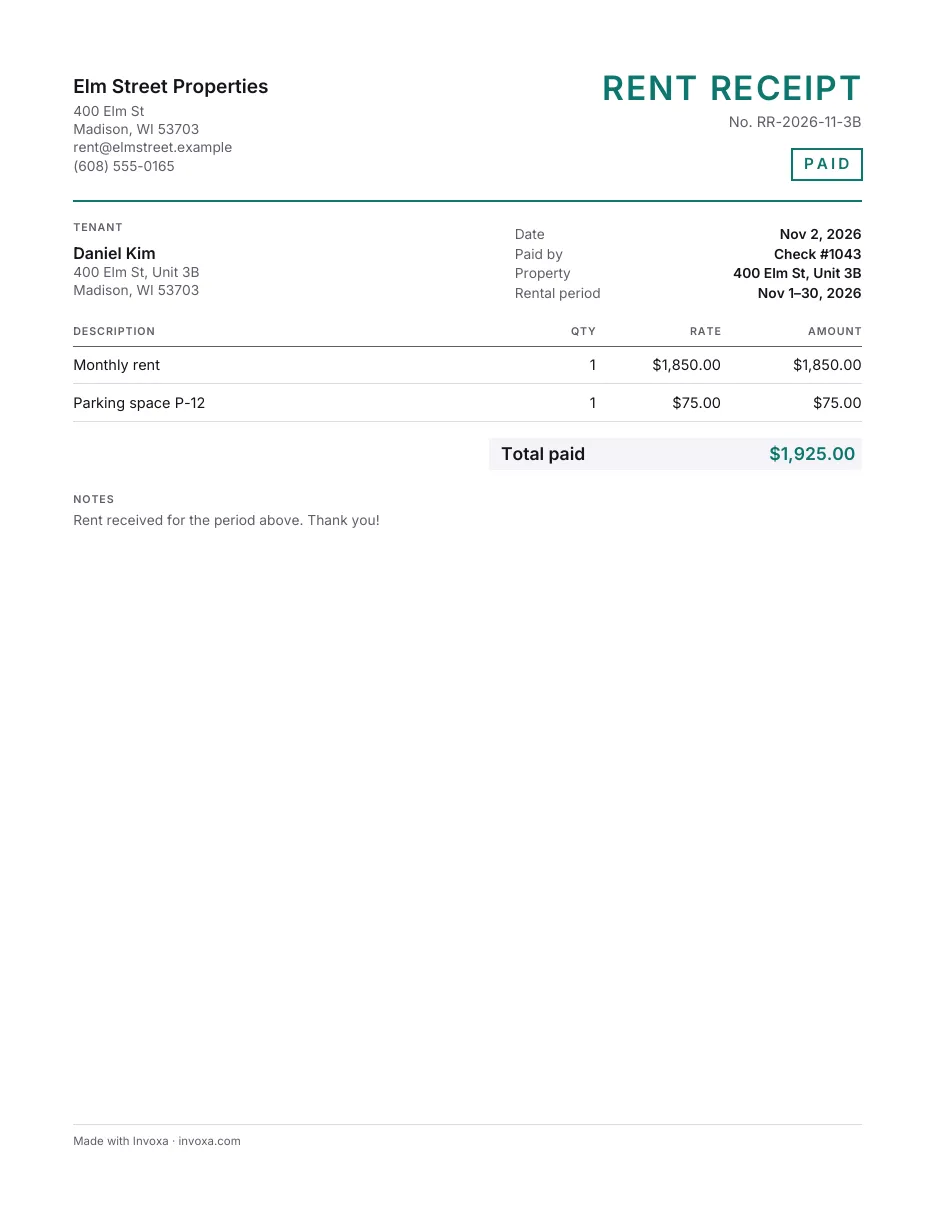
A payment receipt confirms that an invoice or an order was paid: which invoice, how much, when and how. Send it once the money arrives, so your client's records match yours.
Free, no sign-up. Online, you get a finished PDF in one click.
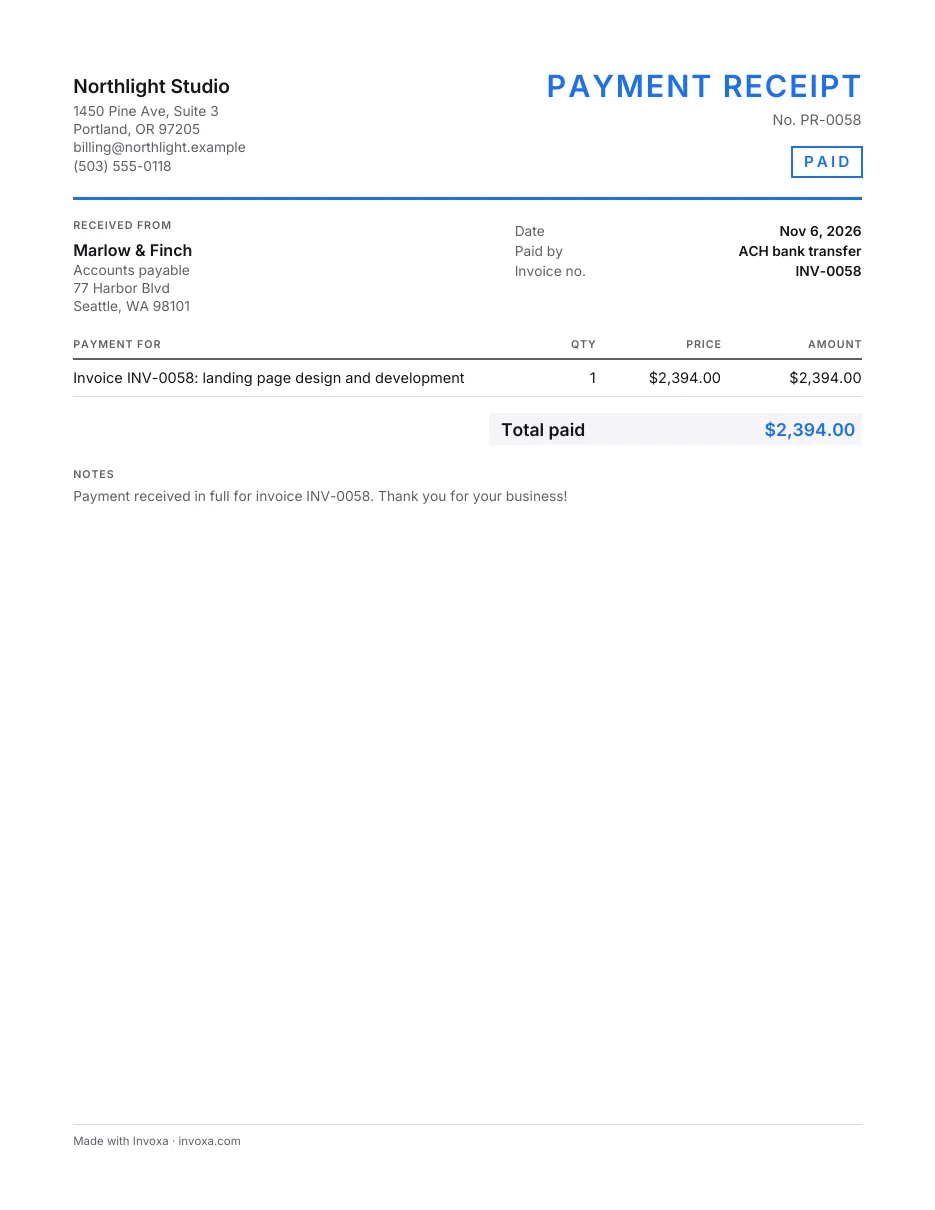
Download the payment receipt template
What’s in this template
- An "Invoice no." field for the invoice it settles
- Receipt number, payment date and method
- Lines for the invoices or orders paid
- Total paid, with tax if you show it
- A thank-you note and a line to sign
How to fill it in
- Pick a format. Download the Word or Excel file or the printable PDF, make your own copy in Google Docs or Google Sheets, or fill the template in online and download the finished PDF.
- Add the client and the invoice. Fill in your details, the client who paid and the number of the invoice the payment settles.
- Write the payment. Put the date the money arrived and how it came (bank transfer, card, check number), then one line per invoice or order paid with its amount.
- Check the total and send. Make sure the total matches the payment received, add a thank-you, and email the receipt to the person who paid.
When to use it
Use the payment receipt after an invoice or an order is paid, especially when the client pays by bank transfer or check and gets nothing back automatically. It is also the document to send when a client asks for “proof that we paid”.
If you still have to ask for the money, start with an invoice template; with an Invoxa account, invoices sent as a link are marked paid when the client pays by card.
Tips
- Quote the invoice number exactly as it was on the invoice.
- Use the date the money arrived, not the date of the invoice.
- Send it the same day the payment shows up; it saves a reminder from the client’s side.
Frequently asked questions
Do I need to send a receipt after an invoice is paid?
Often it is not required, but clients' accounts teams regularly ask for one, and it closes the loop: the invoice asked for the money, the receipt confirms it arrived.
What if the client paid only part of the invoice?
Make the receipt for the amount received and say what is still due. In the online receipt maker, type the amount in "Amount paid" and the receipt shows the balance.
Can one receipt cover several invoices?
Yes. Put one line per invoice, each with its number and amount, so the client's accountant can match every payment.