

Get paid online from the invoice
Put a Pay button on your invoices. Clients open the invoice link and pay by card, Apple Pay, Google Pay or the other methods you turn on in Stripe, in full or in part, and Invoxa marks the invoice paid for you.
Included in Invoxa Pro, on the web and in the iPhone app. 3-day free trial, no credit card needed.
How it works
Connect Stripe once
Link your own Stripe account in Invoxa's payment settings; new invoices get the Pay option.
Send the invoice
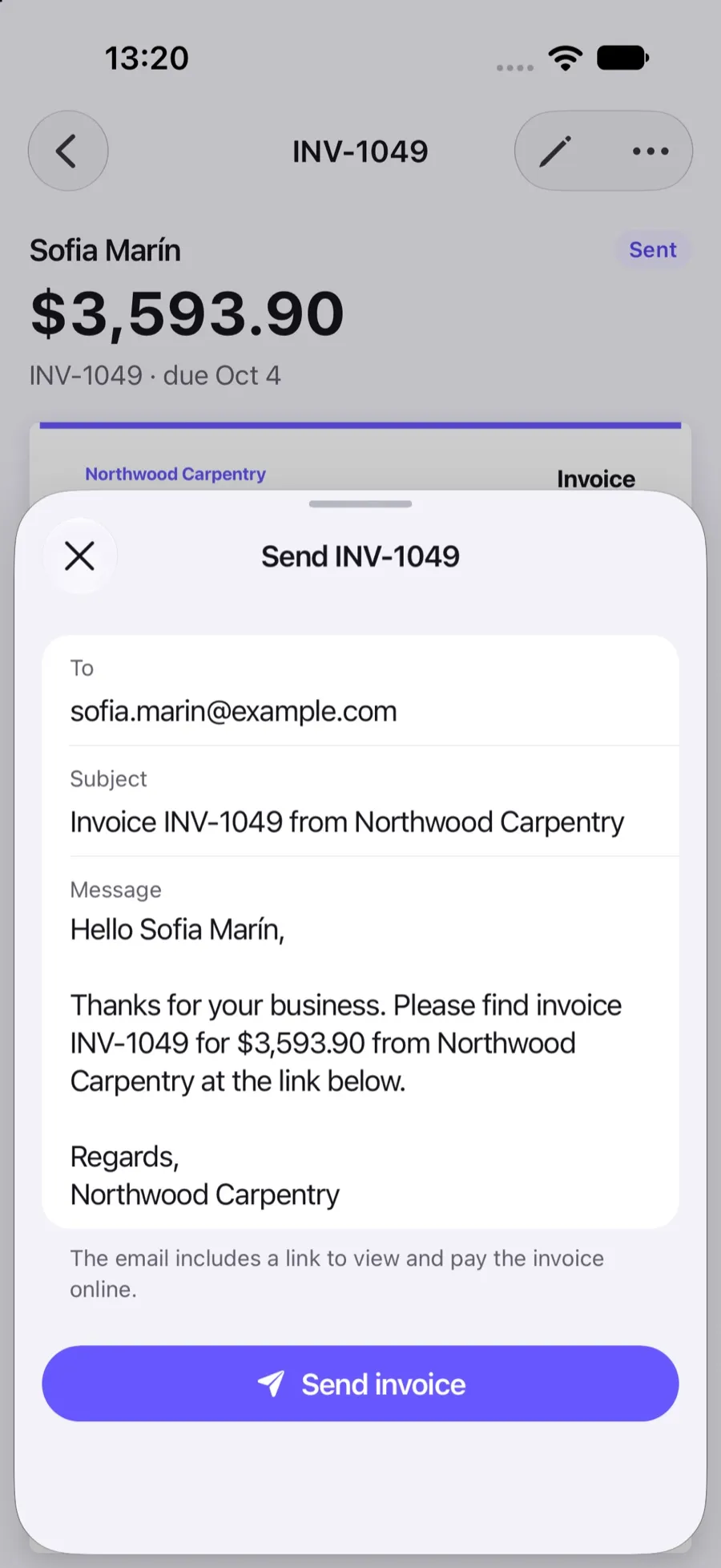
Email it from Invoxa or share the link. The client opens it in any browser, without an account.
The client pays
Pay opens Stripe's checkout; the money goes to your Stripe account and the invoice is marked paid.
What you can do
Cards and wallets
Cards, Apple Pay, Google Pay, and bank debits or other methods you enable in your Stripe Dashboard.
Full or partial
Clients can pay the whole balance or a part of it, for example a deposit.
Marked paid automatically
The payment is recorded and the status set to Paid or Partially paid as soon as Stripe confirms it.
Bank debits tracked
Payments that take days to clear show as processing until the bank confirms them.
You are notified
Get a notification and an email when a client pays, with the amount.
No Invoxa fee
Invoxa adds nothing to the payment; you pay only Stripe's own processing fees.
Why let clients pay online
Clients pay sooner when paying is one click away from the invoice. Instead of copying bank details or mailing a check, they press Pay, choose a card or wallet, and are done. You get a notification, the invoice is marked paid, and the money lands in your Stripe account.
How the payment works
The invoice link opens a page with the invoice, a Download button and a Pay button. Pay creates a Stripe Checkout session for the balance due on your own Stripe account. Stripe shows the payment methods you have enabled and handles the card details, 3D Secure and receipts. When Stripe confirms the payment, Invoxa records it with the method Stripe and updates the status. Bank debits such as ACH show as processing until the bank confirms them.
Partial payments and deposits
The client can change the amount on the payment page, up to what is still due. That covers a deposit before work starts or a large invoice paid in two parts. Each payment is recorded separately, and the invoice is Partially paid until the total is covered. See payment terms and deposits for how to request a deposit on the invoice.
Fees
Invoxa does not take a cut of your payments. Stripe charges its standard fees on your Stripe account, for example 2.9% + 30¢ for a domestic card in the US (Stripe pricing). Read more in Stripe integration.
Frequently asked questions
How can clients pay my invoice online?
Connect your Stripe account in Invoxa. Each invoice then has a Pay button on its online page; the client chooses a payment method on Stripe's checkout page and the money goes to your Stripe account.
Which payment methods can my clients use?
The ones you turn on in your Stripe Dashboard: cards, wallets such as Apple Pay and Google Pay, bank debits and other local methods Stripe offers in your country.
How much does it cost to accept card payments?
Invoxa takes no fee. Stripe charges its own processing fee, for example 2.9% + 30¢ per domestic card payment in the US. Online payments are included in Invoxa Pro.
Can a client pay only part of an invoice?
Yes. On the payment page the client can lower the amount, up to the balance due. The invoice shows as Partially paid until the rest arrives.
Related features
Stripe integration
Connect your own Stripe account; payments go straight to it, with no Invoxa fee on top.
Record payments
Record full or partial payments in cash, by check or by card; the invoice status updates itself.
Payment terms and deposits
Net 7 to Net 90 or a custom due date, deposits as a percentage or amount, and your payment instructions.
 Read reviews on App Store
4.9 out of 5 on App Store
 Read reviews on Google Play
4.9 out of 5 on Google Play