

Attach photos and files to invoices
Add the proof that goes with the bill: photos of the finished job, a signed work order, a receipt for materials or a contract. Attach up to 10 files to any invoice, estimate or purchase order, and your client opens them from the same link.
Included in Invoxa Pro, on the web and in the iPhone app. 3-day free trial, no credit card needed.
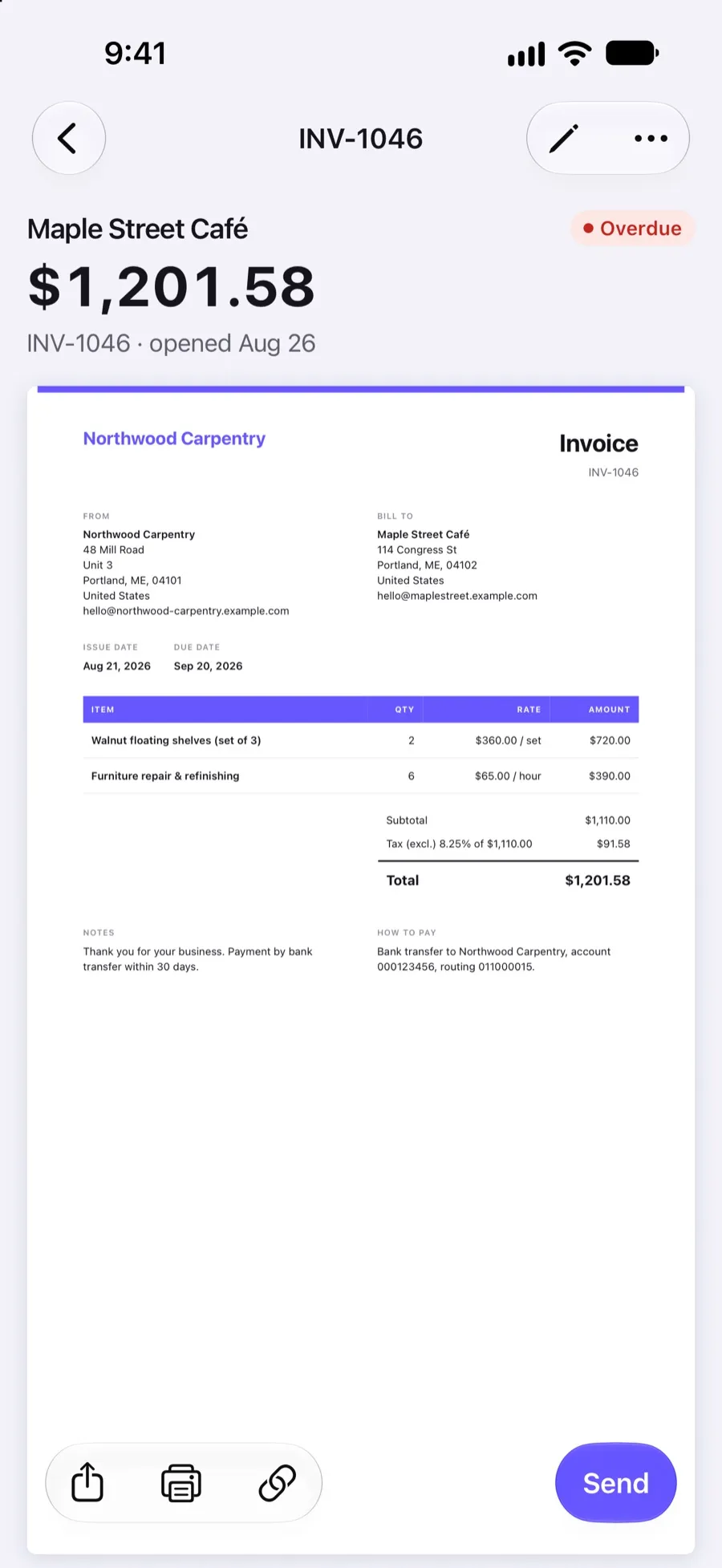
How it works
Open the document
Any invoice, estimate or purchase order, while you create or edit it.
Add files
Take a photo, pick one from your library or choose a PDF, up to 10 MB each.
Send as usual
The client sees the attachments on the document page and can open or download them.
What you can do
Photos and scans
Before-and-after photos, site photos, scanned receipts and signed paperwork.
PDF files
Contracts, specifications, delivery notes or timesheets as PDF.
Up to 10 per document
Attach up to 10 files of up to 10 MB each.
On all document types
Invoices, estimates and purchase orders all take attachments.
Carried over
Attachments come along when you duplicate, convert an estimate or repeat an invoice.
Opened from the link
Clients open attachments on the same page as the document, without an account.
Why attach files to an invoice
Questions slow payments down. A photo of the finished bathroom, a scan of the signed delivery note or the receipt for the materials you bought answers them before they are asked. For estimates, attaching plans, a contract or product sheets helps the client approve faster.
How clients see attachments
When a client opens your invoice link, the attachments are listed on the same page as the invoice. They can open each one in the browser or download it, along with the invoice PDF. Nothing needs to be installed and no account is needed.
Good to know before you attach
Each file can be up to 10 MB, and a document can have up to 10 files. Files open from the document link, so treat them like an email attachment and share the link only with your client; see data security.
Frequently asked questions
Can I attach photos to an invoice?
Yes. Add up to 10 photos or files to any invoice, estimate or purchase order, up to 10 MB each. Clients see them on the document page from your link.
Which file types can I attach?
Images (JPEG, PNG, WebP, GIF, HEIC) and PDF files. Upload photos straight from your phone.
Are attachments included in the PDF?
No. The PDF contains the document itself. Attachments are opened from the online document page, where the client can also download the PDF.
Do attachments stay when I duplicate an invoice?
Yes. Duplicating, converting an estimate to an invoice and recurring copies all keep the attachments.
Related features
Invoice design
Eight templates, your logo, a brand color and control over the header, table, footer and signature.
Estimates and quotes
Send estimates clients can approve, reject or comment on online, then turn them into invoices in one step.
Data security
Encrypted connections, card payments on Stripe's page, hashed passwords and private document links.
 Read reviews on App Store
4.9 out of 5 on App Store
 Read reviews on Google Play
4.9 out of 5 on Google Play