

How Invoxa keeps your invoices and payments safe
Invoices hold your clients' names, addresses and money. Invoxa sends everything over encrypted connections, never sees your clients' card numbers, stores passwords only as hashes and opens documents from private links.
Included in Invoxa Pro, on the web and in the iPhone app. 3-day free trial, no credit card needed.
How it works
Encrypted in transit
The website, the web app, the iPhone app and document links all use HTTPS.
Cards stay with Stripe
Clients enter card details on Stripe's own checkout page; Invoxa only receives the payment result.
Private by default
Each document opens from a long, random link that only you and the people you send it to have.
What you can do
HTTPS everywhere
Every connection to Invoxa is encrypted, from sign-in to the client's payment page.
No card numbers at Invoxa
Card payments happen on Stripe Checkout; Invoxa stores the amount and status, not the card.
Hashed passwords
Passwords are stored as salted hashes, never as text. Sign in with Google or Apple if you prefer.
Keychain on iPhone
The iPhone app keeps your sign-in in the iOS Keychain on that device and never stores your password.
Abuse protection
reCAPTCHA and sending limits stop others from using Invoxa accounts to send spam or fake invoices.
Nightly backups
The database is backed up every night to separate storage.
What Invoxa protects
Your Invoxa account holds client contact details, prices, invoices and payment records. Invoxa protects that data in transit with HTTPS, protects your account with hashed passwords and revocable sessions, and keeps the most sensitive data of all, your clients’ card numbers, out of Invoxa entirely.
Card payments on Stripe
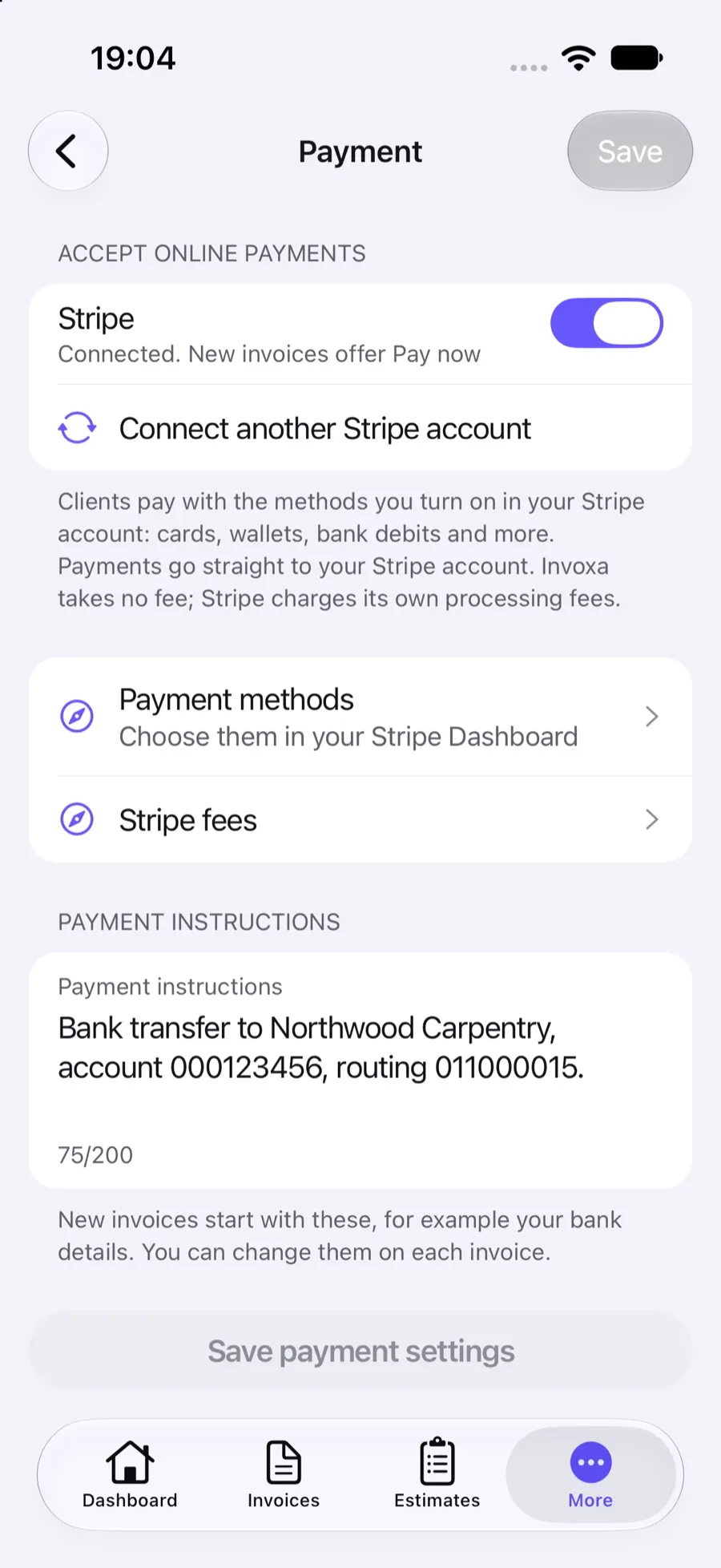
When a client presses Pay on your invoice, they go to Stripe Checkout, Stripe’s own payment page, running on your Stripe account. Card numbers, wallets and bank details are entered there and processed by Stripe. Invoxa receives only the payment result (amount, currency and status) to mark the invoice paid. Read more about connecting Stripe.
Private document links
Clients open invoices, estimates and purchase orders without an account, from a link with a long random identifier that cannot be guessed. The link is private in the same way an email attachment is: anyone you forward it to can open it. Attachments up to 10 MB are checked by their content when you upload them.
Protecting your name
Fraudsters sometimes send fake invoices that mention well-known invoicing tools. Invoxa limits how many emails an account can send, uses reCAPTCHA on sign-up and sending, and explains on the security page how your clients can check that an invoice email is genuine.
Frequently asked questions
Is Invoxa secure?
Invoxa uses encrypted HTTPS connections everywhere, stores passwords only as salted hashes and keeps card payments on Stripe's checkout page, so your clients' card numbers never reach Invoxa. Documents open from long, random links.
Does Invoxa store my clients' card details?
No. Clients pay on Stripe Checkout, in your own Stripe account. Invoxa receives only the payment result: the amount, the currency and whether it succeeded.
I received an invoice that mentions Invoxa. Is it real?
Invoices are sent by Invoxa users, not by Invoxa itself. Read how to check an Invoxa invoice email and report anything suspicious to support@invoxa.com.
Does Invoxa have two-factor authentication?
Not yet. Use a strong, unique password, or sign in with Google or Apple, which apply their own account protection.
Related features
Online payments
Clients pay from the invoice link by card, Apple Pay, Google Pay or other methods you turn on in Stripe.
Stripe integration
Connect your own Stripe account; payments go straight to it, with no Invoxa fee on top.
Cloud storage and exports
Documents stay in your account; download PDFs, export document lists to CSV and reports to Excel.
 Read reviews on App Store
4.9 out of 5 on App Store
 Read reviews on Google Play
4.9 out of 5 on Google Play