Best Invoice Software for Small Business in 2026: 5 Options Compared
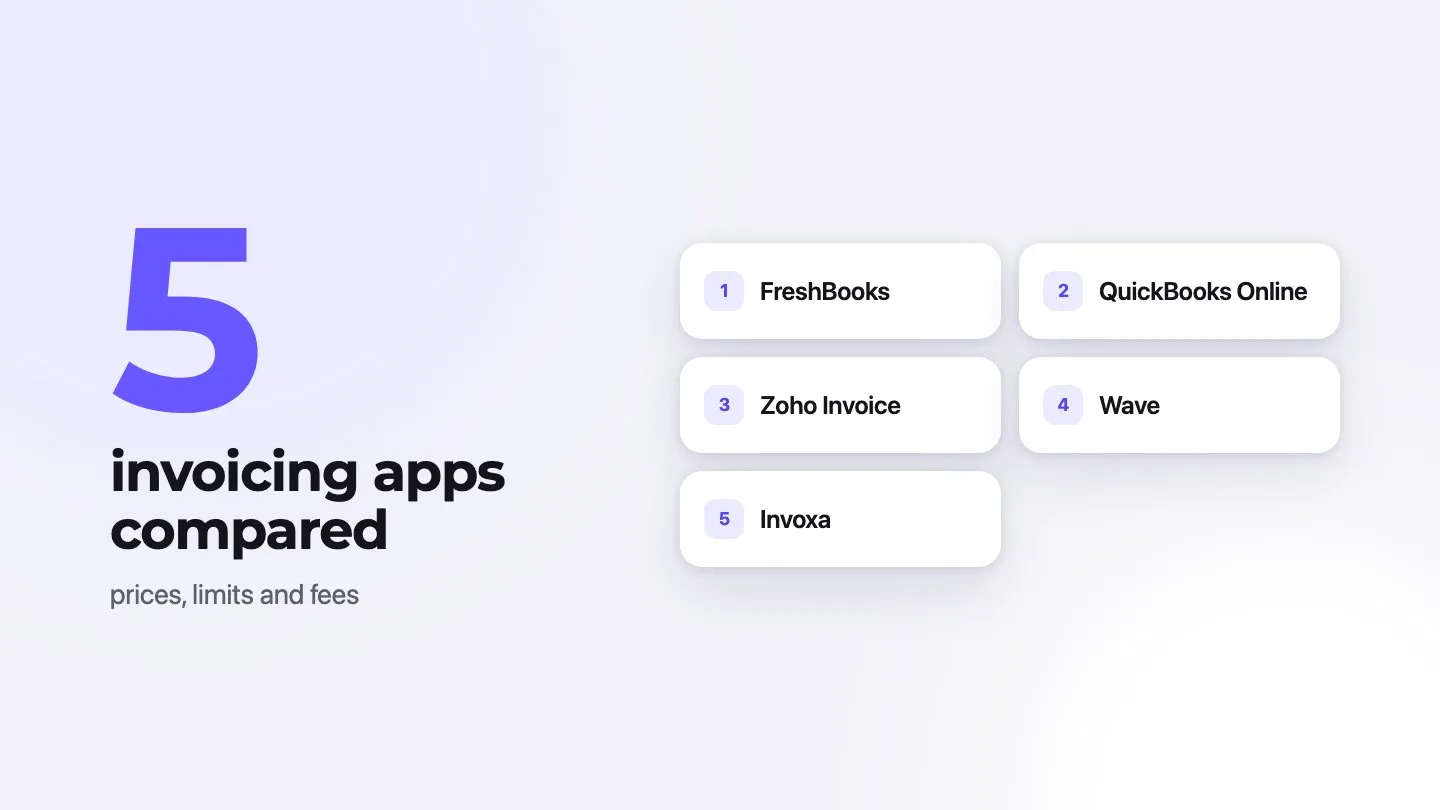
The best invoice software for a small business depends on what you need besides invoices. In short: Zoho Invoice is the strongest free option for invoicing only; Wave gives US and Canadian businesses free invoicing plus bookkeeping; FreshBooks suits service businesses that also track time and expenses; QuickBooks Online is the pick if you need full accounting; and Invoxa is a simple, low-cost invoicing app for the web, iPhone and Android.
We checked every price, limit and fee below on each company’s official website on 28 September 2026. Prices are US list prices in USD, before tax. Vendors often run introductory discounts, so check the linked pages before you buy.
Disclosure: Invoxa is our product. We describe it as plainly as the others, including its limits.
Comparison at a glance
| Software | Paid plans from | Free option | Main limits | Card fee (US, published) | Best for |
|---|---|---|---|---|---|
| FreshBooks | $23/mo (Lite) | 30-day trial | Lite: 5 billable clients | 2.9% + 30¢ | Service businesses with time and expense tracking |
| QuickBooks Online | $38/mo (Simple Start) | Free plan: 1 user, 2 invoices/month unless you use QuickBooks Payments | Recurring invoices and multi-currency from Essentials ($85/mo) | 2.99% | Businesses that need full accounting |
| Zoho Invoice | No paid plan | Free | 500 invoices/year, 2 users, Zoho branding | 2.9% + 30¢ with Zoho Payments | Free invoicing with many features |
| Wave | $19/mo or $190/yr (Pro) | Starter plan | US and Canada only; Starter sends invoices through Wave only with Wave payments | 2.9% + 60¢ (Starter) | Free invoicing plus bookkeeping in the US and Canada |
| Invoxa | $5.99/mo or $59.99/yr | 7-day free trial; first 3 documents free without a plan | Only 3 free documents without a plan; no bookkeeping | Through your own Stripe account | Simple, low-cost invoicing on web and mobile |
For a closer look at one pair, we keep dated, side-by-side comparisons of Invoxa with FreshBooks, Wave, Zoho Invoice and other invoicing apps, each with the competitor’s prices read on its official pricing page.
1. Zoho Invoice: best free invoicing software
Zoho Invoice is free, with no paid tier. The limits are the catch: up to 500 invoices a year, two users, three projects and two organizations.
What stands out: for a free tool it covers a lot: payment reminders, recurring invoices, quotes, customizable templates, time tracking and projects, a customer portal, multi-currency, and iOS and Android apps. Zoho does not charge a fee for online payments; the payment gateway does. With Zoho Payments in the US that is 2.9% + 30¢ for domestic cards and 0.8% for ACH, capped at $5 (Zoho Payments pricing).
Limitations: invoices carry “Powered by Zoho Invoice” branding. Zoho says data can be deleted if a user is inactive for more than 180 days. If you outgrow 500 invoices a year, the upgrade path is a different product, Zoho Billing.
2. Wave: best free option with bookkeeping (US and Canada)
Wave’s Starter plan is free and lets you create unlimited estimates and invoices, with bookkeeping included. Pro costs $19 a month or $190 a year per business.
What stands out: free invoicing and accounting in one place, logo and brand colors on both plans, and iOS and Android apps.
Limitations:
- Wave works only for businesses in the US and Canada; users elsewhere cannot send invoices or reminders through Wave (Wave help center).
- On Starter, sending invoices through Wave and late payment reminders require Wave’s online payments; otherwise you share invoices as links or PDFs.
- Card fees on Starter are 2.9% + 60¢, a higher fixed fee than the others here. Pro lowers it for the first ten transactions each month. Bank payments cost 1% with a $1 minimum (Wave payments).
- Removing Wave branding and adding users need Pro.
3. FreshBooks: best for service businesses
FreshBooks costs $23 a month for Lite, $43 for Plus and $70 for Premium at list price, with a custom-priced Select plan. Paying yearly saves 10%. There is a 30-day free trial with no card; at the time of writing FreshBooks was also running an introductory discount, which comes without the free trial.
What stands out: every plan includes automated recurring invoices, late payment reminders, scheduled late fees, unlimited estimates, a client portal and unlimited time tracking, with iOS and Android apps. Card payments cost 2.9% + 30¢ and ACH 1% (FreshBooks fees).
Limitations: Lite allows only 5 billable clients and Plus 50. Each extra team member costs $11 a month. Removing FreshBooks branding from client emails requires Select. FreshBooks Payments is available only to businesses in the US and Canada.
4. QuickBooks Online: best if you need full accounting
QuickBooks Online list prices are $38 a month for Simple Start, $85 for Essentials, $140 for Plus and $340 for Advanced; at the time of writing new customers got 50% off for three months. There is also a free plan.
What stands out: it is full accounting software, so invoices, expenses and reports live in one place. Invoicing includes custom branding and automatic payment reminders. Invoice card payments cost 2.99% and ACH 1% (QuickBooks payment rates).
Limitations:
- The free plan allows one user and two invoices a month, unless you qualify for and enable QuickBooks Payments.
- Recurring invoices and multi-currency start at Essentials ($85/mo).
- Simple Start has a single user.
- For invoicing alone, it is more software, and more cost, than many small businesses need.
5. Invoxa: best for simple, low-cost invoicing on web and mobile
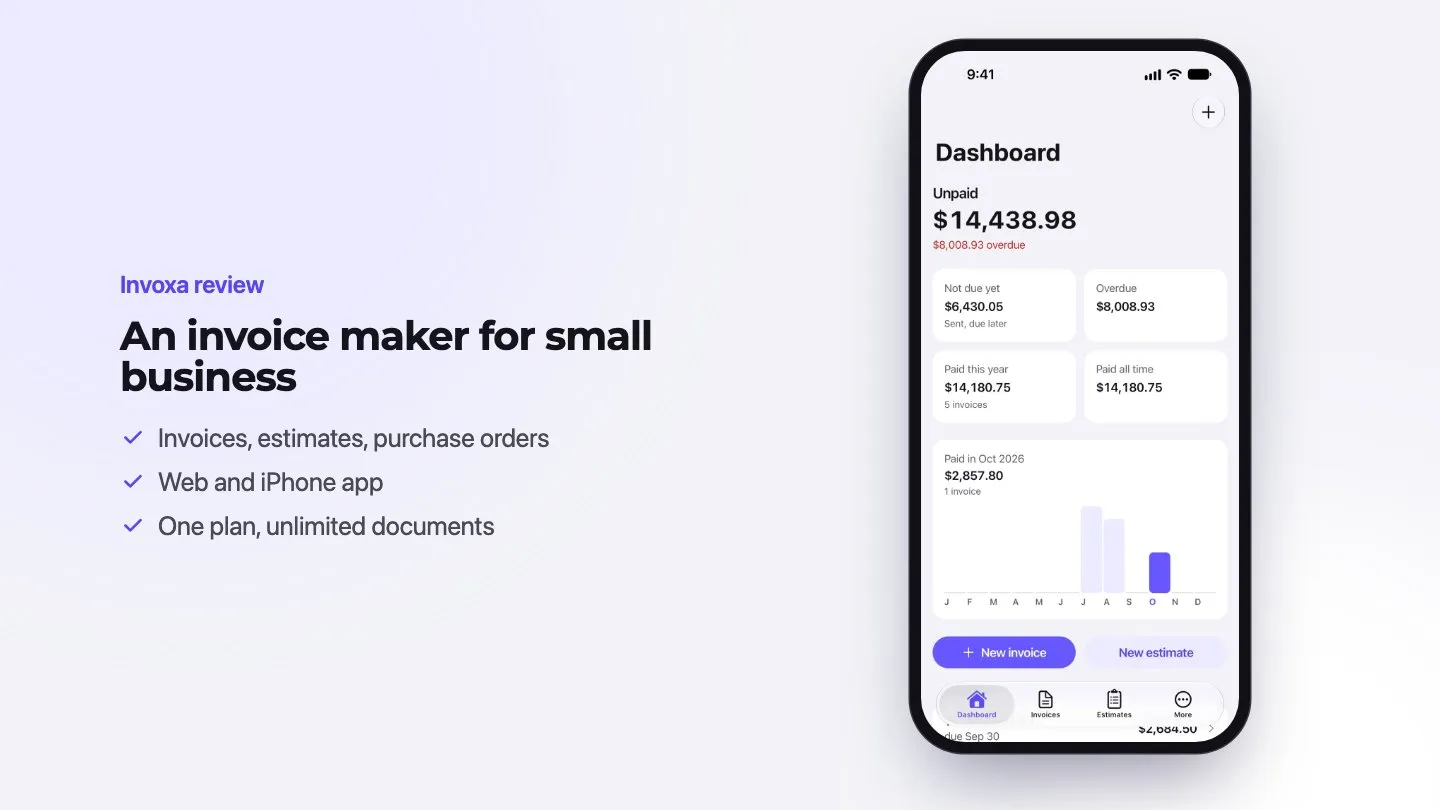
Invoxa has one plan, Invoxa Pro: $5.99 a month or $59.99 a year ($4.99 a month). There is a 7-day free trial: on the web with a card that is charged only after the trial, in the apps through the App Store or Google Play. Without a plan, your first 3 documents are free to send, download and share. In the online invoice generator you can fill in an invoice before you sign up.
What stands out:
- Unlimited invoices, estimates, purchase orders, clients and emails on the one plan.
- Estimates convert to invoices; clients can view documents online without an account.
- Recurring invoices weekly, every two or three weeks, or monthly.
- Your logo, templates and document design; custom numbering prefixes.
- Card payments through your own Stripe account, from a link on the invoice.
- A web app and apps for iPhone and Android; the iPhone app is rated 4.9 out of 5 from 501 ratings on the US App Store (September 2026).
Limitations:
- Only the first 3 documents are free without a plan.
- It is invoicing software, not accounting: there is no bookkeeping, bank feed or payroll, so you may still need an accountant’s tool.
- Card payments need a Stripe account, and payment processing fees apply.
How to choose
- How many invoices do you send? Under 500 a year, Zoho Invoice’s free plan may be all you need. Above that, compare paid plans.
- Do you need bookkeeping? If yes, look at Wave (US and Canada) or QuickBooks Online. If your accountant already uses one system, use that one.
- Where is your business? Wave and FreshBooks Payments are limited to the US and Canada.
- How do you charge? Hourly work favors tools with time tracking, such as FreshBooks and Zoho Invoice. Fixed-price jobs need good estimates and deposits.
- How do clients pay? Compare card and ACH fees on your typical invoice amount; a fixed 60¢ fee matters more on small invoices.
- Where do you work? If you invoice from job sites, test the mobile app before you commit.
- Try before you pay. Every option here has a free plan or a free trial. Create two or three real invoices in each and send one to yourself.
Invoicing software vs. accounting software
Invoicing software creates estimates and invoices, sends them, takes payments and shows what is overdue. Accounting software does that and also keeps your books: it connects to your bank, categorizes expenses and produces profit and loss statements and tax reports. Many freelancers and small businesses start with invoicing software and add an accountant, or accounting software, as they grow.
For more help, read our guide to choosing an invoice generator and see what a good invoice looks like in our invoice templates guide.
Frequently asked questions
What is the best invoicing software for a small business?
It depends on what else you need. Zoho Invoice is a strong free choice for invoicing only; Wave suits US and Canadian businesses that want free invoicing plus bookkeeping; FreshBooks suits service businesses that track time and expenses; QuickBooks Online suits businesses that need full accounting; Invoxa suits people who want simple, low-cost invoicing on the web, iPhone and Android.
Is there free invoicing software?
Yes. Zoho Invoice is free with limits such as 500 invoices a year and two users. Wave's Starter plan is free, but in the US and Canada only, and sending invoices through Wave needs its online payments or the Pro plan. QuickBooks Online has a free plan limited to two invoices a month unless you use QuickBooks Payments.
What is the simplest invoicing software for a small business?
Tools built only for invoicing, such as Zoho Invoice and Invoxa, have fewer screens than accounting suites like QuickBooks Online. If you only need to create, send and get paid for invoices and estimates, start with an invoicing-only tool.
Do I need accounting software or just invoicing software?
Invoicing software creates and sends invoices and tracks payments. Accounting software also keeps your books: bank feeds, expense categories, profit and loss, and tax reports. If an accountant does your books in QuickBooks or another system, ask them before you choose.
Which invoicing software has the lowest card payment fees?
From the published US rates we checked, FreshBooks and Zoho Payments charge 2.9% + 30 cents per domestic card payment, QuickBooks charges 2.99% for invoice card payments, and Wave's Starter plan charges 2.9% + 60 cents. Fees change, so check each provider's current rates.
Is Invoxa free?
You can fill in an invoice in the Invoxa invoice generator without an account, and your first 3 documents in an Invoxa account are free to send, download and share. Invoxa Pro has a 7-day free trial you can cancel before it ends. After that, Pro costs $5.99 a month or $59.99 a year.