

Automatic invoice numbering with your own prefix
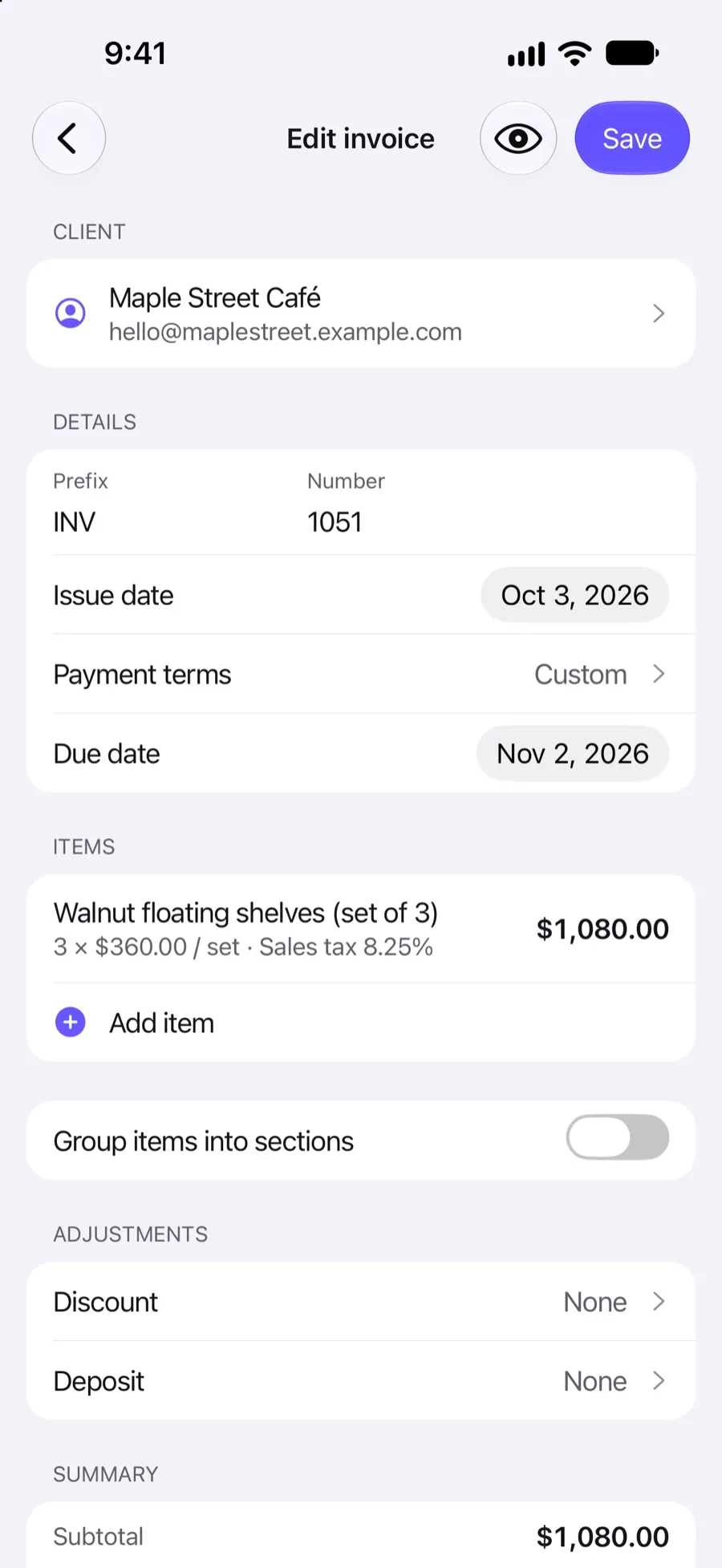
Every invoice, estimate and purchase order gets the next number automatically, with a prefix you choose (INV, EST and PO to start with) and a starting number of your own. Switching from another tool? Continue your sequence where it left off.
Included in Invoxa Pro, on the web and in the iPhone app. 3-day free trial, no credit card needed.
How it works
Set prefix and start
In numbering settings, set the prefix and the number each document type begins at.
Create documents
Each new invoice, estimate or purchase order takes the next number automatically.
Adjust when needed
Change the number or prefix on a single document, for example to match a client's reference.
What you can do
Three separate series
Invoices, estimates and purchase orders each have their own prefix and counter.
Your own prefix
Keep INV, EST and PO, or use your initials, a year or anything else.
Any starting number
Start at 1, at 1001, or at the next number from your old invoicing tool.
Automatic counting
The counter moves on by one with every document you create, on the web and in the app.
Estimates become invoices
An estimate converted to an invoice gets the next invoice number, not the estimate's.
Recurring and duplicates
Recurring copies and duplicates take the next number too.
Why numbering matters
An invoice number is how you, your client and the tax office refer to one invoice among hundreds. Most countries require invoice numbers to be unique and sequential, and gaps or duplicates make bookkeeping and audits harder. Letting Invoxa assign them removes the usual mistakes: two invoices with the same number, or a number skipped when a draft was deleted and recreated.
Prefixes and starting numbers
Each document type has a prefix and a counter. The defaults are INV for invoices, EST for estimates and PO for purchase orders, each starting at 1. Change the prefix to anything that suits you, and set the starting number. If you used another tool until now, start at the next number after your last invoice there, so your sequence continues without a gap.
Numbers on converted and copied documents
When an estimate is approved and you convert it to an invoice, the invoice gets the next number in your invoice series. Duplicates and recurring copies also take the next number, so you never have to fix numbers by hand after copying.
Frequently asked questions
How does Invoxa number invoices?
Automatically. Each new invoice takes the next number in your invoice series with your prefix, for example INV-1051, INV-1052. Estimates (EST) and purchase orders (PO) have their own series.
Can I continue my invoice numbers from another app?
Yes. In the numbering settings, set the number invoices begin at to the next number after your last invoice in the old app.
Can I change the invoice number on one invoice?
Yes, you can edit the number and prefix on a document. Invoxa does not check for duplicates, so choose a number that is not used yet.
What should an invoice number look like?
It must be unique and should follow a clear sequence. Our guide to invoice numbers covers common formats and the rules in different countries.
Related features
Recurring invoices
Repeat an invoice every week, two weeks, three weeks or month; Invoxa prepares each copy as a draft.
Duplicate invoices
Copy any invoice, estimate or purchase order into a new draft with the next number and today's date.
Estimates and quotes
Send estimates clients can approve, reject or comment on online, then turn them into invoices in one step.
 Read reviews on App Store
4.9 out of 5 on App Store
 Read reviews on Google Play
4.9 out of 5 on Google Play