

Freight and Logistics Invoice Templates
Free invoice templates for trucking companies, carriers, freight brokers, couriers and movers. Download the Excel or Word file, add the shipment details, and print the invoice or save it as a PDF to send.
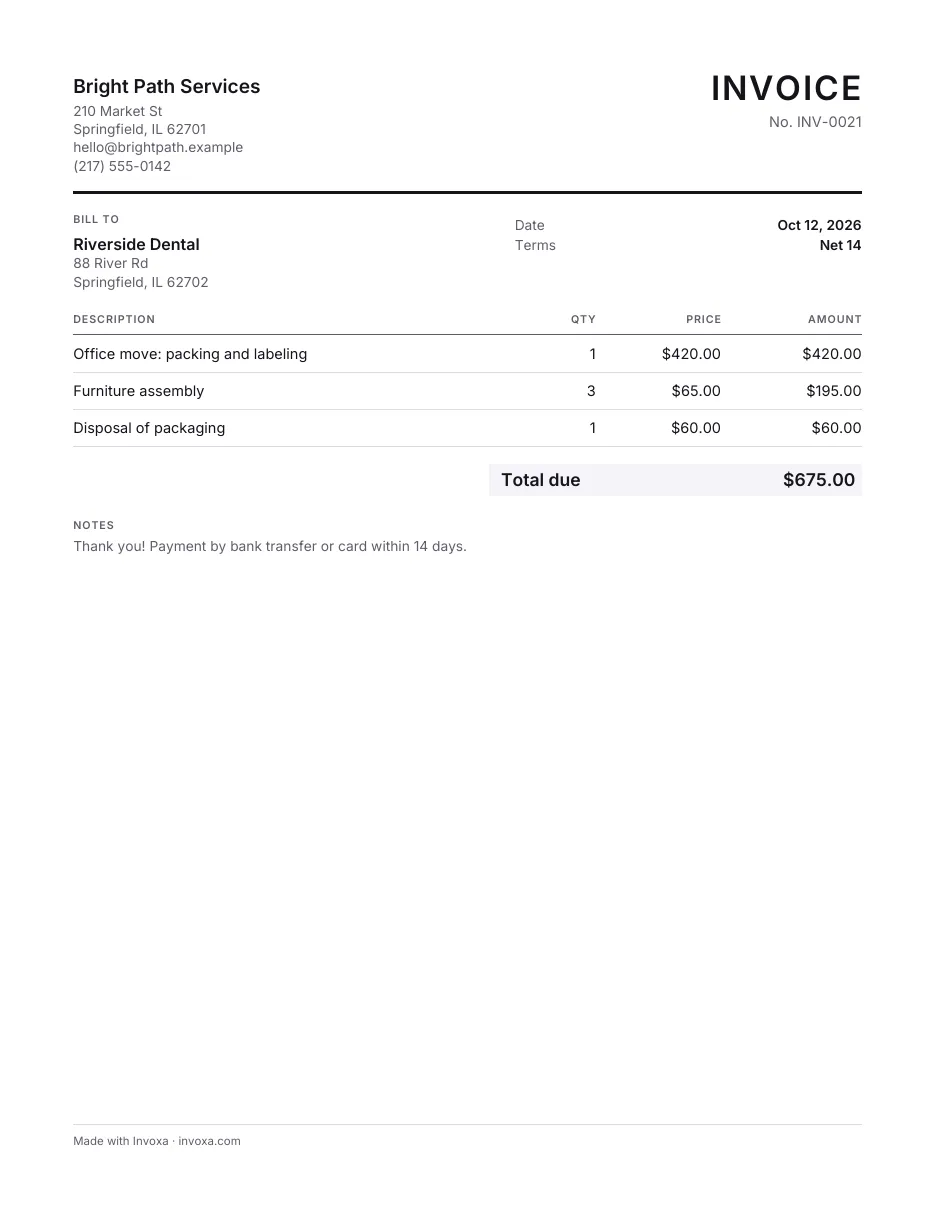
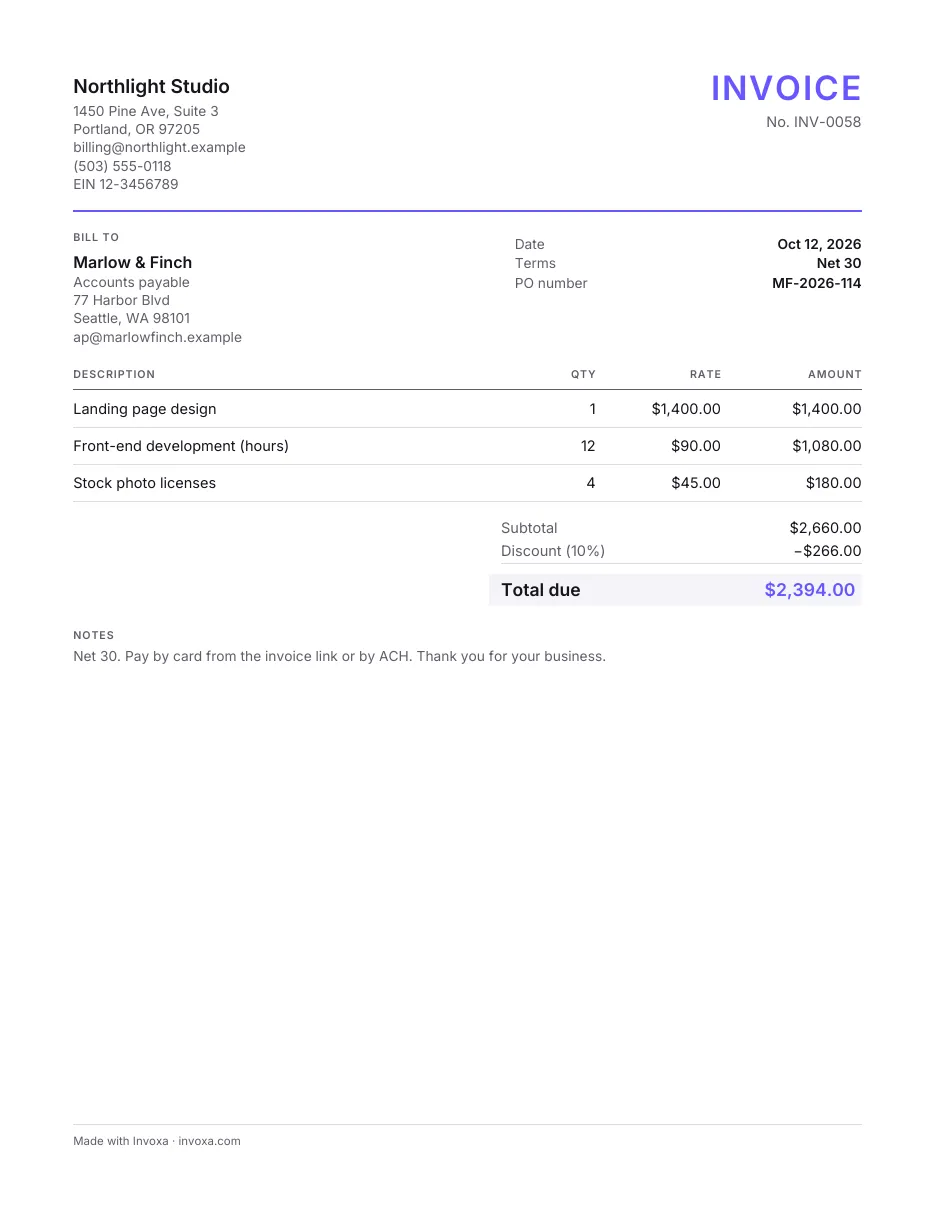
Invoice templates
Word, Excel, Google Docs and printable PDF, or fill one in online and download the PDF. Free, no sign-up.
More free Word and Excel files
About Freight and Logistics Invoice Templates
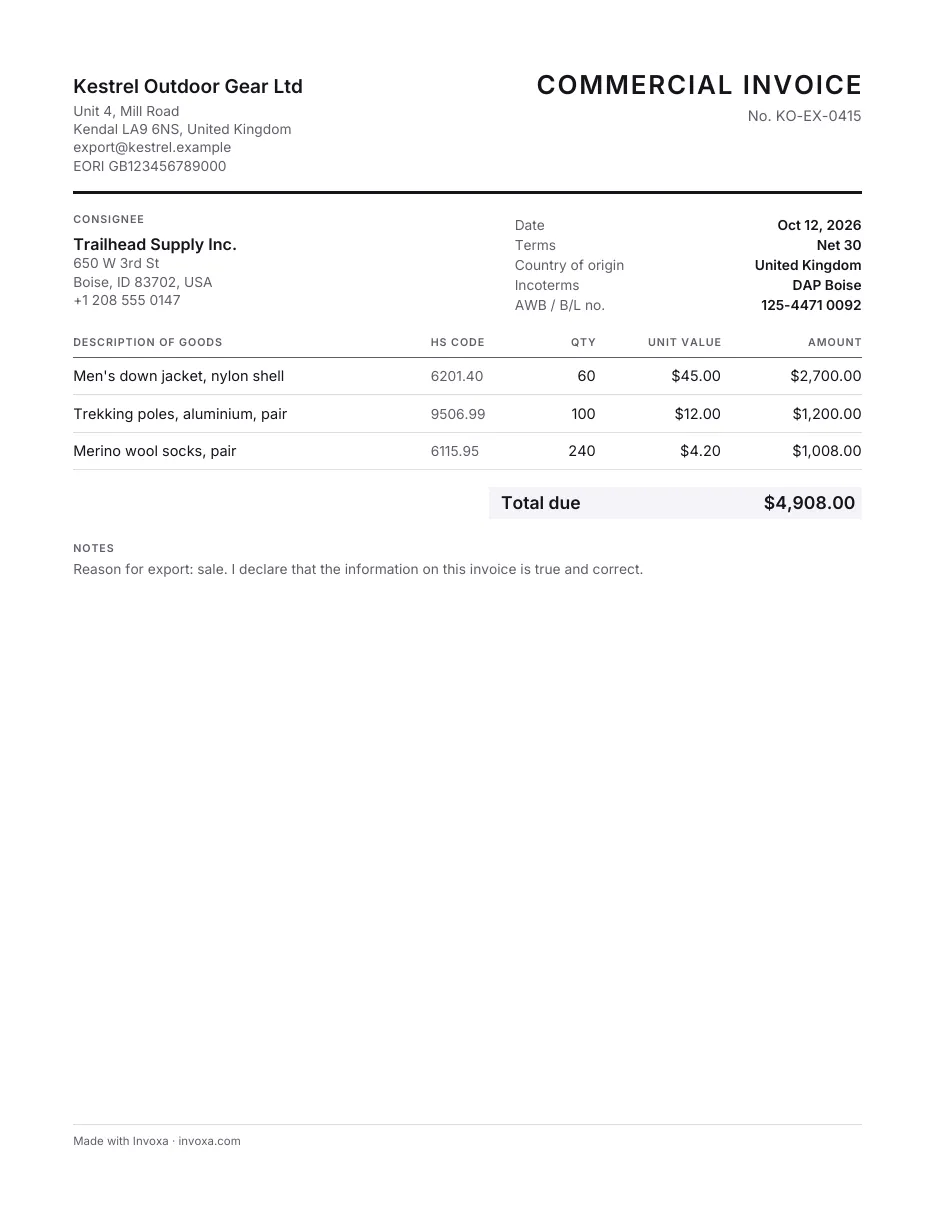
Besides the templates above, this page has two more free files. The Excel invoice has item, quantity, unit price and discount columns plus shipping, tax and deposit lines, and it calculates the totals; a second sheet holds your customer list. The Word invoice adds ship-to, "shipped via", F.O.B. point and P.O. number fields. The Excel file is called a commercial invoice, but it is a sales invoice layout, not a customs form: for international shipments, check what your customs broker or the destination country requires.
What to include on a freight or trucking invoice:
- the load or shipment reference, the bill of lading (BOL) number, and the shipper's P.O. number if they use one;
- pickup and delivery addresses and dates;
- the rate: flat, per mile or kilometer, per pallet or by weight;
- extra charges such as fuel surcharge, detention or waiting time, lumper fees, tolls and liftgate service, each on its own line;
- proof of delivery, if the customer asks for it with the invoice;
- your payment terms and the due date.
For shipments across borders, see how to fill out a customs invoice.
Invoxa creates purchase orders as well as invoices, supports 119 currencies (you set yours in company settings), and sends invoices as a link or PDF.