
Service Invoice: How to Build a Template for Quick & Easy Payments [With Examples]
Late payments are still one of the biggest headaches for service-based businesses, and many overdue invoices can be traced back to incomplete, confusing, or inaccurate invoicing.
The frustrating part? Many of those delays are preventable. Service businesses rely on steady client payments to cover subscriptions, payroll, and everyday expenses. When money gets stuck in “pending” because of a poorly structured invoice, it can slow down growth and create unnecessary stress.
A high-performing service invoice doesn’t just list services and totals. It acts like a mini customer experience: it reassures clients, clearly explains what they’re paying for, and makes it effortless to complete the payment—on any device, with any method they prefer.
This guide will walk you through how to build service invoice templates that consistently get you paid faster. You’ll learn which details to include, how to structure them for clarity, and how to use design and copy to nudge clients toward on-time payments.
Ready to modernize your invoicing process and keep cash flowing smoothly? Let’s dive in.
Understanding the Psychology of Fast Payments
Invoicing isn’t just about numbers—it’s also about behavior. Over the last few years, we’ve seen clear patterns in the way clients respond to invoices, reminders, and payment options. When you understand the psychology behind fast payments, you can design invoices that quietly “do the selling” for you.
What Makes Clients Pay Quickly
One of the strongest drivers of payment behavior is loss aversion. Clients are more likely to act when they feel they might lose something—like a discount, a booking slot, or access to ongoing services—than when they feel they’re gaining a small benefit. That’s why clear due dates, transparent late fees, and early-payment rewards work so well.
Convenience is just as important. Clients expect to pay with a couple of taps, whether they’re on a laptop or a phone. When you provide multiple frictionless options—card, bank transfer, digital wallets, or payment links through your accounting tool—your invoices are processed significantly faster.
Electronic invoices also beat paper every time. They’re easier to track, forward for approval, and pay on the spot. That’s why digital invoicing has become the default for serious service businesses.
Common Payment Delay Triggers
On the flip side, we regularly see the same delay triggers hurting businesses again and again. The most common are:
- Missing or incorrect client data, tax IDs, or invoice numbers
- Unclear or hidden payment terms and due dates
- Unfamiliar or confusing service descriptions
- Internal approval bottlenecks on the client’s side
- Technical frictions (broken links, non-mobile-friendly invoices, failed payment attempts)
- Cash flow constraints when clients can’t see options like partial or staged payments
Freelancers and small agencies often make a second mistake—undervaluing their work. That leads to uncomfortable conversations, renegotiations, and in many cases, postponed payments while the client “reviews the numbers.” A clear, confident invoice helps prevent that.
Designing for Psychological Impact
Smart layout and design amplify everything you’ve just read. Clients scan invoices, not study them. That means your template has to guide their eye automatically to the details that matter most: what they owe, when it’s due, and how to pay.
Visual cues help a lot. Blue tones communicate reliability and professionalism, while green hints at financial stability and “paid and done.” You don’t need a rainbow—just a restrained, consistent palette that makes important elements stand out.
When your invoice looks clean, modern, and easy to process, clients feel more confident about paying it quickly—especially new clients seeing your documentation for the first time.
Essential Elements of a High-Converting Service Invoice
High-converting invoices share a clear structure. They tick legal and tax boxes, but they also remove mental friction for the client. Invoices that contain all key elements are easier to approve and pay than those missing even one or two details.
Must-Have Components
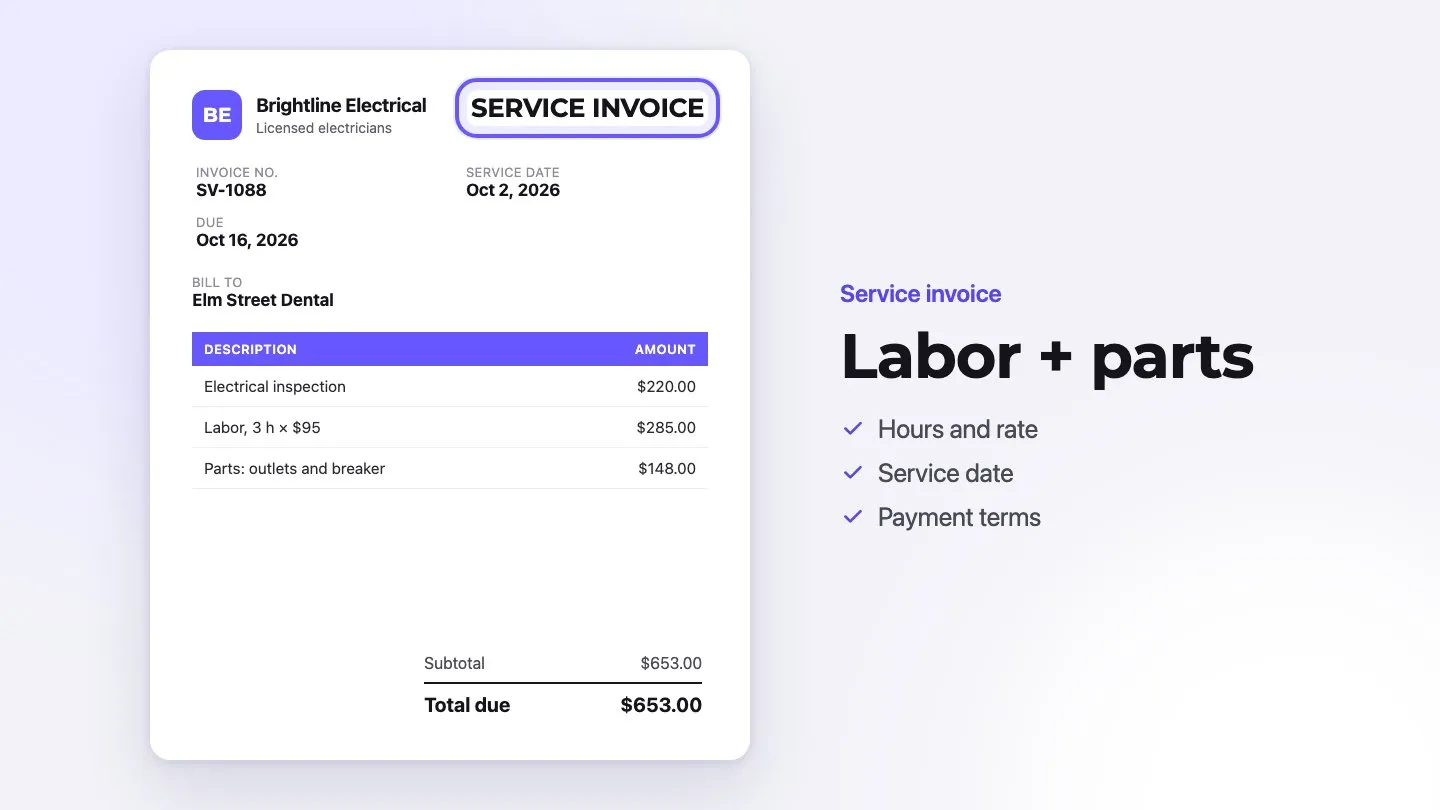
Every service invoice template you use should include at least the following:
- Business Information: Your company name, logo, address, website, and contact details.
- Client Details: Billing name, address, email, and any internal client references or tax IDs.
- Invoice Number: A unique, sequential number for easy tracking and compliance.
- Invoice Date & Due Date: Clearly displayed so there’s no ambiguity.
- Payment Terms: For example, “Due in 14 days” or “Net 30,” plus any early-payment discounts or late fees.
- Itemized Services: A breakdown of what you delivered, with quantities, rates, and dates where relevant.
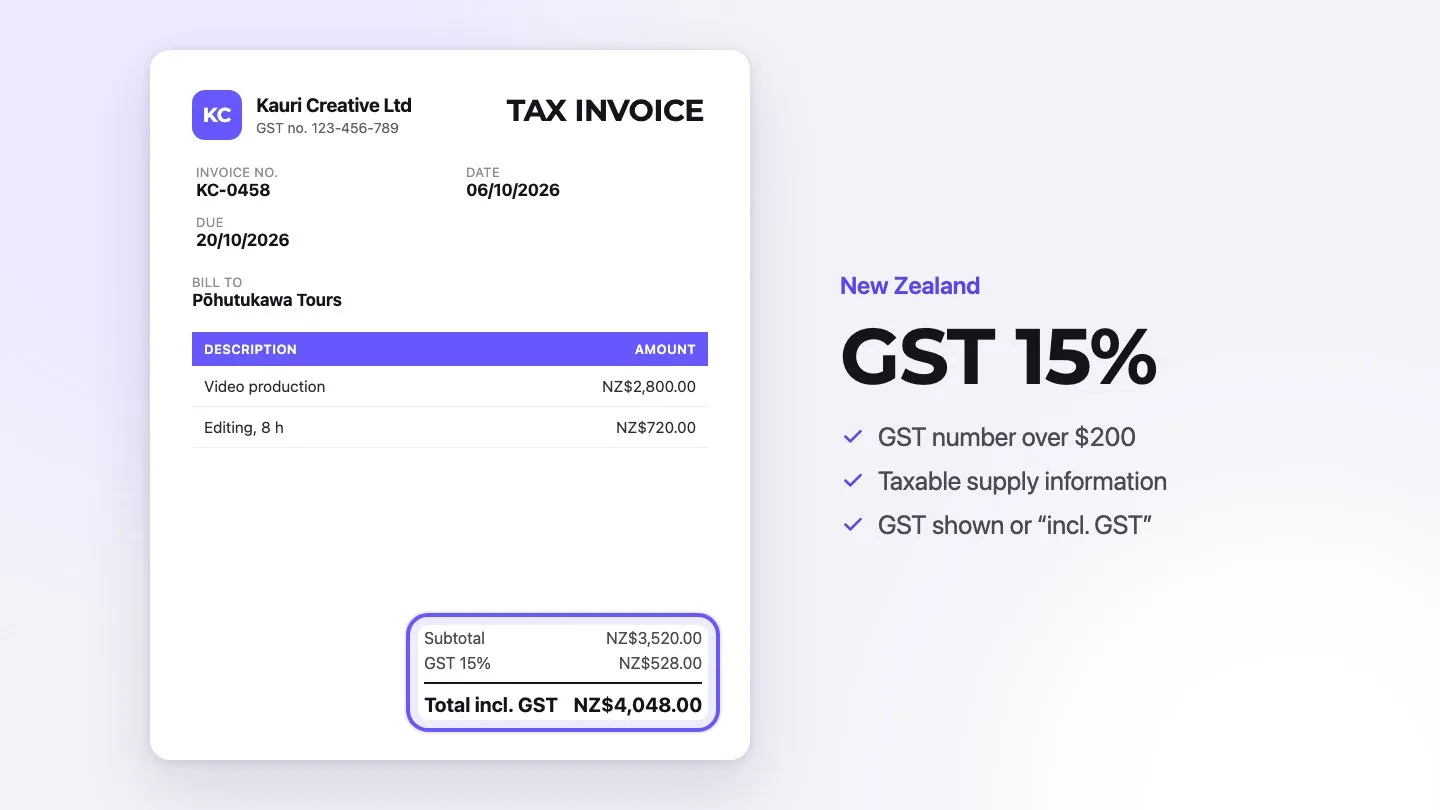
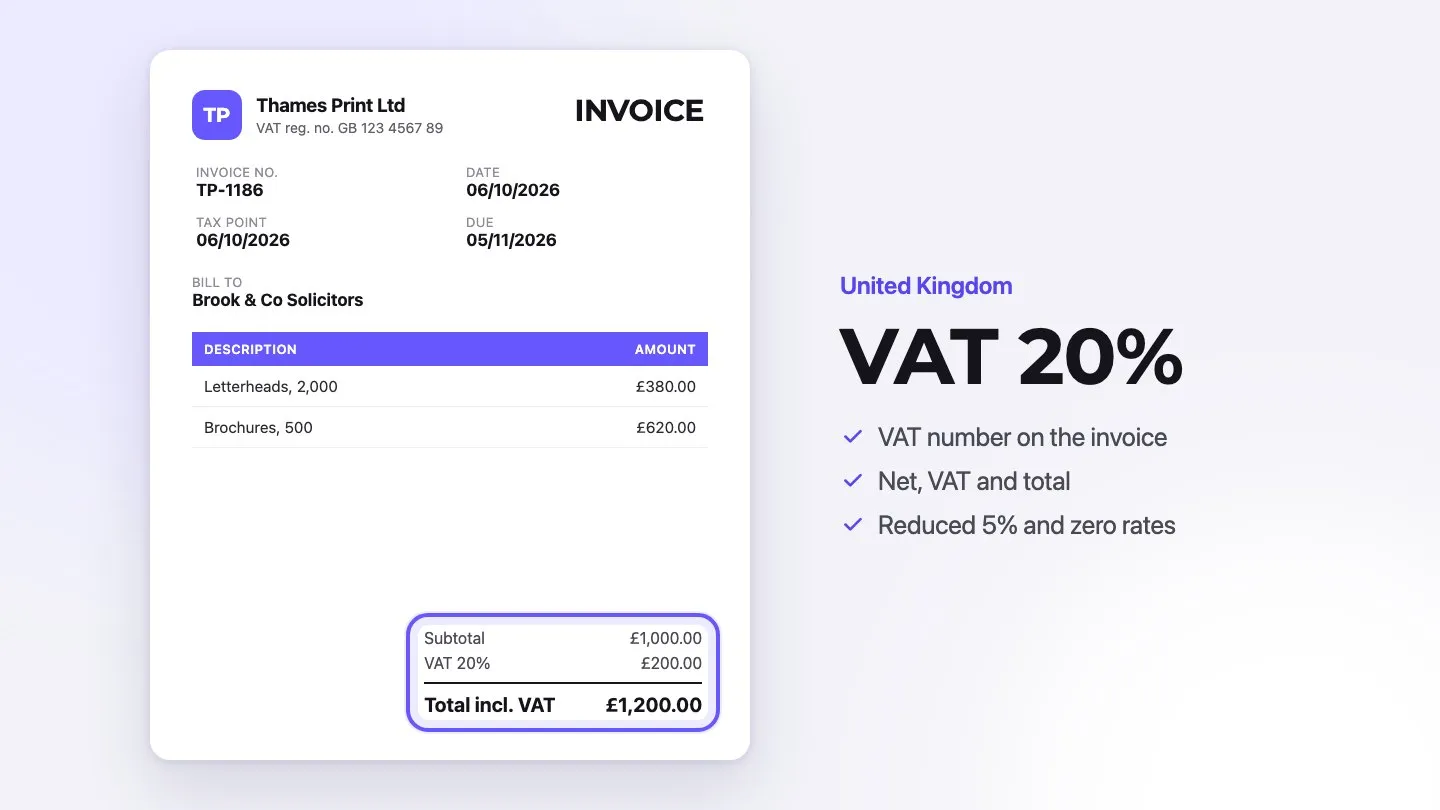
- Taxes and Discounts: Shown transparently so the client can audit the math quickly.
- Final Total: The amount due, highlighted prominently.
When each of these pieces is always in the same place on every invoice, clients quickly learn how to read and approve your documents without additional questions.
Strategic Information Placement
Placement matters. Invoices that follow natural reading patterns—top to bottom, left to right—are easier to process. A proven layout looks like this:
- Top left: your logo and business information
- Top right: invoice and due dates, invoice number, and total amount due
- Below: client information and project or reference details
- Middle: itemized list of services, hours, and rates
- Bottom: totals, taxes, notes, and payment options
By keeping totals and deadlines within the first screenful on desktop and mobile, you reduce the chance that a busy client “misses” them and postpones payment.
Visual Hierarchy Tips
Visual hierarchy is how you show clients what’s most important. You can build it with size, weight, spacing, and color. Here are simple rules that work well:
- Make the total amount due and due date larger or bolder than surrounding text.
- Use one accent color to highlight key details, such as totals and call-to-action buttons.
- Keep enough white space around critical information so it doesn’t get lost.
- Use one or two fonts max—ideally clean, easy-to-read sans-serif fonts.
These small design decisions help your invoice feel professional and easy to handle, which directly supports faster approvals and payments.
Crafting Clear and Compelling Payment Terms
Payment terms are where expectations become explicit. Vague or overly “standard” wording isn’t enough anymore—especially when clients manage dozens of vendors and subscriptions.
Setting the Right Due Date
Different industries have different norms, but you still have flexibility. The key is to choose terms that support your cash flow while remaining realistic for your clients. As a starting point:
- Professional services: commonly 14–30 days
- Transportation & logistics: often 30–120 days
- Retail: usually 3–7 days or payment on delivery
- Manufacturing: typically 30–60 days
Shorter terms mean faster cash flow, especially for freelancers and small studios. If you’re moving from Net 30 to shorter periods like 14 days, communicate the change clearly and explain that it helps you maintain quality and responsiveness.
Incentivizing Early Payments
Early payment incentives remain one of the most effective tools for speeding up collections. Even small discounts can make a difference if they’re visible and easy to understand. A classic example is “2% 10, Net 30” (2% discount if paid within 10 days).
You can also use a sliding scale for larger or recurring projects. For example:
- 4% discount for payment within 5 days
- 3% discount for payment within 10 days
- 2% discount for payment within 20 days
These incentives work best when they’re placed near the total on the invoice and echoed in your contract or proposal, so there are no surprises.
Late Payment Policies That Work
Late fees shouldn’t feel like a punishment; they should feel like a clear, fair framework that you apply consistently. Many businesses choose a modest monthly interest rate or a fixed fee on overdue balances.
Before fees kick in, you can:
- Offer a brief grace period of 3–7 days
- Send a friendly reminder a few days before the due date
- Follow up with a firm but polite message just after the deadline passes
Always check local regulations or speak with an accounting professional to ensure your late-fee policy complies with regional or state laws. Clarity plus consistency is what protects both your cash flow and your client relationships.
Designing Your Template for Maximum Impact
Your service invoice template should look current, not like something from 2010. Clean, modern design not only strengthens your brand but also shows clients you take your business—and theirs—seriously.
Color Psychology in Invoice Design
Color is a subtle but powerful tool. Used well, it can give your invoices a polished, trustworthy feel without distracting from the numbers.
- Navy blue: signals stability and professionalism—ideal for headers and key labels.
- Forest green: connects to money and financial wellbeing—great for totals or paid stamps.
- Turquoise or teal: draws attention without feeling aggressive—try it for buttons or links.
- Gray: neutral supporting color for secondary information.
- White: your best friend for background and breathing room.
Reserve red for late notices or truly urgent elements. Too much red can feel stressful and may associate your invoices with negative experiences.
Typography Best Practices
Readable text is non-negotiable. Invoices are often viewed on small laptop screens or phones, sometimes in less-than-ideal lighting. Stick to simple, web-safe fonts and sensible sizing.
| Element | Recommendation |
|---|---|
| Body Text | 10–12 pt, regular weight |
| Section Headers | 14–16 pt, bold |
| Invoice Title / Total | 18–22 pt, bold |
| Line Spacing | 1.15–1.5 line height |
Using the same font family across your invoices reduces visual noise and helps clients instantly recognize your brand.
Using White Space Effectively
White space—or empty space—is what keeps your invoice from feeling like a wall of numbers. It separates sections, frames totals, and makes the document easier to scan.
Give breathing room to:
- The total amount due and due date
- Client details and project descriptions
- Payment instructions and options
When the layout feels balanced and uncluttered, clients can process your invoice in seconds instead of minutes, which again nudges them toward faster payment.
Optimizing Your Invoice Language
Design gets attention, but language drives action. The way you phrase your descriptions, notes, and payment terms can make the difference between “I’ll deal with this later” and “I’ll pay this now.”
Power Words That Encourage Action
Certain words reliably increase response rates because they convey urgency, trust, or clear value. You don’t need to overdo them—sprinkling them in the right places is enough.
| Power Word Category | Examples | Typical Effect |
|---|---|---|
| Urgency | “now”, “today”, “immediately” | Encourages faster action |
| Trust | “secure”, “verified”, “confirmed” | Reassures clients about payment |
| Value | “professional”, “premium”, “tailored” | Justifies your pricing |
Use these terms in payment notes (“Secure online payment available via the link below”) or service descriptions (“Tailored consulting package”).
Clear vs Ambiguous Phrasing
Ambiguous language creates confusion—and confusion slows everything down. Replace abstract or shorthand terms with literal ones your clients can’t misinterpret.
- Instead of “Payment due upon receipt”, write “Payment due by March 15”.
- Instead of “Net 30”, write “Full payment required within 30 days of the invoice date”.
- Instead of “Terms as agreed”, write “Terms: 2% discount if paid within 10 days; full amount due within 30 days”.
The less your client has to “decode,” the faster they can approve your invoice and move on.
Professional Tone Guidelines
Your tone should be confident, polite, and consistent with your brand. You’re not begging to be paid—you’re clearly stating what’s owed for value already delivered.
Simple guidelines:
- Open with a straightforward label like “Service Invoice” or “Consulting Services Invoice.”
- Use neutral, factual language in descriptions—avoid slang or emotionally loaded phrases.
- Include a brief note of appreciation near the end, such as “Thank you for your business” or “We appreciate the opportunity to work with you.”
These touches keep the relationship warm while still making it clear that payment is expected on time.
Strategic Placement of Payment Options
Even the best invoice stalls if payment feels like a chore. Your template should make it incredibly obvious how to pay—and should support the methods your clients already prefer.
Highlighting Preferred Payment Methods
Place your preferred payment method where the eye naturally lands—typically near the total in the top right or just beneath the itemized list. A short note such as “Preferred payment method: online card payment via the secure link below” works well.
| Payment Type | Suggested Placement | Typical Effect on Speed |
|---|---|---|
| Online / Card | Near total and due date | Often the fastest option |
| Bank Transfer | In a separate “Bank details” block | Reliable for larger invoices |
| Check / Cash | Lower section or small print | Slower, but still supported if needed |
By nudging clients toward your preferred method, you make reconciliation easier for yourself and smoother for them.
Making Online Payments Easy
Clients now expect one-click or one-scan payment experiences. Your invoice should include:
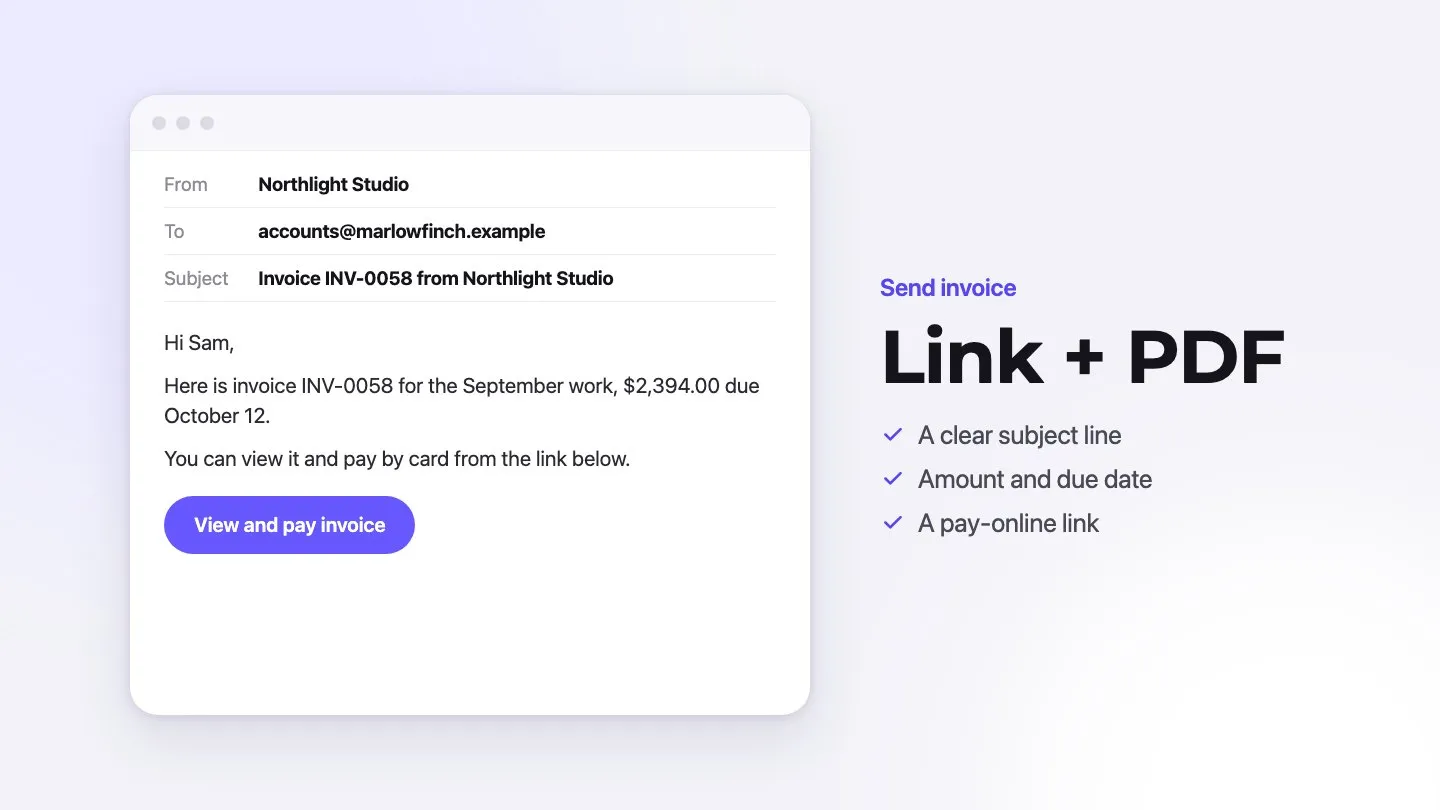
- A clear payment button or hyperlink for online payments
- Short, plain-language instructions (“Click the button below to pay securely online”)
- Mobile-friendly formatting so links and buttons are easy to tap
- Optional QR codes that open a payment page instantly on a phone
Also consider adding a small line about security, for example: “All payments are processed via our secure, PCI-compliant provider.” It reassures cautious clients and reduces objections.
Multiple Payment Option Layout
Offering three to four payment options is usually the sweet spot. Too few can frustrate clients; too many can overwhelm them. Group similar options together, and use icons or labels so they’re recognizable at a glance.
A simple structure might be:
- Primary online method (card or payment link) with a button
- Bank transfer details (IBAN, SWIFT, account holder, reference)
- Alternative methods (for example, check payments) in a smaller section
Adding security badges or short trust statements near your payment section can further increase completion rates—especially for first-time clients.
Template Customization for Different Services
A single, generic invoice template is rarely enough. When you tailor your template to your service type, clients feel that you understand their world—and it becomes easier for them to approve your invoices internally.
Consulting Service Templates
Consulting invoices often involve phased projects, retainers, and time-based billing. Your template should make it clear what stage you’re in and what has been delivered so far.
Helpful elements include:
- A short project summary or phase name (for example, “Phase 2 – Strategy Implementation”)
- Time tracking or days worked with corresponding rates
- Milestones completed in the billing period
- Reference to the proposal or statement of work
This level of detail reduces back-and-forth with procurement or finance teams who need to justify each line item.
Creative Service Templates
Designers, writers, marketers, and other creative professionals benefit from invoices that highlight the value and scope of their work. Clients may not always see what happened “behind the scenes,” so the invoice is a chance to connect the dots.
| Template Element | Purpose | Benefit |
|---|---|---|
| Project or campaign name | Anchor the work to a clear initiative | Makes costs easier to attribute |
| Deliverable list | Show exactly what’s included | Reduces scope disputes |
| Usage or licensing notes | Clarify rights and duration | Protects both sides legally |
You can also reflect your brand visually—just keep it clean and professional so readability and payment clarity always come first.
Professional Service Templates
Professional service templates for lawyers, accountants, doctors, and other regulated professions have to balance formal requirements with client-friendly language.
They typically work best when they include:
- A clear scope of services section
- Relevant credentials or registration numbers
- References to engagement letters or contracts
- Any compliance or regulatory notes required in your region
Grouping services into logical categories—such as “Consultation,” “Ongoing support,” and “Additional services”—helps clients understand exactly what they’re paying for and speeds up approvals.
Conclusion
A strong service invoice template is more than a simple payment request. It’s part of your client experience, part of your cash-flow system, and part of your brand.
By understanding payment psychology, using clear structure, and applying modern design principles, you can turn every invoice into a friction-free path to getting paid. Over time, these small optimizations compound into healthier cash flow, fewer awkward conversations, and more time to focus on the work you actually enjoy.
Your invoice template should work as hard as you do—building trust, reinforcing your professionalism, and making it incredibly easy for clients to pay on time, every time.
If you’re ready to streamline your paperwork and spend less time chasing payments, try invoice maker Invoxa now (7-day free trial, cancel anytime) and put this into practice with branded templates, clear payment terms, online card payments through Stripe, and a view of which invoices have been opened and paid.
FAQs
Q1. How can I create an effective service invoice template?
Start by including all essentials: your business and client details, a unique invoice number, invoice and due dates, clear payment terms, an itemized list of services, taxes, discounts, and the final amount due. Then layer on design: consistent fonts, logical structure, and strong visual hierarchy so clients can understand and approve the invoice in seconds.
Q2. What are some strategies to encourage faster payments?
Offer multiple payment options, with your preferred method highlighted near the total. Make online payments as simple as clicking a link or scanning a QR code. Consider early-payment discounts, send polite reminders before and after the due date, and use clear, action-oriented language that tells clients exactly what to do next.
Q3. How should I customize my invoice template for different types of services?
Adapt the template to match your service model. Consultants can highlight phases, milestones, and hours worked. Creative professionals should emphasize deliverables, campaigns, and licensing terms. Regulated professions benefit from clear scopes of work, credentials, and references to formal engagement documents. The goal is always the same: make it easy for the client to see what they’re paying for and why.
Q4. What design elements can help improve payment speed?
Use a clean layout with strong visual hierarchy, brand-consistent colors, and easy-to-read typography. Give space to totals, due dates, and payment instructions so they stand out immediately. Adding trust signals—such as security notes or badges near your payment section—can also increase the likelihood of fast online payments.
Q5. How can I optimize the language in my invoice to encourage prompt payment?
Be specific, polite, and direct. Replace vague phrases with concrete deadlines and terms, use action verbs like “pay,” “complete,” or “confirm,” and include brief notes of appreciation. Keep jargon to a minimum and ensure that anyone reading the invoice—whether a founder, manager, or finance clerk—can understand your wording without extra explanations.